Notion AI
Notion AI summarizes documents, rewrites content, creates tasks, and supports project management inside team knowledge bases.
Quick take
Notion AI is a good fit for Product teams and Operations teams. Its main value is Close to document workflows and Good for team knowledge. If you need Knowledge base or Documents workflows, review the details before copying the official URL.
Decision summary
Best fit
Teams already centralizing projects, docs, knowledge bases, and meeting notes in Notion who need in-place summarization and drafting.
Caution
Organizations whose knowledge is not in Notion or whose current document system has unclear migration upside.
Compare first
Compare ChatGPT, Claude, Gemini before deciding.
Last reviewed
2026-05-09
Best for
- Teams already centralizing projects, docs, knowledge bases, and meeting notes in Notion who need in-place summarization and drafting.
- Product, operations, and management teams extracting action items from pages, databases, and task context.
- Personal knowledge users organizing notes, rewriting drafts, and maintaining project material in one workspace.
Not ideal for
- Organizations whose knowledge is not in Notion or whose current document system has unclear migration upside.
- Workflows requiring rigorous research, citation checks, and public-source investigation across many external sources.
- Users who need a standalone general assistant for coding, images, complex reasoning, and other broad tasks.
Decision notes
- Notion AI's value depends on workspace quality; review official product details and fit with permissions and database structure before buying.
- Compare Gemini if core material lives in Google tools, and Claude if stronger long-form reasoning matters.
- Clean page naming, database fields, and knowledge boundaries first, or AI will only speed up messy knowledge reuse.
Key features
- Close to document workflows
- Good for team knowledge
- Easy to adopt
Best for
- Product teams
- Operations teams
- Personal knowledge users
Pricing
- Paid
Limitations
- Value depends on Notion usage depth
- External data integration is limited
FAQ
Who is Notion AI best for?
Notion AI is best for Product teams, Operations teams, Personal knowledge users.
Is Notion AI free?
Notion AI is marked as Paid on this site. Check the official site for current plans and limits.
What are the best alternatives to Notion AI?
Compare ChatGPT, Claude, Gemini; each covers a different workflow in the same category.
Ready to try Notion AI?
Review fit, limitations, and alternatives before copying the official URL for current plans.
Alternatives
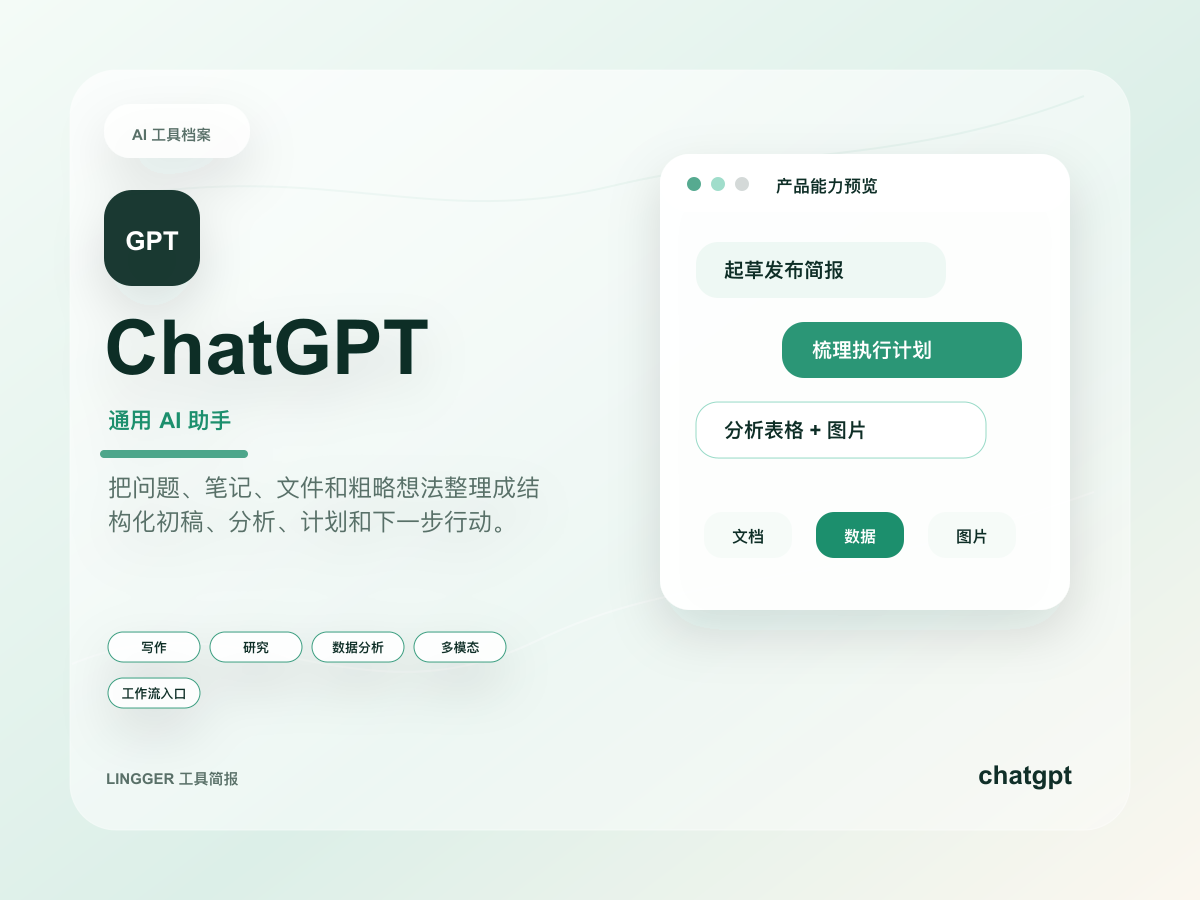
ChatGPT
A general AI assistant for writing, research, brainstorming, and everyday questions.
Turn scattered notes, meeting fragments, and research snippets into editable drafts, outlines, and action lists.
- Best for
- CreatorsStudents
- Why consider it
- Broad use casesEasy to start
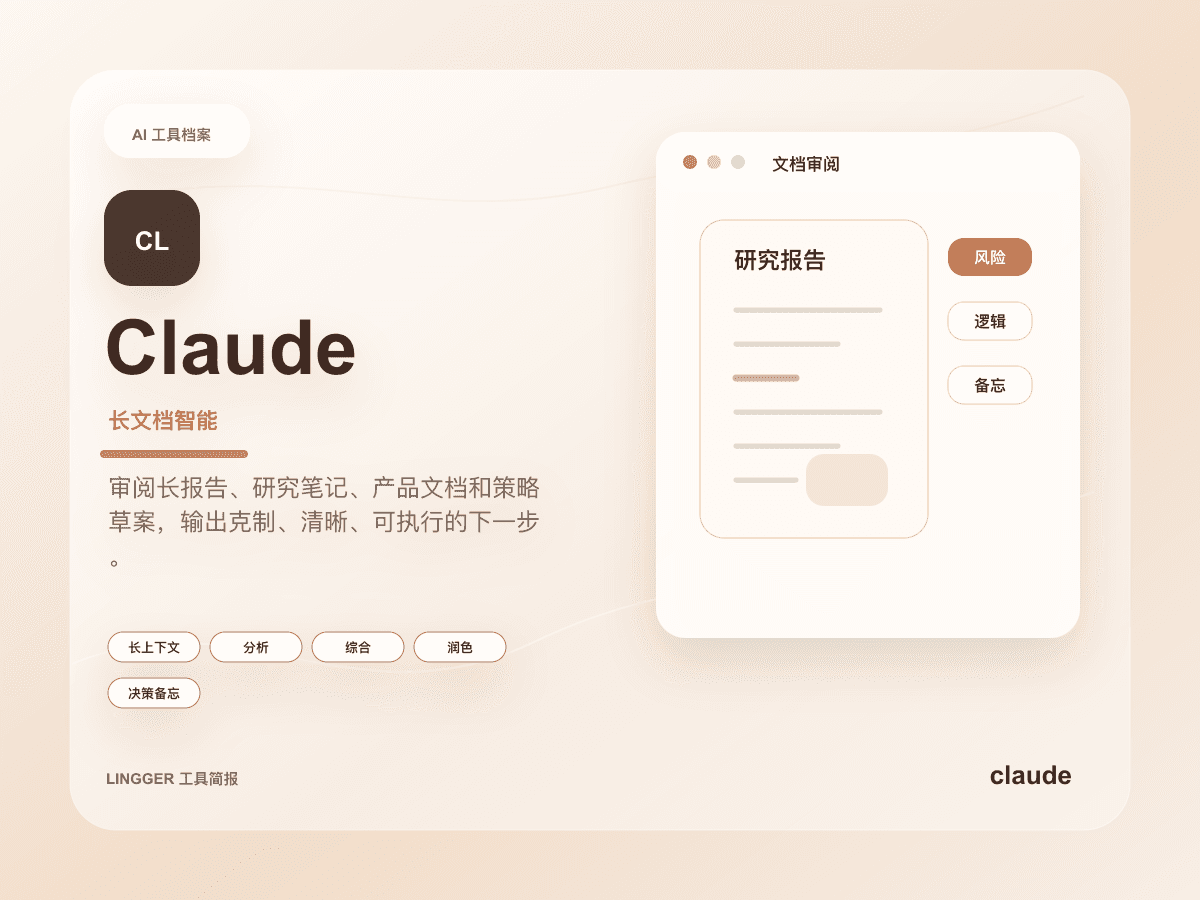
Claude
An AI assistant strong at long-context understanding, writing polish, and complex task breakdowns.
Read long documents, interview notes, product specs, or research material and turn them into clear judgments, risks, and actions.
- Best for
- ResearchersEditors
- Why consider it
- Strong long-context workNatural writing
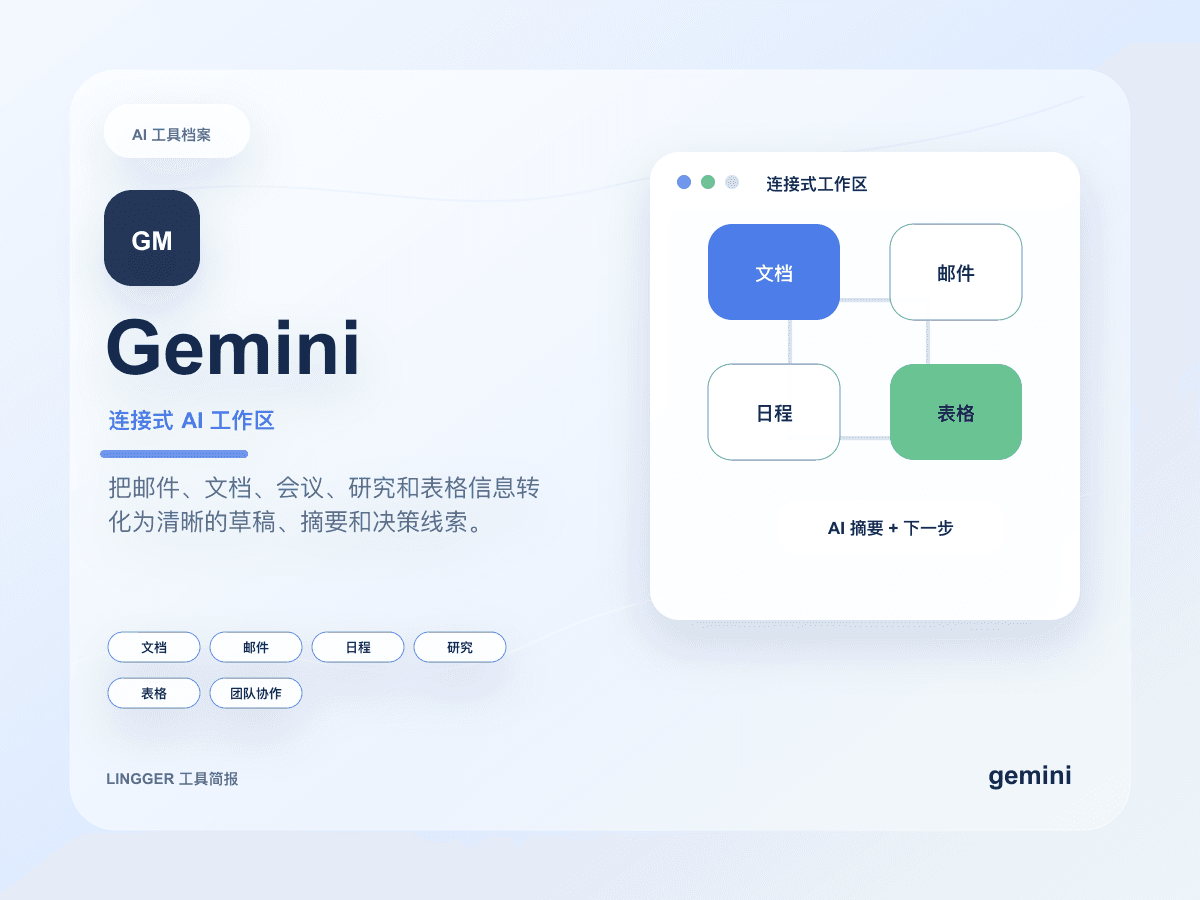
Gemini
Google's AI assistant with search, document, and multimodal capabilities.
Create summaries, reply drafts, and task breakdowns inside Google documents, email, research material, and meeting context.
- Best for
- Google Workspace usersStudents
- Why consider it
- Good ecosystem integrationStrong multimodal features
Related posts
Why ChatGPT Teams admin sync matters
OpenAI has upgraded ChatGPT inside Microsoft Teams with admin-managed sync, and the real shift is not a new app surface but a clearer way for teams to define what the AI is allowed to read.
Gemini Spark makes Workspace look more like a work agent
Google updated both the Gemini app and Workspace, and the real story is not one feature at a time but Spark pushing always-on work agents into email, documents, and task flows.

What OpenAI DeployCo Says About Enterprise AI
OpenAI launched the OpenAI Deployment Company, signaling that enterprise AI is shifting from model trials to workflow deployment, adoption, and measurable business impact.
AI Lead Generation Automation for Small Teams
Use Zapier, Make, and AI assistants to automate lead intake, scoring, follow-up notes, and review.