Claude
Claude is suited for long documents, strategy drafts, code explanation, and collaborative tasks that need careful reasoning.
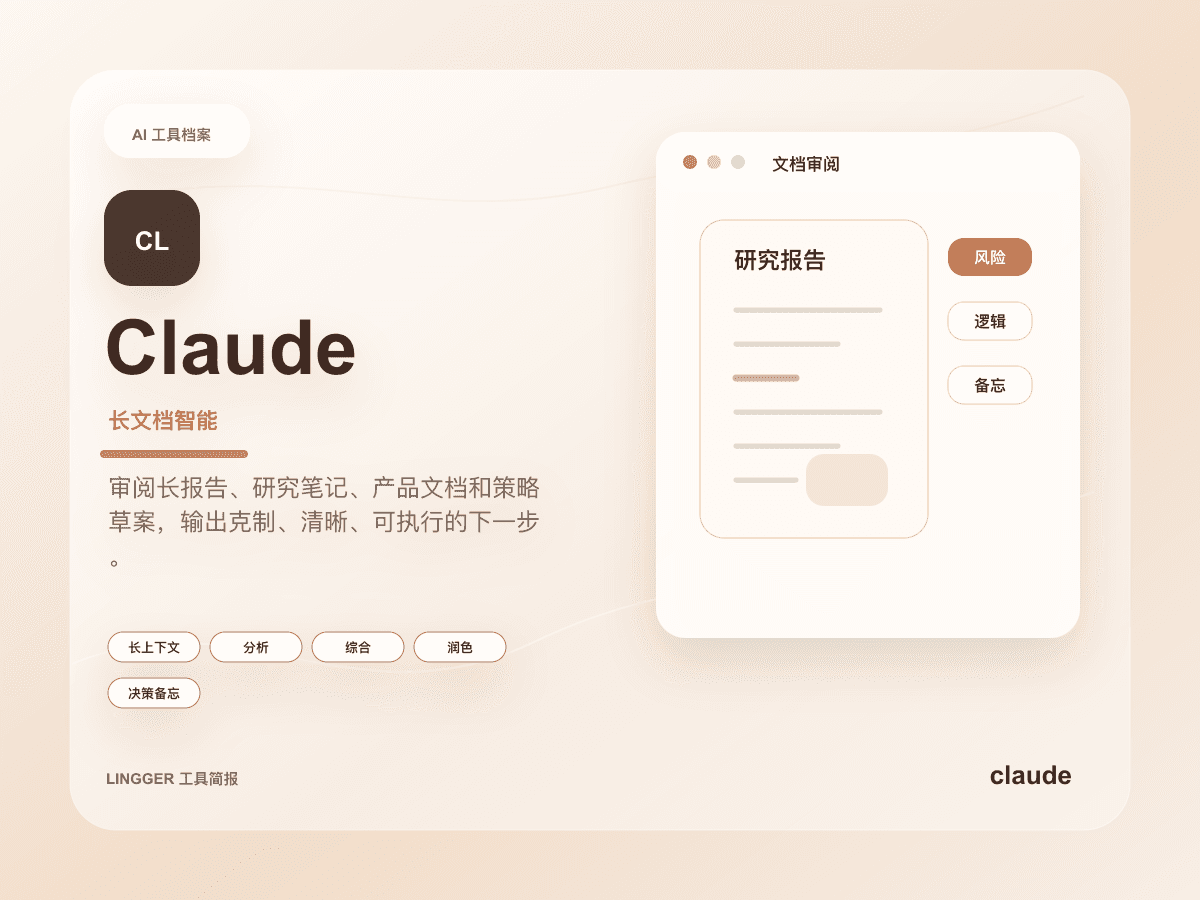
This site uses a text mark, restrained brand-color cues, and an original product brief cover to identify Claude without using or imitating official trademark files.
Common use cases
- Read long documents, interview notes, product specs, or research material and turn them into clear judgments, risks, and actions.
- Edit articles, reports, emails, and strategy drafts for consistent tone, stronger logic, and more restrained wording.
- Break complex business problems into context, constraints, options, trade-offs, and next steps for product and management teams.
Getting started workflow
- Before sharing material, explain the reading goal, evaluation criteria, and any original voice that should be preserved.
- Ask Claude for a document map, key tensions, and open questions before requesting final conclusions.
- Probe each conclusion for evidence, counterexamples, and alternative explanations to filter polished but weak claims.
- Convert the final output into a decision memo, edited draft, or review checklist while preserving links to the original material.
Pricing and plan notes
- Individual users can start by validating long-form reading, writing, and analysis quality on free or personal paid access.
- Teams should check collaboration, administration, data controls, and client-specific capabilities before buying from a personal trial alone.
- Developer and coding workflows should distinguish the Claude chat product from API access, Claude Code, and other separate entry points.
Copyable task templates
Long-document review
Read the following product proposal. First create a document map, then list the eight most important claims, the evidence for each, possible counterarguments, and missing data. Finish with a three-page summary for a product review meeting.
Strategy draft polish
Rewrite the following strategy draft into a more restrained, credible version for leadership. Preserve the core argument, but mark logic jumps, missing evidence, and wording that could be misunderstood.
Evaluation scores
Usability
4/5It is approachable for long documents and complex questions, though strong outputs depend on clear reading goals and criteria.
Output quality
5/5Long-form reasoning, editorial polish, and structured expression are standout strengths for serious document work.
Collaboration fit
4/5It fits shared review workflows across product, content, and management teams, with team features depending on the plan.
Cost control
3/5Heavy long-context use and collaboration may require upgrades, so usage capacity and account boundaries need checking.
Workflow fit
5/5It fits document review, strategy breakdowns, editorial revision, and preserving complex decisions especially well.
Quick take
Claude is a good fit for Researchers and Editors. Its main value is Strong long-context work and Natural writing. If you need Long-form or Writing workflows, review the details before copying the official URL.
Decision summary
Best fit
Knowledge workflows around long documents, strategy drafts, editing, and multi-step reasoning.
Caution
Workflows centered on live web search, source aggregation, or public citation management.
Compare first
Compare ChatGPT, Gemini, Perplexity before deciding.
Last reviewed
2026-05-09
Best for
- Knowledge workflows around long documents, strategy drafts, editing, and multi-step reasoning.
- Product, research, content, and management teams turning complex problems into decisions and actions.
- Developers who want code explanation, refactor planning, or change-review assistance in natural language.
Not ideal for
- Workflows centered on live web search, source aggregation, or public citation management.
- Processes that cannot tolerate account or enterprise-feature capability changes.
- Coding workflows that need IDE-native project editing and multi-file change execution.
Decision notes
- This site only marks the pricing type as freemium; verify Pro, Max, Team, and Enterprise capabilities on the official site.
- Prioritize Claude when long-form quality and stable prose matter; compare ChatGPT when broader ecosystem access matters.
- For important documents, keep source material, key conclusions, and revision history in the team knowledge base.
Decision path
- First decide whether the task depends on long context, careful editing, strategy breakdowns, or code explanation.
- Prioritize Claude when output quality, stable prose, and multi-step reasoning matter more than ecosystem breadth.
- Before using it on important documents, prepare source material, review criteria, and traceable revision history.
Compare alternatives
- Compared with ChatGPT, ChatGPT is a broader entry point, while Claude fits long-context reading, editing, and complex judgment.
- Compared with Gemini, Gemini fits Google ecosystem workflows, while Claude leans toward document reasoning and writing quality.
- Compared with Cursor, Cursor fits IDE-native multi-file editing, while Claude fits planning, code explanation, and review drafts.
Key features
- Strong long-context work
- Natural writing
- Good structured analysis
Best for
- Researchers
- Editors
- Product managers
Pricing
- Freemium
Limitations
- Account and product capabilities can affect the workflow
- Live search depends on product features
FAQ
Who is Claude best for?
Claude is best for Researchers, Editors, Product managers.
Is Claude free?
Claude is marked as Freemium on this site. Check the official site for current plans and limits.
What are the best alternatives to Claude?
Compare ChatGPT, Gemini, Perplexity; each covers a different workflow in the same category.
Ready to try Claude?
Review fit, limitations, and alternatives before copying the official URL for current plans.
Alternatives
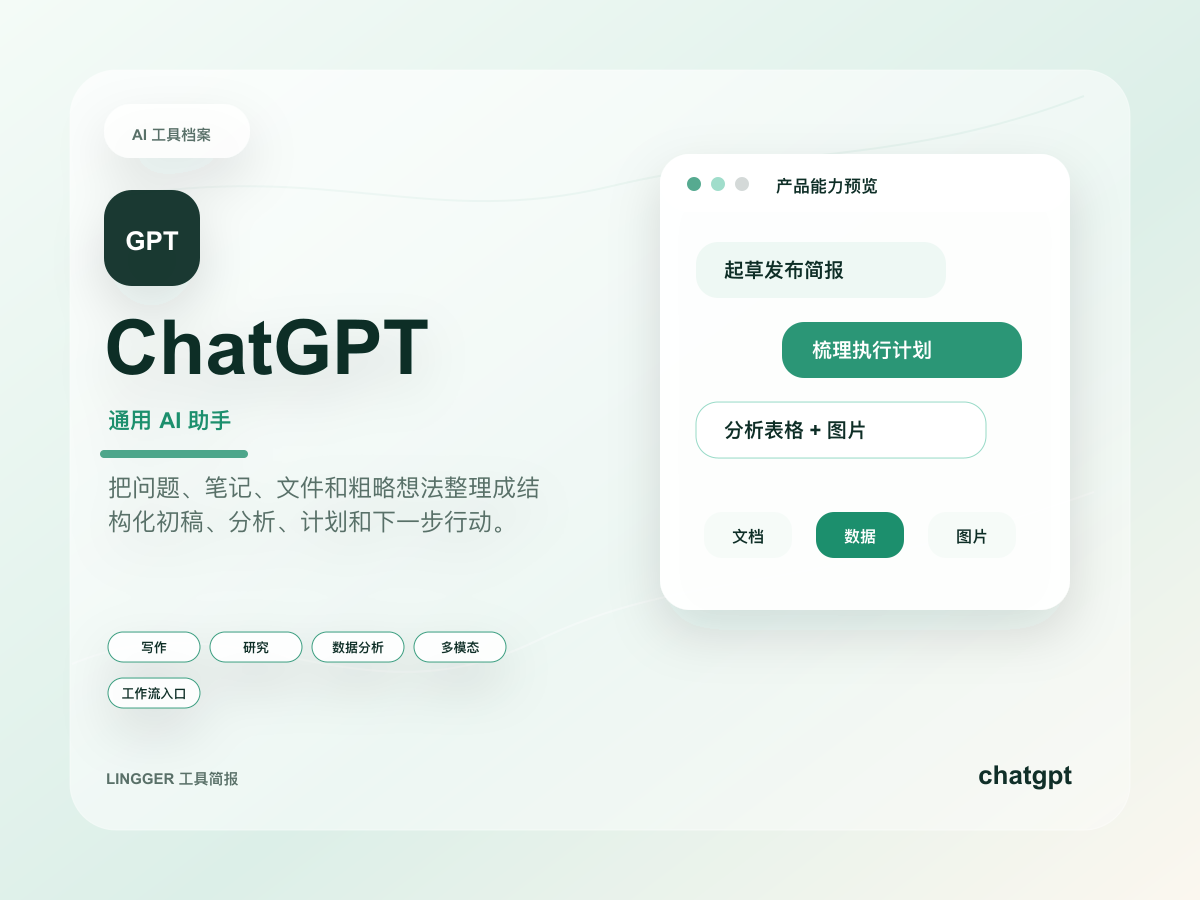
ChatGPT
A general AI assistant for writing, research, brainstorming, and everyday questions.
Turn scattered notes, meeting fragments, and research snippets into editable drafts, outlines, and action lists.
- Best for
- CreatorsStudents
- Why consider it
- Broad use casesEasy to start
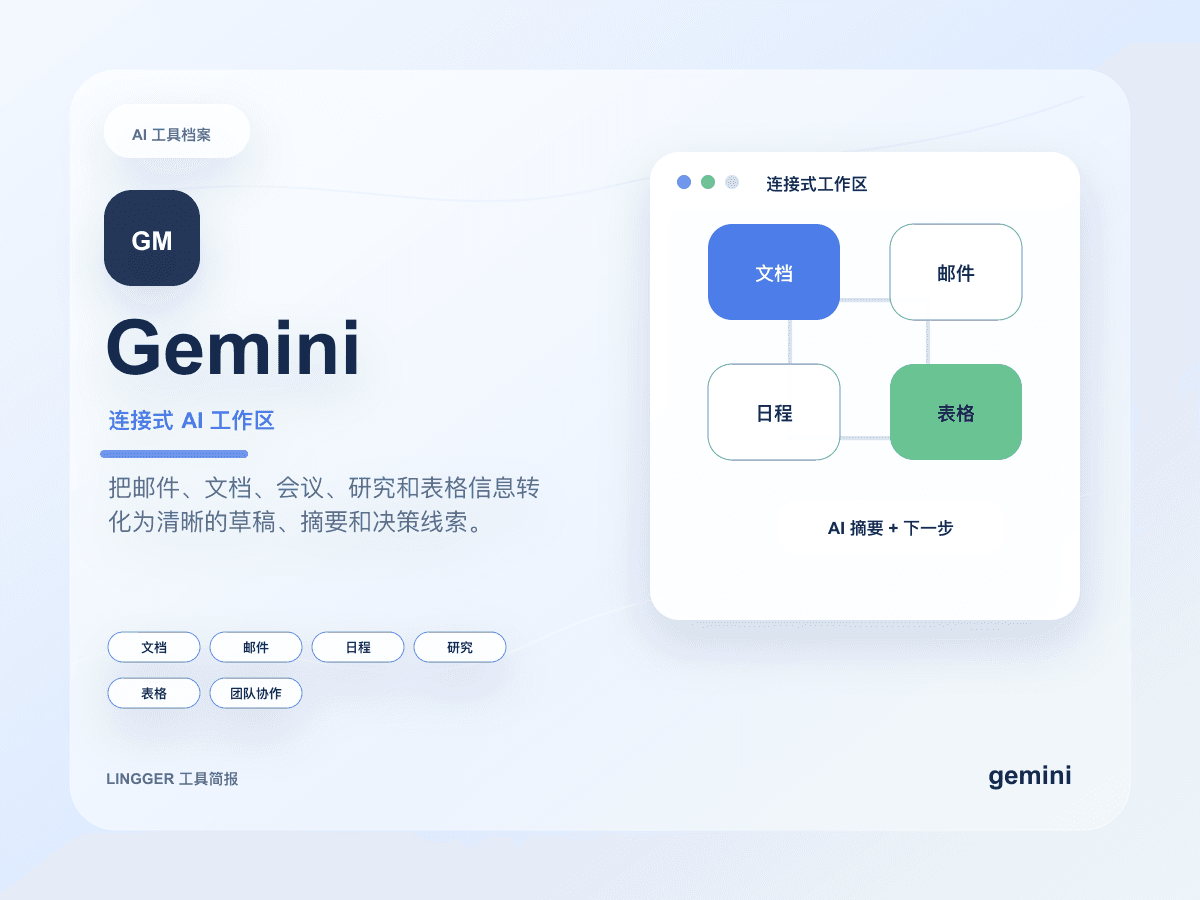
Gemini
Google's AI assistant with search, document, and multimodal capabilities.
Create summaries, reply drafts, and task breakdowns inside Google documents, email, research material, and meeting context.
- Best for
- Google Workspace usersStudents
- Why consider it
- Good ecosystem integrationStrong multimodal features
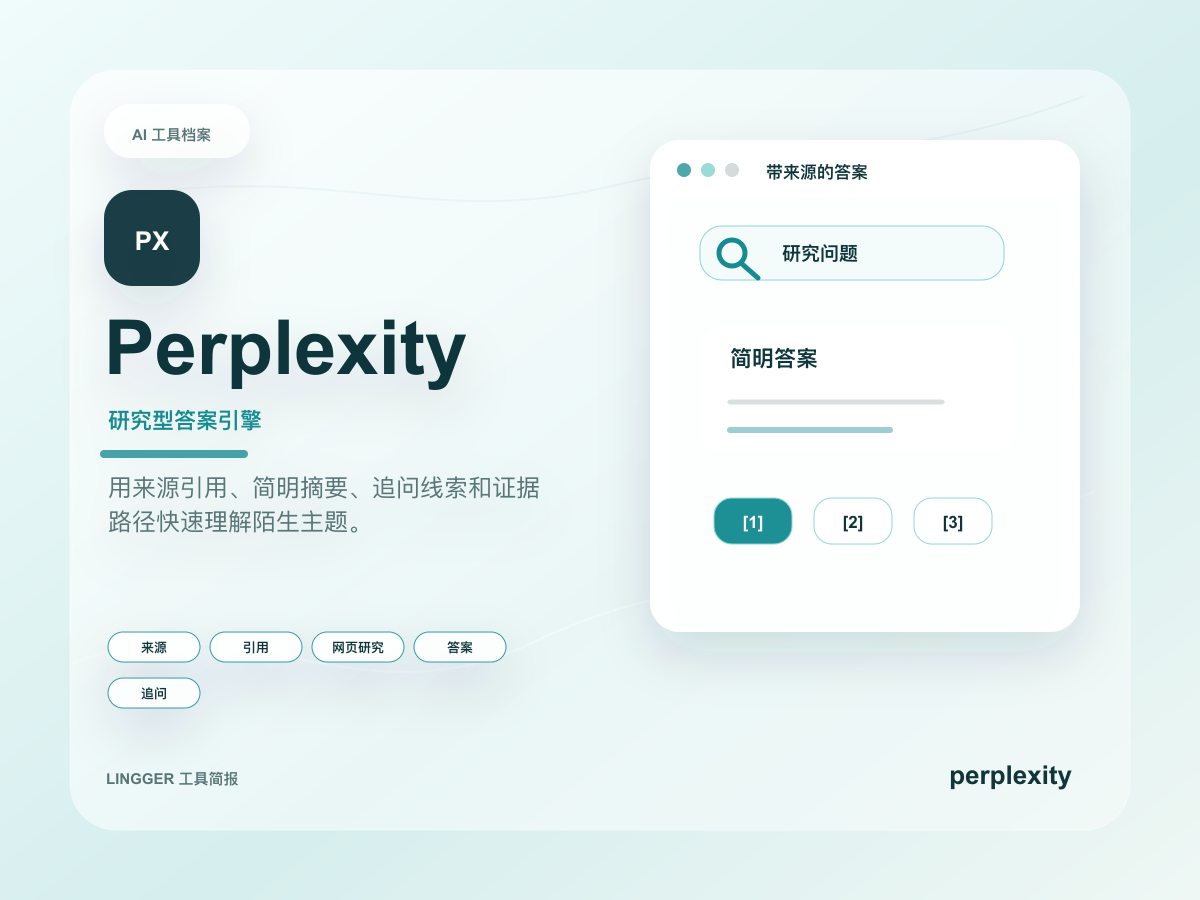
Perplexity
An AI research tool focused on search answers and source citations.
Understand an unfamiliar topic quickly by collecting public sources, key viewpoints, and follow-up questions.
- Best for
- ResearchersSEO professionals
- Why consider it
- Transparent sourcesFast search flow
Related posts
ChatGPT vs Claude: How to Choose
Compare ChatGPT and Claude for writing, long documents, research, coding, and team workflows.

Claude for Small Business looks like a real workflow product
Anthropic did not package Claude as another chat layer for SMBs. It bundled connectors, approvals, and ready-made workflows into something small teams can actually pilot.
What to revisit after Claude Code gets higher limits
Anthropic raised Claude Code limits and paired the update with signals from internal teams and SpaceX. The bigger shift is Claude Code moving toward longer engineering work.
What Anthropic and PwC actually pushed forward
Anthropic and PwC expanded their alliance on May 14, 2026. The real signal is not another consulting announcement, but Claude Code, Claude Cowork, and enterprise function redesign moving into organized deployment.