Gemini
Gemini fits Google ecosystem users who need research organization, content generation, coding help, and cross-app collaboration.
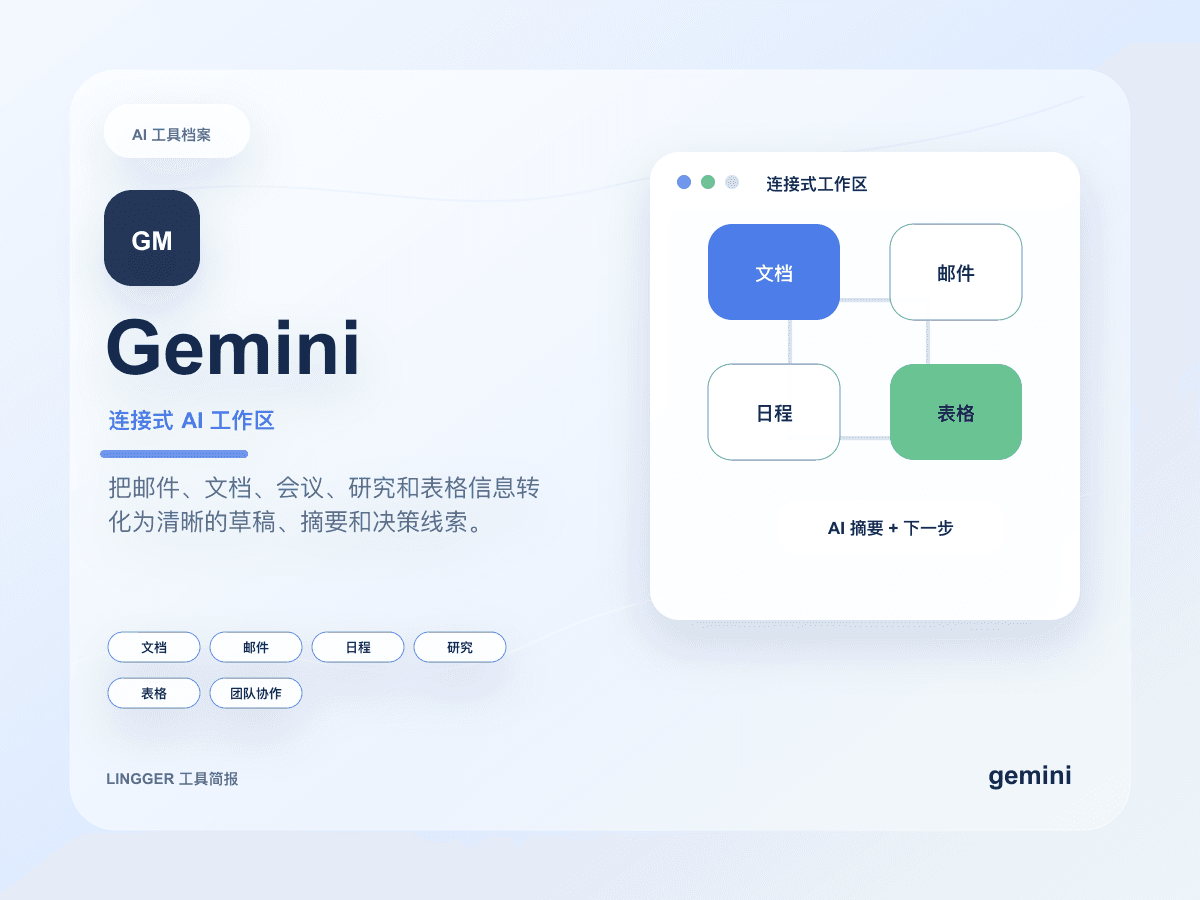
This site uses a text mark, restrained brand-color cues, and an original product brief cover to identify Gemini without using or imitating official trademark files.
Common use cases
- Create summaries, reply drafts, and task breakdowns inside Google documents, email, research material, and meeting context.
- Combine search clues, uploaded files, and image inputs into research briefs for education, operations, and collaboration teams.
- Give teams already using Google Workspace a lower-friction AI productivity entry point.
Getting started workflow
- First confirm whether the material already lives in the Google ecosystem so you avoid moving files only to use AI.
- Break the task into concrete actions such as search, document cleanup, summarization, email replies, or spreadsheet analysis.
- Sample-check references, numbers, and cross-file conclusions from Gemini, especially when public web material is involved.
- Save verified templates into team documents or shared spaces so collaborators use the same workflow language.
Pricing and plan notes
- Free access fits general Q&A and light collaboration, while deep research, model access, and Workspace features depend on account entitlements.
- Google AI Pro, Ultra, and Workspace-related capabilities vary by region, account, and product entry point, so the official site must be checked.
- Teams should confirm current Google administration policies, data settings, and sharing permissions before standardizing a workflow.
Copyable task templates
Workspace material cleanup
Using this document and the meeting notes below, create a project progress summary. Include completed work, blocking risks, questions that owners must confirm, and an email draft for the team.
Multi-source research brief
Turn these search clues and file contents into a one-page research brief. Attach a source clue to every conclusion, separate facts from assumptions and recommendations, and list follow-up questions to verify.
Evaluation scores
Usability
4/5It feels natural for Google users, while teams outside that ecosystem face file migration and collaboration habit costs.
Output quality
4/5Summaries, search assistance, and multimodal understanding are solid, but serious conclusions still need source checks.
Collaboration fit
5/5It fits Google Workspace collaboration especially well across email, documents, and shared research material.
Cost control
3/5Feature boundaries and advanced capabilities depend on account entitlements, so teams need plan-by-plan review.
Workflow fit
4/5It works well for productivity and research organization, though not every content team wants to anchor on Google.
Quick take
Gemini is a good fit for Google Workspace users and Students. Its main value is Good ecosystem integration and Strong multimodal features. If you need Google or Multimodal workflows, review the details before copying the official URL.
Decision summary
Best fit
Teams already deep in Google Workspace that want AI inside email, docs, spreadsheets, and research organization.
Caution
Teams whose core work is outside the Google ecosystem and would face high switching costs.
Compare first
Compare ChatGPT, Claude, Perplexity before deciding.
Last reviewed
2026-05-09
Best for
- Teams already deep in Google Workspace that want AI inside email, docs, spreadsheets, and research organization.
- Users combining search signals, file context, and multimodal inputs in one daily assistant flow.
- Education, operations, and collaboration teams drafting, summarizing, and breaking down tasks inside familiar Google tools.
Not ideal for
- Teams whose core work is outside the Google ecosystem and would face high switching costs.
- Content teams needing stable long-form prose, strict editorial control, or a standalone knowledge workflow.
- Research flows that require every public-source claim to carry clear citations by default.
Decision notes
- Gemini's adoption value depends heavily on Google ecosystem fit, so review official product details and account entitlements before buying.
- Compare ChatGPT for a broader creation entry point, and Claude for long-form reasoning and editorial quality.
- Pilot it on low-risk documents, meeting summaries, and research organization before making it part of team standards.
Decision path
- First confirm whether your core files, email, documents, and collaboration flows already live in the Google ecosystem.
- If the team mainly works in Google Workspace, pilot Gemini on document summaries, email drafts, and research organization first.
- Before using important conclusions, sample-check search sources, file context, and cross-document references.
Compare alternatives
- Compared with ChatGPT, ChatGPT is broader as a cross-workflow entry point, while Gemini fits teams already deep in Google Workspace.
- Compared with Claude, Claude is stronger for long-form reasoning and stable editing, while Gemini fits Google files, email, and collaboration context.
- Compared with Perplexity, Perplexity focuses on public web source aggregation, while Gemini leans toward productivity, files, and multimodal collaboration.
Key features
- Good ecosystem integration
- Strong multimodal features
- Useful for research
Best for
- Google Workspace users
- Students
- Team collaborators
Pricing
- Freemium
Limitations
- Advanced features depend on plans
- Complex outputs still need review
FAQ
Who is Gemini best for?
Gemini is best for Google Workspace users, Students, Team collaborators.
Is Gemini free?
Gemini is marked as Freemium on this site. Check the official site for current plans and limits.
What are the best alternatives to Gemini?
Compare ChatGPT, Claude, Perplexity; each covers a different workflow in the same category.
Ready to try Gemini?
Review fit, limitations, and alternatives before copying the official URL for current plans.
Alternatives
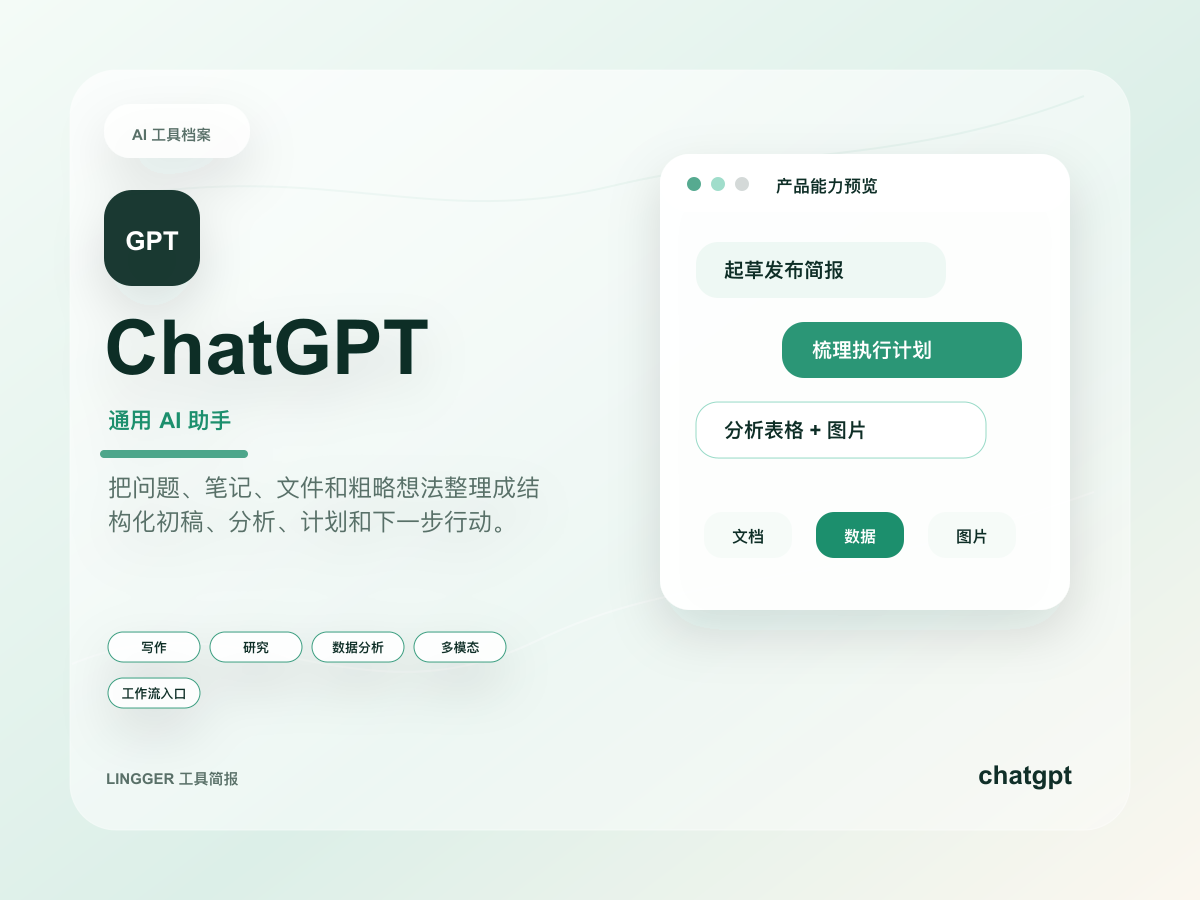
ChatGPT
A general AI assistant for writing, research, brainstorming, and everyday questions.
Turn scattered notes, meeting fragments, and research snippets into editable drafts, outlines, and action lists.
- Best for
- CreatorsStudents
- Why consider it
- Broad use casesEasy to start
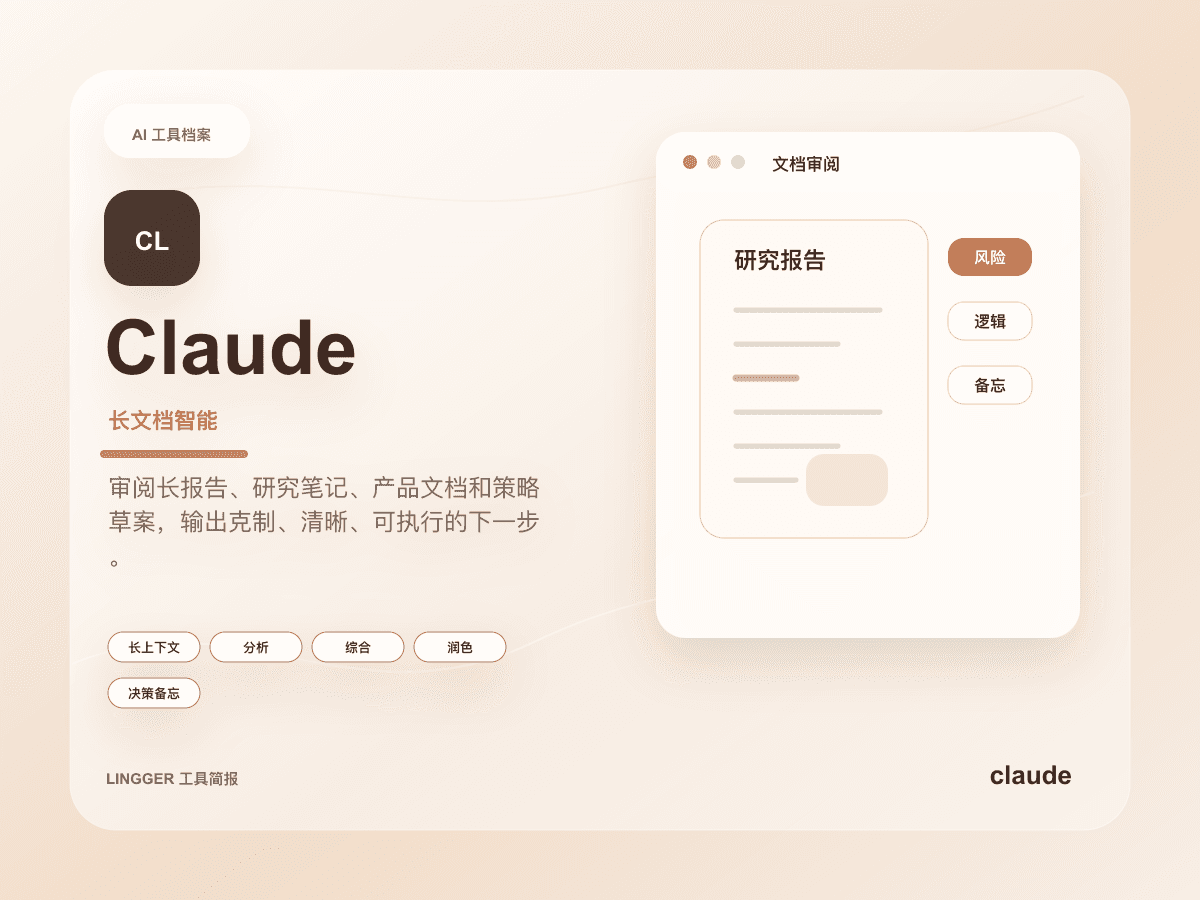
Claude
An AI assistant strong at long-context understanding, writing polish, and complex task breakdowns.
Read long documents, interview notes, product specs, or research material and turn them into clear judgments, risks, and actions.
- Best for
- ResearchersEditors
- Why consider it
- Strong long-context workNatural writing
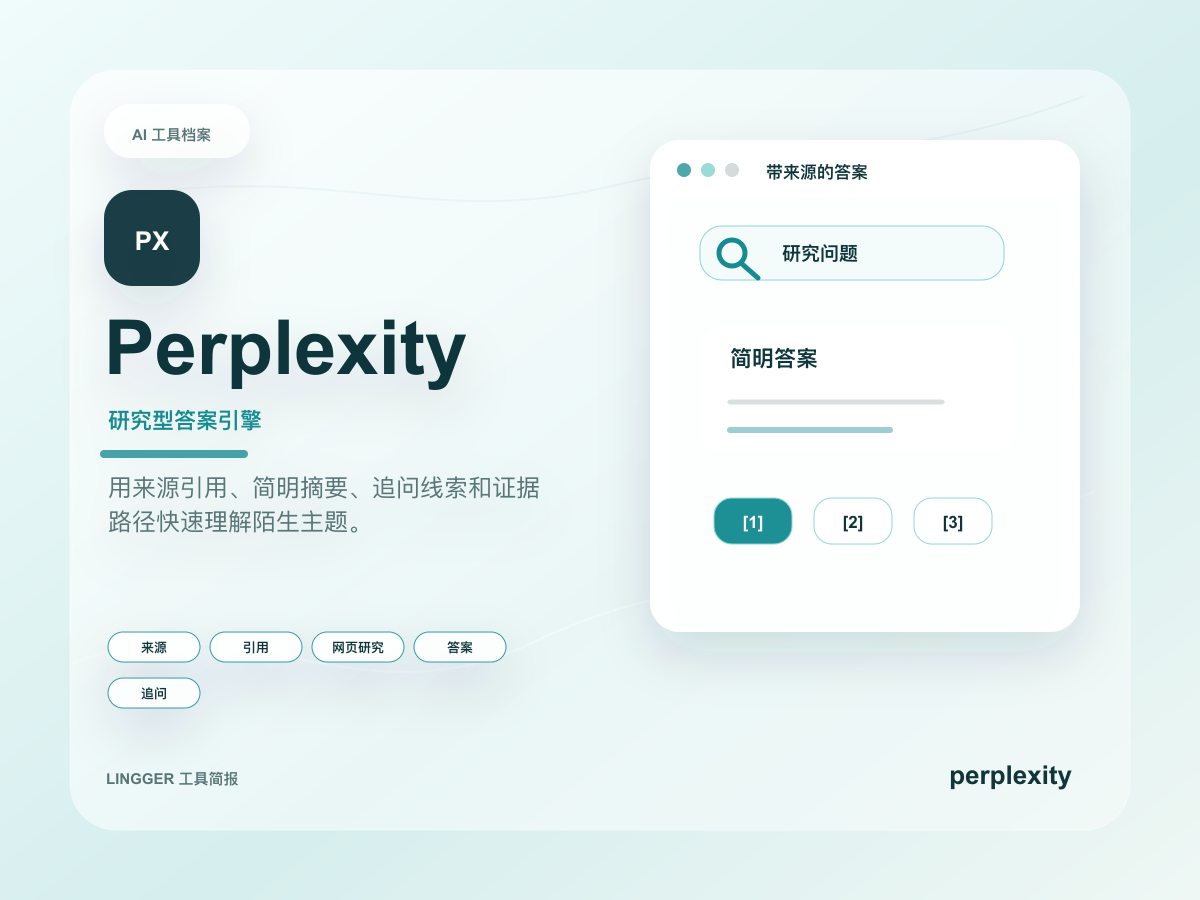
Perplexity
An AI research tool focused on search answers and source citations.
Understand an unfamiliar topic quickly by collecting public sources, key viewpoints, and follow-up questions.
- Best for
- ResearchersSEO professionals
- Why consider it
- Transparent sourcesFast search flow
Related posts
What matters about managed agents in the Gemini API
Google has brought managed agents into the Gemini API, and the real shift is not “another agent SDK” but a hosted runtime that bundles sandboxing, state, and workflow scaffolding together.
Gemini Spark makes Workspace look more like a work agent
Google updated both the Gemini app and Workspace, and the real story is not one feature at a time but Spark pushing always-on work agents into email, documents, and task flows.
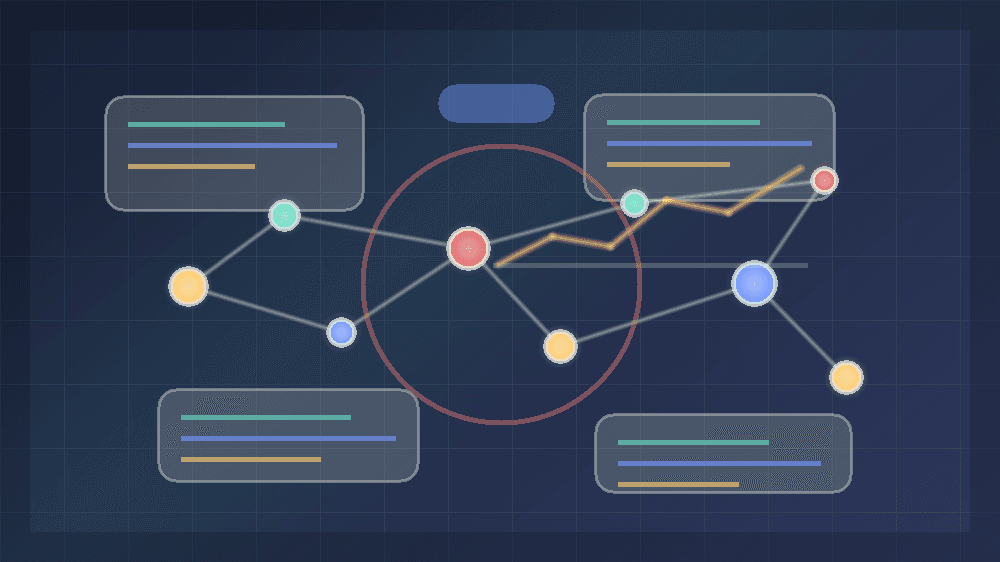
Why AlphaEvolve matters for AI coding tool users
Google DeepMind's AlphaEvolve update shows how Gemini-powered coding agents are moving from code generation toward measurable algorithm optimization.
Google is pushing its agent dev stack into native Android apps
At I/O 2026, Google connected Antigravity 2.0, the CLI, Gemini API managed agents, and AI Studio native Android development into one real workflow.