Google published two connected updates on May 19, 2026: New ways to create and get things done in Google Workspace and The Gemini app becomes more agentic, delivering proactive, 24/7 help. Read separately, one looks like a Workspace feature roundup and the other looks like a Gemini app announcement. Read together, they tell a clearer story: Google is pushing persistent work agents deeper into email, documents, tasks, and personal execution loops.
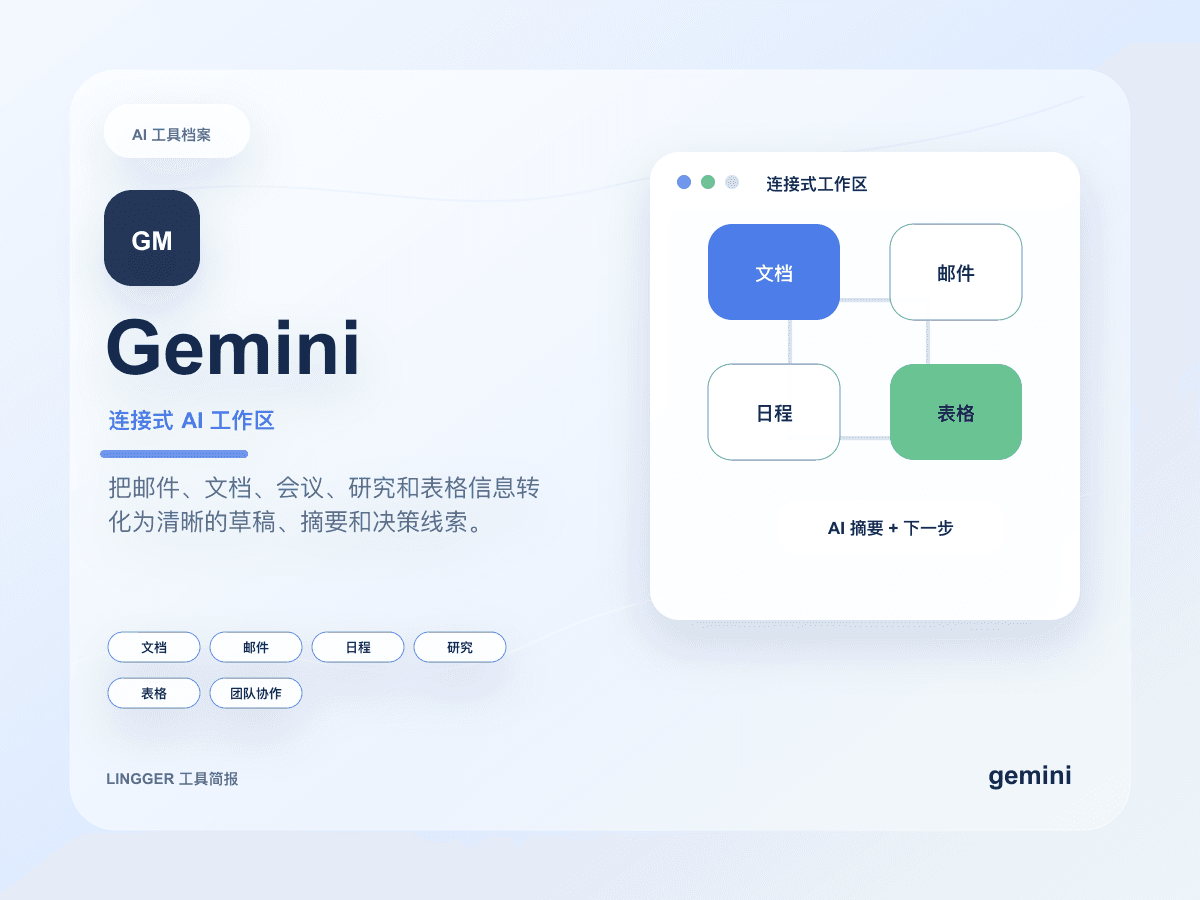
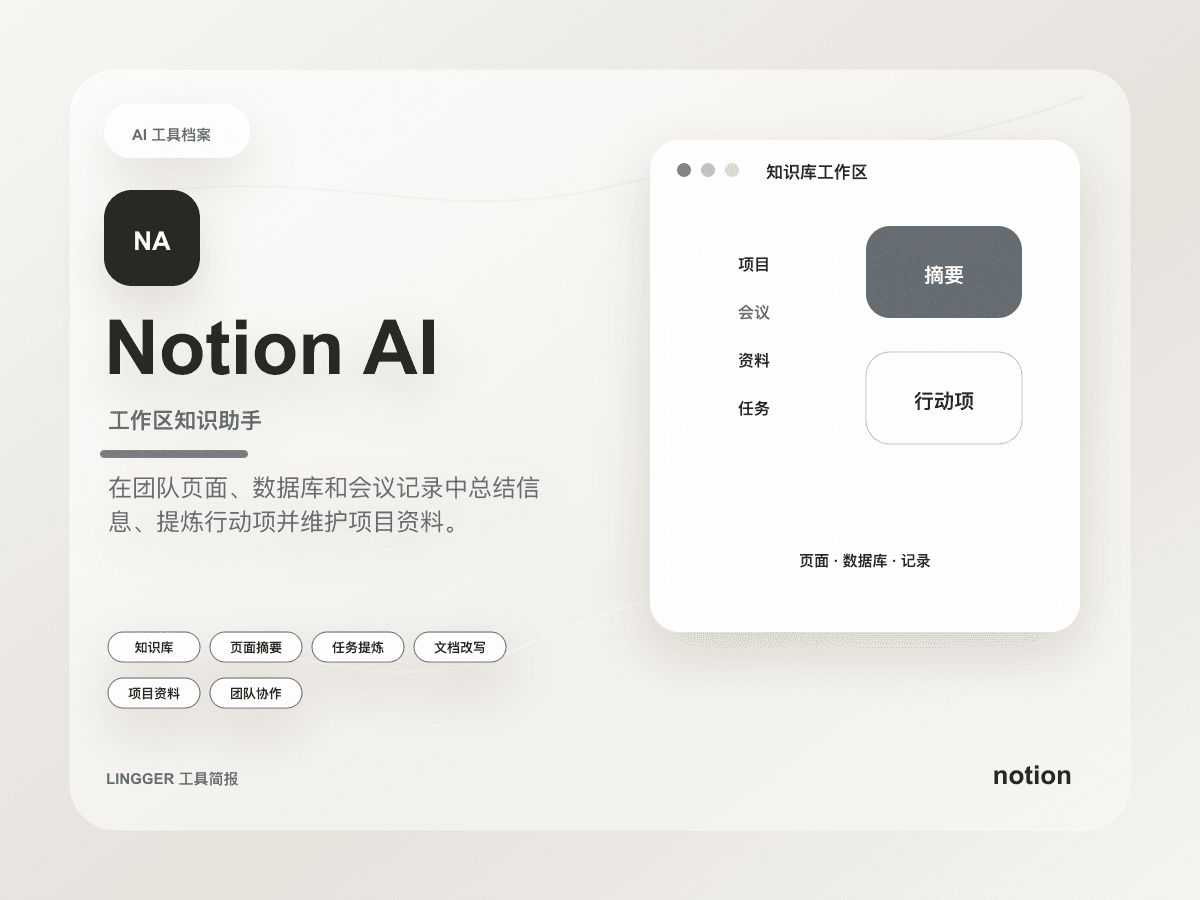
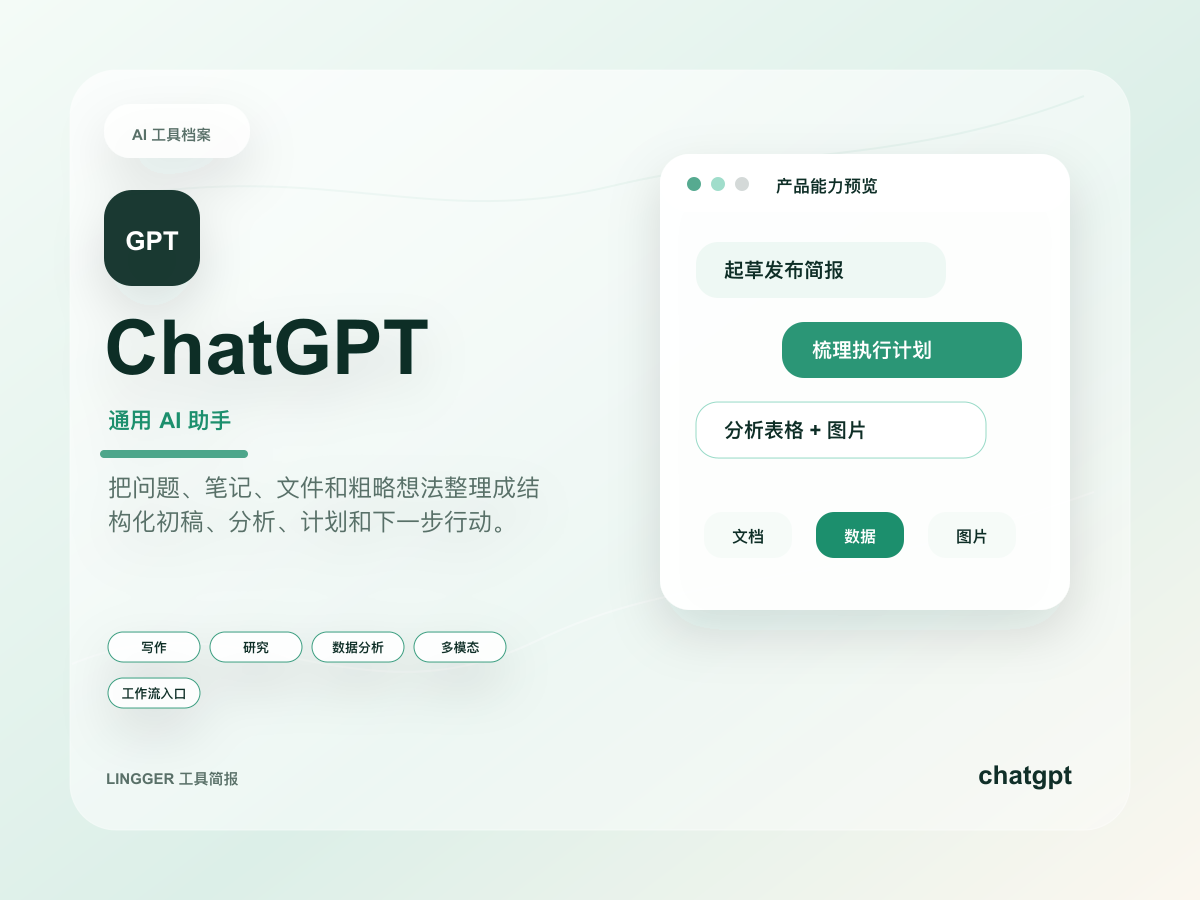
That makes this especially relevant for site readers comparing Gemini, Notion AI, and ChatGPT. Many tools have already promised “AI that helps you write.” Google’s update is closer to “AI that keeps working on the task and waits for you at the important checkpoints.”
What actually changed
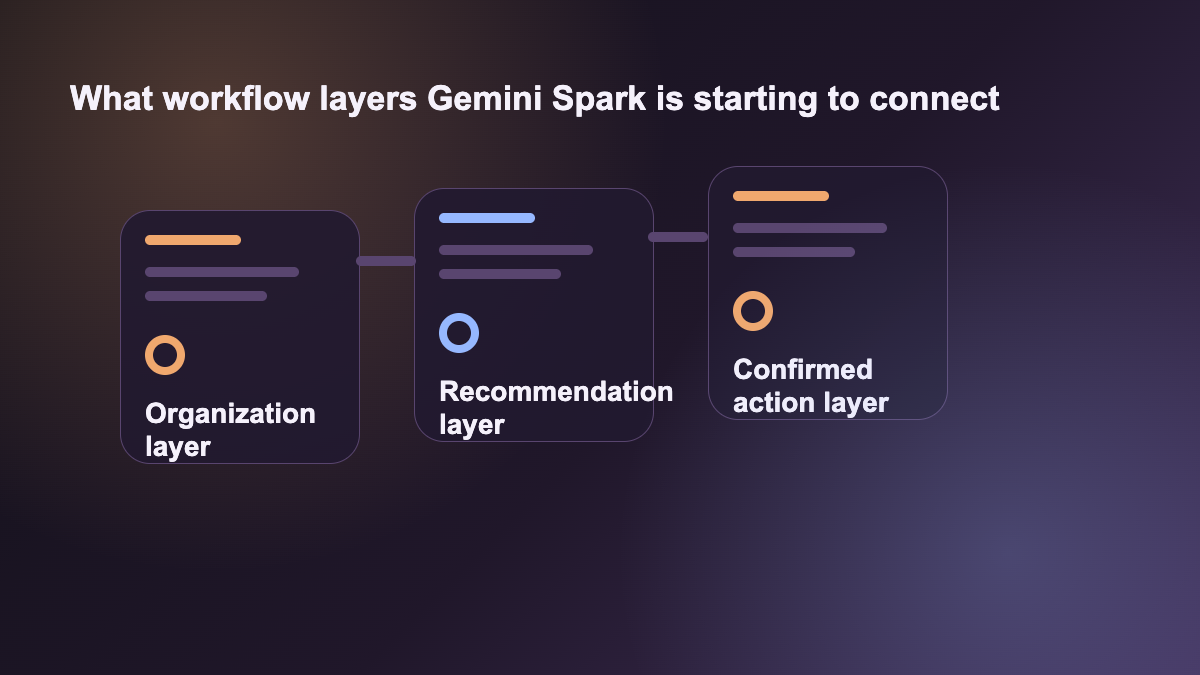
Across the two official posts, the key shift is not one feature. It is three layers moving together:
- Workspace gains and expands features such as Docs Live and stronger assistance across document-centric workflows.
- Google highlights AI Inbox and more proactive organization across daily work.
- The Gemini app introduces Gemini Spark, described as a 24/7 cloud-based agent capability powered by Gemini 3.5 and Antigravity.
- Google says Spark asks for confirmation before higher-impact actions and is expected to connect with more tools, including MCP-style integrations over time.
- Workspace and Spark are not presented as separate stories. Together they suggest AI is moving from one-time assistance toward continuously progressing work.
For teams, that matters more than whether a draft sounds slightly better. Once AI can keep running in the background, the evaluation shifts toward boundaries, approvals, integrations, and recovery.
Why this is not a normal office-AI upgrade
If these announcements were only about better drafting in email or documents, they would not deserve to be read together. Spark is the piece that changes the category. It shifts the workflow from “I ask the assistant right now” to “I give an agent an ongoing job.”
That also changes how the comparison with Notion AI and ChatGPT should work.
- Notion AI still fits best as an intelligence layer inside a knowledge base and document workspace.
- ChatGPT still fits best as a flexible cross-task drafting and analysis entry point.
- Gemini Spark plus Workspace look more like an attempt to turn email, documents, tasks, and personal execution into one longer-running agent loop.
So this should not be read as “Google now has office AI too.” It should be read as Google trying to turn Workspace into a system with an operating agent layer behind it.
The most useful lesson for normal teams
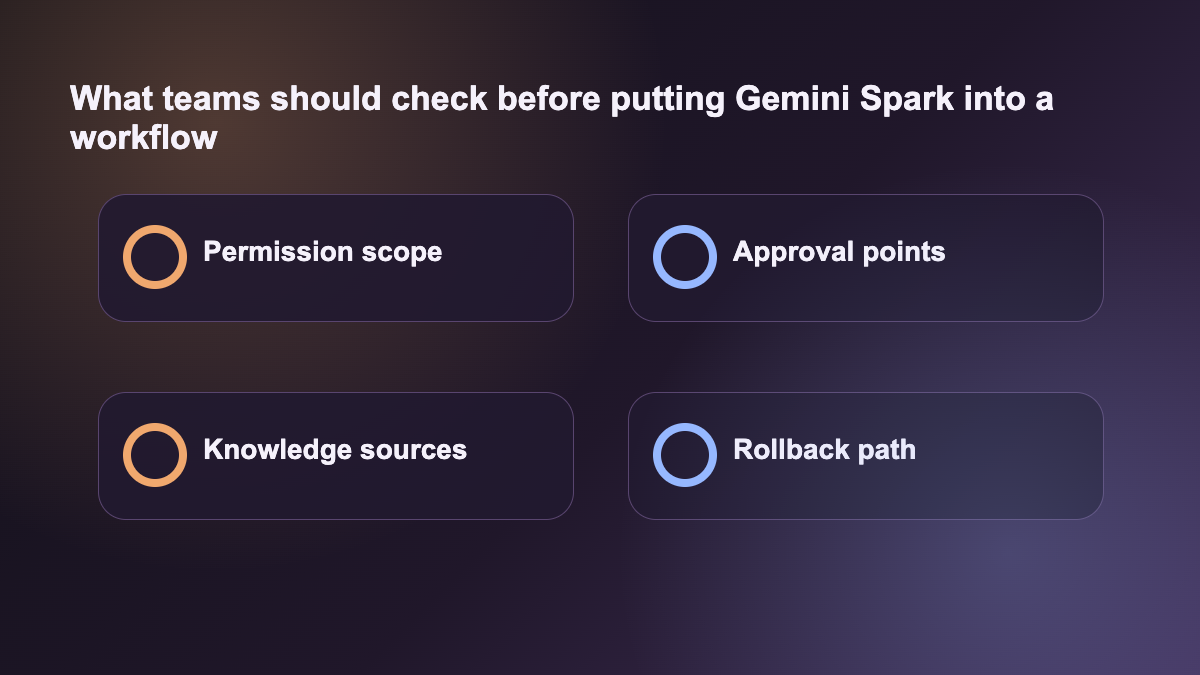
The strongest lesson is not a feature checklist. It is boundary design for work agents. Google repeatedly emphasizes that Spark asks for confirmation before important actions. That is effectively an answer to the most practical enterprise question: how far should the AI be allowed to run, and where exactly should it stop and ask.
If you want AI inside a real workflow, the stable path is not “full automation first.” A better split looks like this:
- organization: collect materials, summarize context, prepare briefs
- recommendation: draft mail, suggest priorities, outline documents
- action: stop for approval before sending, changing, booking, or committing anything consequential
Google’s move matters because it starts to acknowledge those layers in product design instead of hiding everything inside one vague assistant story.
What teams should test first
The best pilots are not the highest-risk approval chains. They are recurring tasks that are reviewable and time-consuming enough to matter:
- weekly email and meeting digests
- document cleanup and task tracking for a project
- internal briefs assembled from multiple sources
- repeatable status packs, reminders, and prep work
These jobs are a good test because a persistent agent can save real time, while a human can still intercept the final action. That makes them a sensible proving ground for whether Spark is useful beyond demos.
How site readers should judge it now
If you are already comparing Gemini, Notion AI, and ChatGPT, the question to update is not “which one is smartest.” The better question is “which one fits my continuous work loop best.”
A practical shortcut:
- If the problem is scattered context and the workflow already lives inside Google’s ecosystem, Spark deserves close attention.
- If the problem is long-lived knowledge-base collaboration, Notion AI still holds strong document-layer value.
- If the problem is broad drafting, analysis, and cross-workflow flexibility, ChatGPT remains the more general work entry point.
This topic is worth publishing because Google is not only adding more office features. It is making Workspace look much more like a system with a background work agent, not just a better writing assistant.
References:
- Google Workspace: New ways to create and get things done in Google Workspace
- Google Gemini: The Gemini app becomes more agentic, delivering proactive, 24/7 help