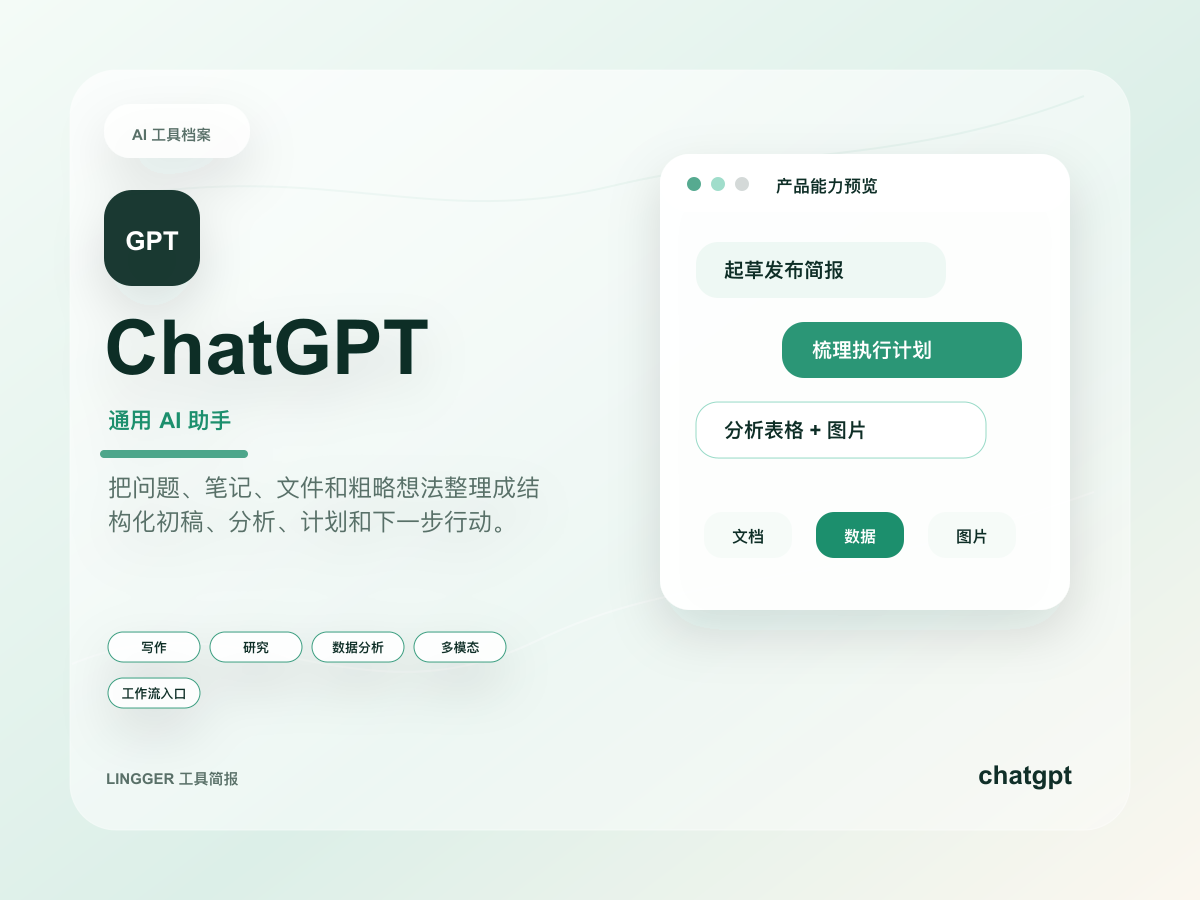
As observed on May 21, 2026, OpenAI's ChatGPT Enterprise & Edu Release Notes show that the Microsoft Teams app now supports admin-managed sync. The companion help article, Microsoft Teams app with admin-managed sync in ChatGPT, adds the more important detail: eligible workspaces can connect Teams to ChatGPT while IT admins decide which SharePoint and Microsoft Graph data ChatGPT is allowed to access.
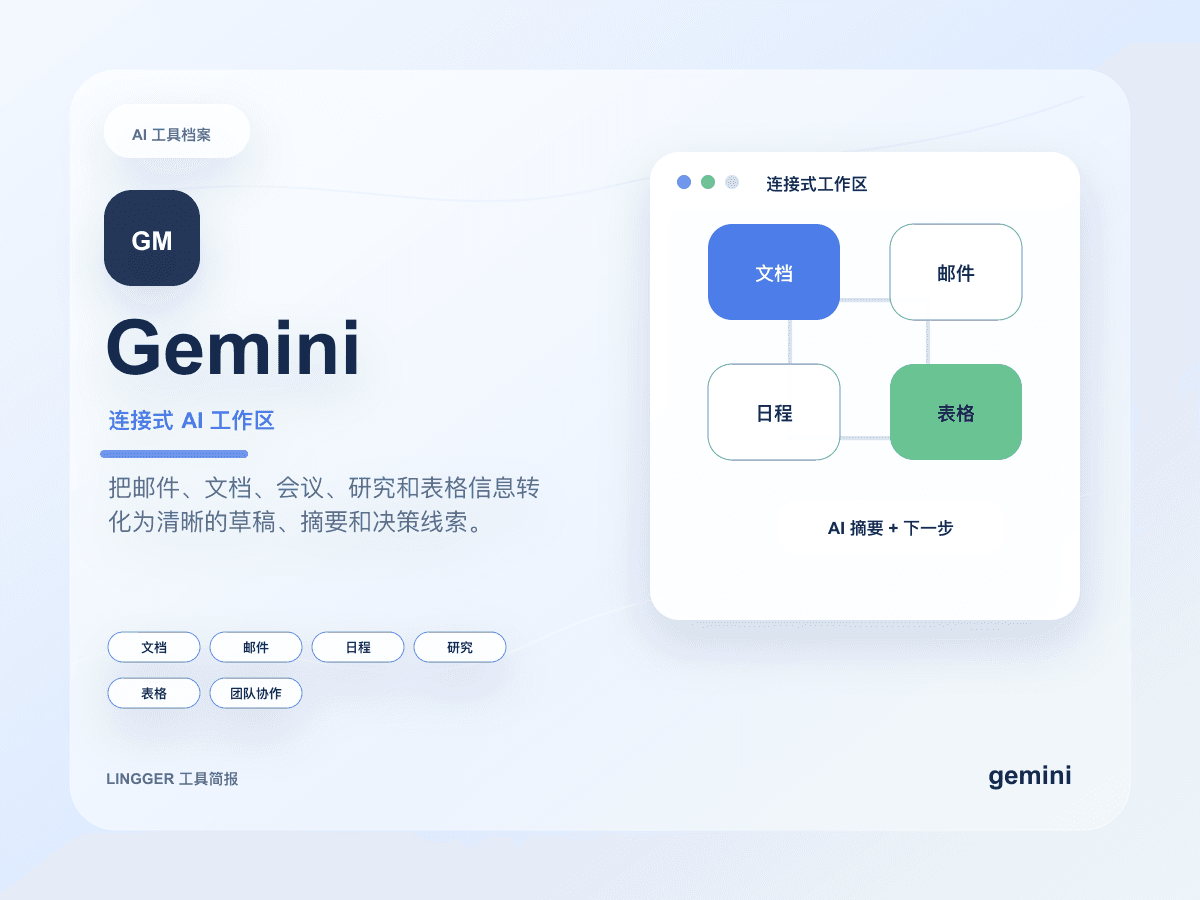
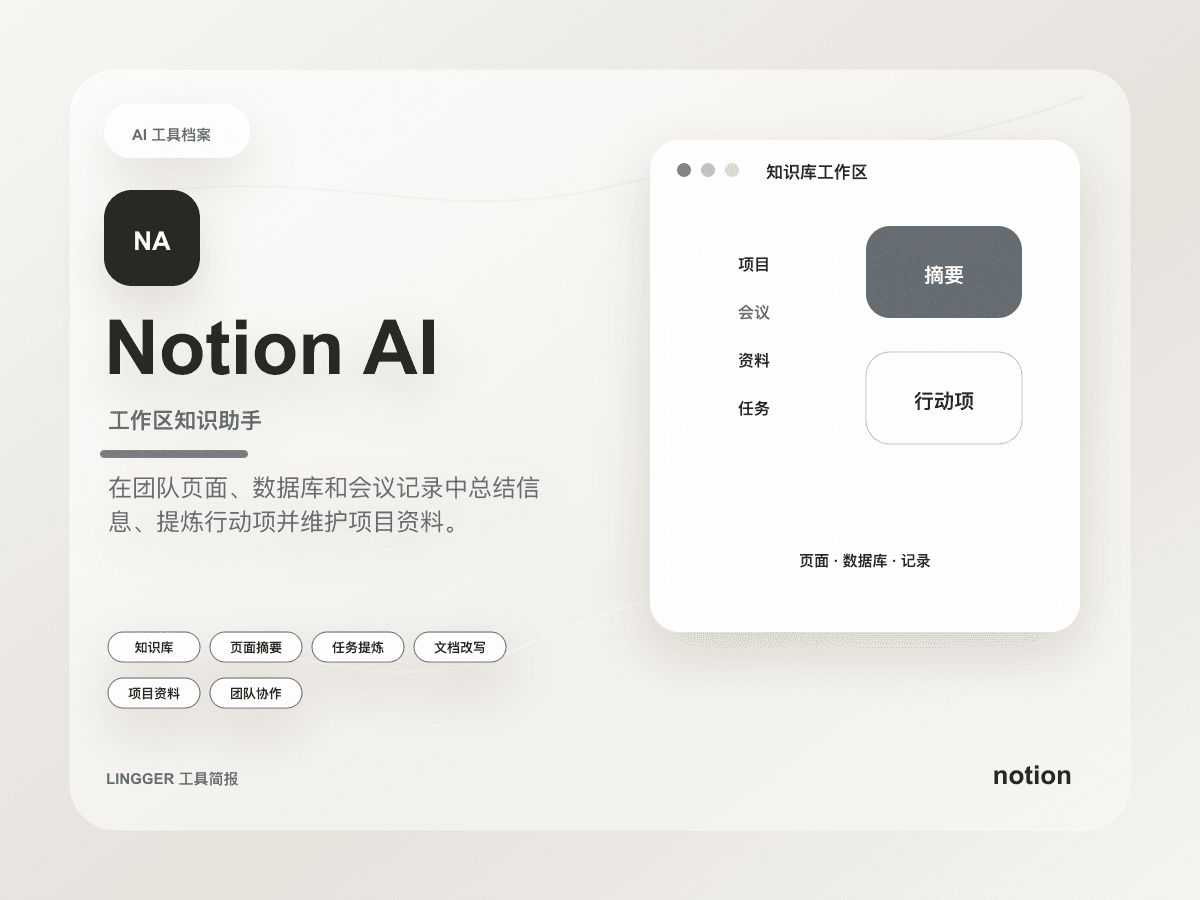
If you read that only as “ChatGPT now has another Teams integration,” you miss the real product signal. What matters is not simply one more app surface. What matters is that the knowledge boundary on a collaboration surface is starting to become manageable. Many teams already use ChatGPT for summaries, drafts, and meeting notes. Others rely on Gemini or Notion AI closer to documents and knowledge bases. But once AI moves into a daily collaboration surface, the hard question changes from “can it write?” to “what is it allowed to see, and who defines that scope?”
What actually changed
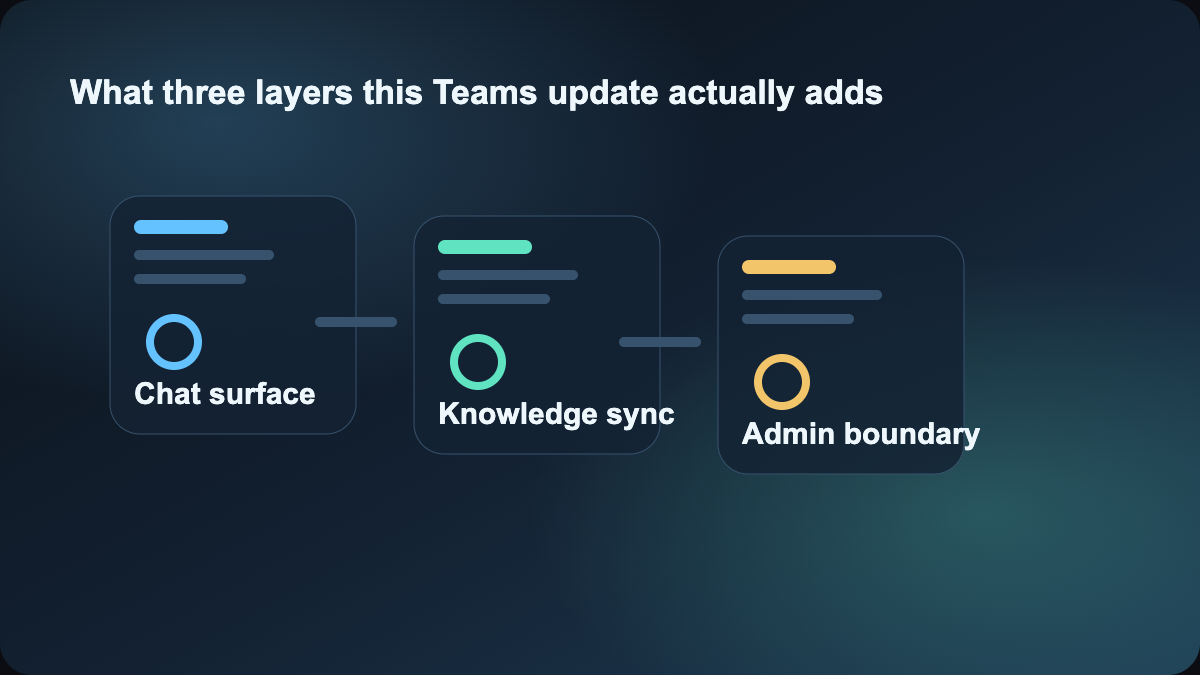
Taken together, the two help pages point to a workflow boundary change rather than a cosmetic app update:
- the Teams app now supports admin-managed sync, not only end-user self-connection
- IT admins can define which SharePoint and Microsoft Graph data ChatGPT may access
- OpenAI still documents read-only sync and user-scoped sync, which suggests the product is intentionally preserving narrower rollout modes
- the documentation frames this around eligible workspaces, which makes the feature feel like a managed workspace capability rather than a casual consumer add-on
That combination matters because Teams is not a personal scratchpad. It is a mixed surface of meetings, channels, shared files, and fast-moving coordination. The easier AI becomes to access there, the more important it becomes to define where its context comes from and where that context stops.
Why this is different from a normal collaboration plugin
A normal plugin update gives you one more button, one more summary, or one more shortcut. Admin-managed sync changes something deeper: who controls the context boundary.
That is the more important question for teams in the Microsoft stack. If everyone connects their own files and tools in their own way, the AI surface may be convenient, but it is difficult to govern and difficult to scale. What OpenAI is signaling here is that Teams-side AI access can start being treated as an administratively shaped collaboration layer instead of a set of personal workarounds.
That is also why this topic has more site value than a generic integration announcement. It directly affects two decisions:
- whether your team should place AI work inside a collaboration surface or keep it outside in separate chat and document tools
- whether the governance boundary is finally good enough to make that placement practical
How the comparison changes versus Gemini and Notion AI
If you already compare Gemini, Notion AI, and ChatGPT, this update makes the comparison less abstract.
Geministays strongest when the work lives natively inside Google Workspace surfaces.Notion AIstays strongest when the center of gravity is a document and knowledge-base layer.ChatGPT + Teams admin-managed syncis more interesting when the collaboration surface itself is the thing you want to upgrade without losing control of what the model can read.
That means the decision is no longer “which assistant writes best.” It becomes “which assistant fits the collaboration surface my team already lives in, and which one has a context boundary the organization can accept?”
The most useful lesson for normal teams
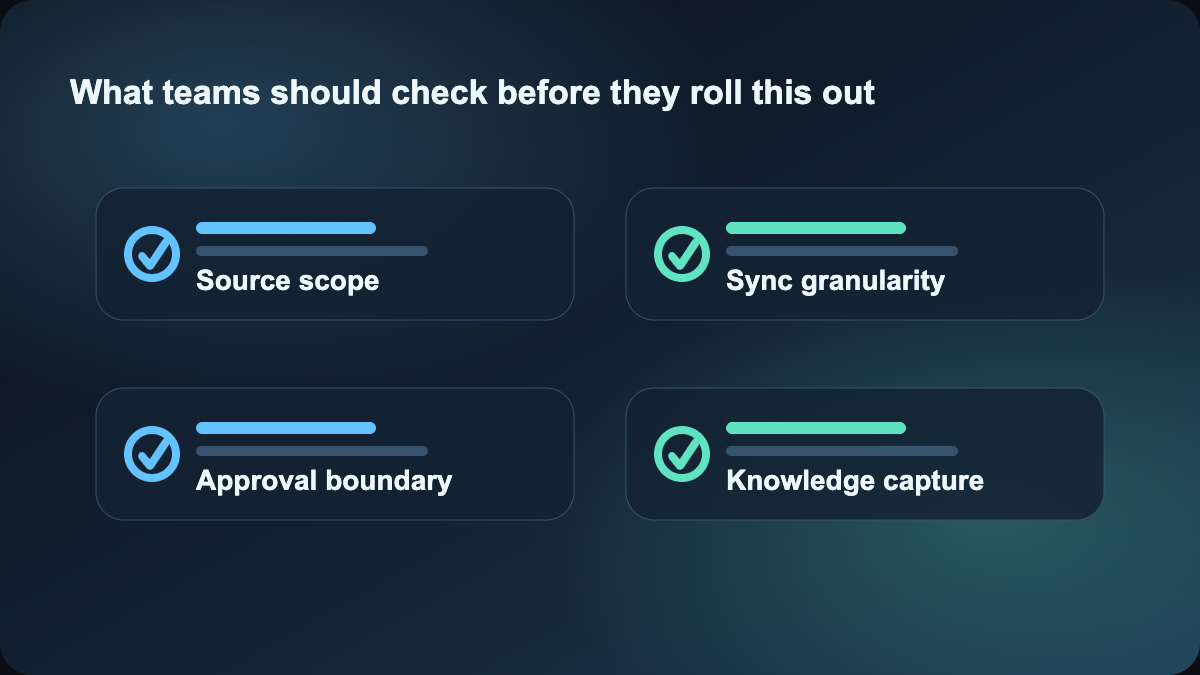
The practical lesson here is not a button. It is a rollout order. A safer way to evaluate this feature is to ask four questions first:
- Which SharePoint and Graph sources actually need to be visible to Teams-side AI?
- Which sources should remain read-only, narrow, or completely outside the AI surface?
- Which jobs genuinely benefit from AI working directly in the chat and meeting surface, such as recap drafts, update synthesis, or follow-up preparation?
- Which jobs still belong in a document layer, knowledge-base layer, or explicit automation layer instead?
If a team cannot answer those questions, it probably needs workflow clarification before it needs more AI access. But if those boundaries are already clear, this kind of managed sync becomes valuable because it lets the team test AI where the work already happens instead of relying on each person's private setup.
How site readers should follow this
If your focus is knowledge work, collaboration, internal communication, or project coordination, read this together with:
- ChatGPT workspace agents finally look more like an enterprise tool
- Gemini Spark makes Workspace feel more like a work agent
- AI decision log workflow
The first two help compare different collaboration surfaces. The third helps with the next problem after rollout: how to preserve the important judgments the AI surface influences.
This topic is worth publishing today because OpenAI is pushing a harder question forward: once AI enters the everyday collaboration surface, teams finally get a clearer way to define what it is allowed to read.
References:
- OpenAI Help: ChatGPT Enterprise & Edu Release Notes
- OpenAI Help: Microsoft Teams app with admin-managed sync in ChatGPT