Small teams often approach AI lead generation automation with the wrong goal: “fully automated sales.” The safer first goal is narrower. Automate lead intake, basic classification, owner alerts, follow-up summaries, and weekly review notes. AI should reduce repetitive sorting. It should not make pricing promises, qualify high-risk customers alone, or send important commitments without review.
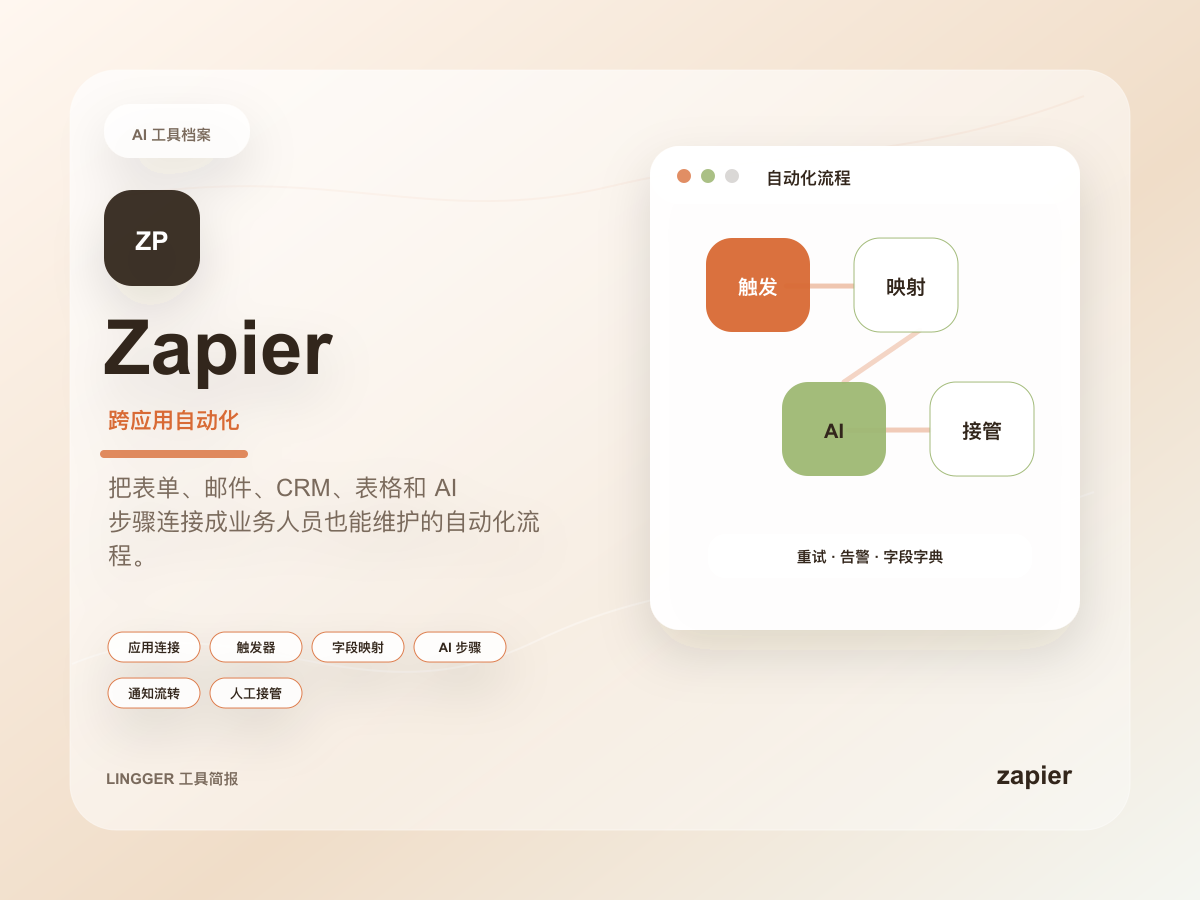
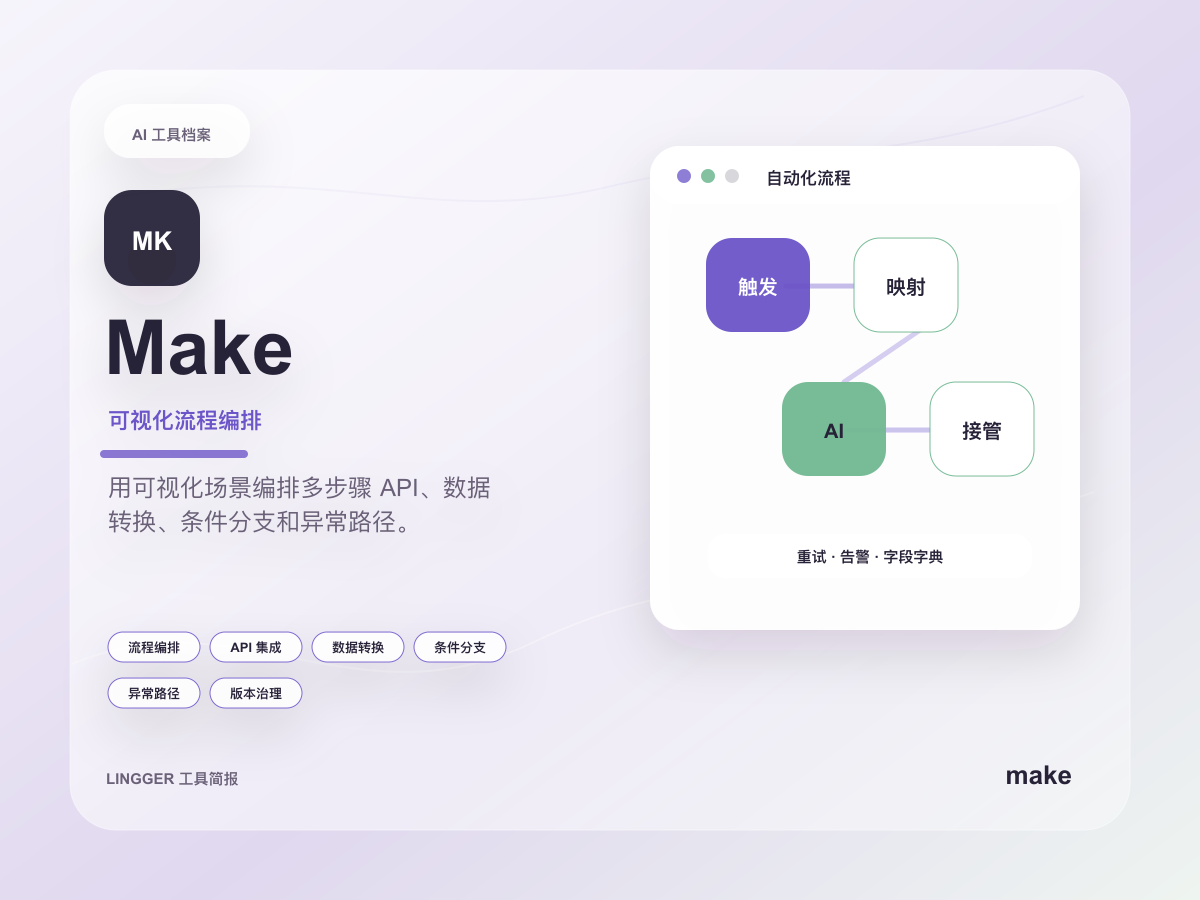
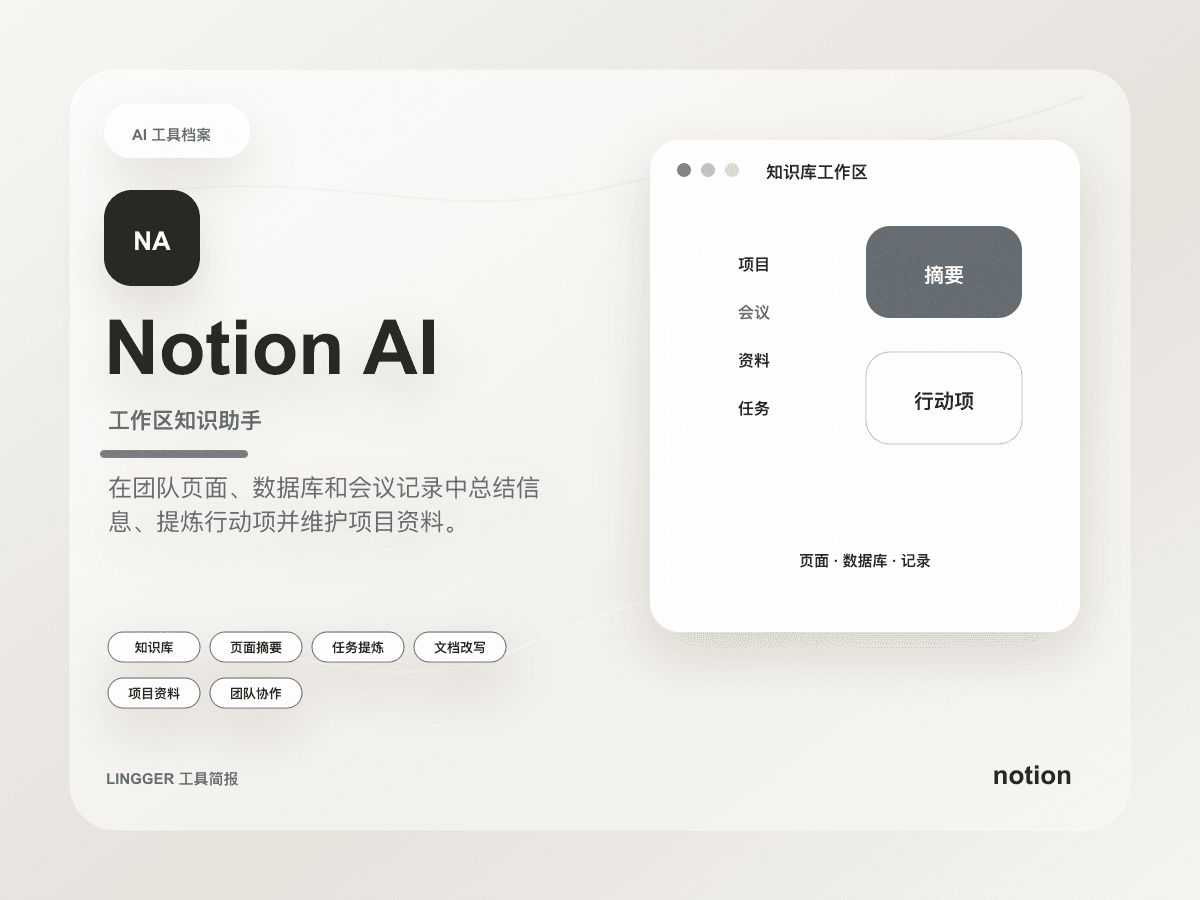
This guide is for teams of 2 to 20 people: founder-led sales teams, small SaaS companies, agencies, studios, and content-led businesses that are starting to manage inbound leads. A practical stack is Zapier for triggers, Make for branching and data cleanup, and Notion AI for summaries and follow-up records.
Search intent and audience
People searching for AI automation for lead generation usually already have forms, email replies, social messages, or content-driven inquiries. The problem is not tool availability. The problem is that leads live in different places and nobody has a consistent handoff.
Good lead automation candidates have four traits: stable inputs, clear rules, visible failure, and easy human takeover. A new form submission can be summarized, tagged, routed, and written into a database. A complex pricing decision, legal commitment, or custom qualification call should stay human-led.
Lead automation workflow
| Step | Automation action | Tool fit | Human review point |
|---|---|---|---|
| Lead intake | Capture forms, emails, or chat messages into one table | Zapier | Preserve the raw input |
| Data cleanup | Extract name, company, need, source, and urgency | Make | Missing or malformed fields |
| AI summary | Produce a sales-readable summary and suggested next step | Notion AI or ChatGPT | No invented claims or promises |
| Routing | Notify the right owner by source, region, or need | Zapier / Make | Routing rules are explicit |
| Review loop | Record status, next step, and lost reason | Notion | Weekly review is possible |
The point is semi-automation. AI organizes the lead. A human owns the judgment. Small teams benefit most when fewer leads are missed and every follow-up starts with context.
Practical scenarios
For a website contact form, use Zapier to watch new submissions, write the raw data into Notion, and notify the owner. Use Make to branch by lead type: enterprise, individual, partnership, press, or support. Then ask Notion AI to write five fields: who the lead is, what they need, possible value, suggested next step, and questions to confirm.
For content-driven leads, keep the source page with the lead record. A person who came from best AI SEO tools is different from someone who came from AI keyword clustering. Source context helps the follow-up speak to the search intent that brought them in.
If you already use a lightweight CRM, do not replace it immediately. Put AI automation before and after it. Before the CRM, summarize and classify. After the CRM, clean up notes and next steps. Deeper sync can wait until the first workflow is stable.
Build steps
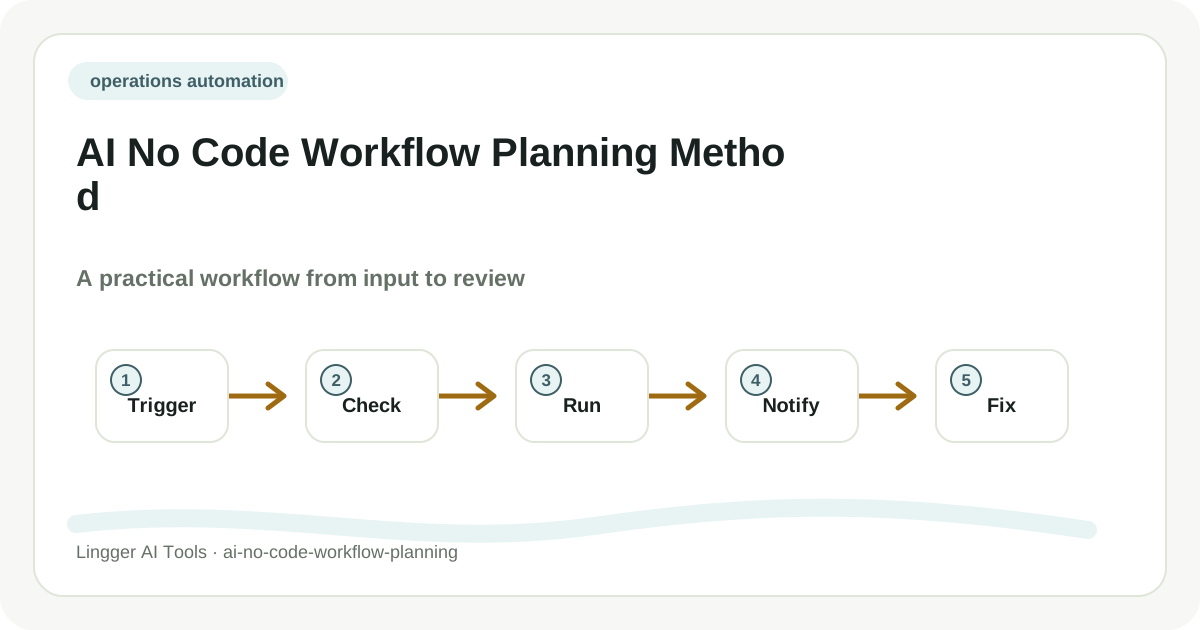
- Choose one intake source: website form, Calendly, email, Typeform, spreadsheet, or chat. Do not automate every channel at once.
- Define six required fields: source, contact, company, need, urgency, and owner.
- Use Zapier to write each new lead into Notion or a spreadsheet and send an alert.
- Use Make for branches such as enterprise priority, missing contact details, or partnership requests.
- Use AI to generate a summary, but mark it as draft and keep the raw input untouched.
- Review 10 leads every week and record where the automation saved time, made mistakes, or needs a human step earlier.
Prompt example
You are a sales operations assistant for a small team. Based on the raw lead below, create a follow-up summary.
Rules: do not invent pricing, promises, company facts, or intent. Keep uncertainty visible. Do not delete the original request.
Output fields: lead source, customer need, potential value, suggested next step, questions for human confirmation.
Raw lead: {form or email content}
This prompt can run in Notion AI, ChatGPT, or an AI step inside a workflow tool. The value is not fancy wording. The value is a clear handoff with no hidden assumptions.
Review and limits
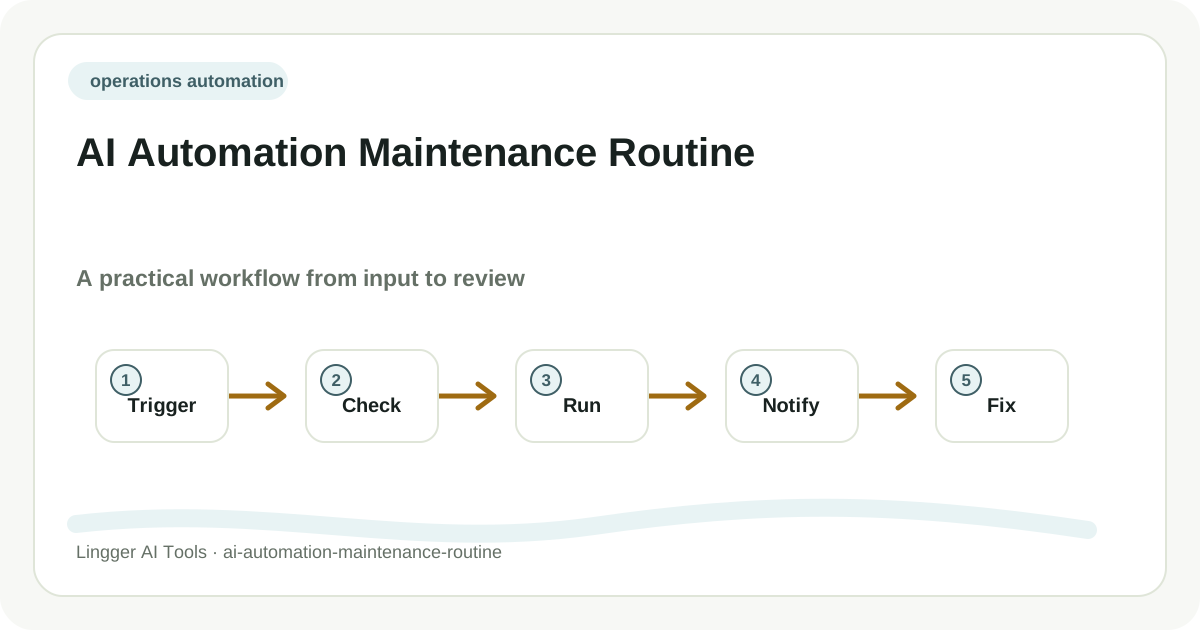
Before launch, test at least five cases: missing fields, duplicate submissions, invalid emails, no budget information, and obvious spam. Failure notifications should go to a fixed channel. Any AI output must stay linked to the raw input.
If you do not yet have a reliable content or acquisition channel, start with an AI content distribution plan or an AI marketing campaign brief. Lead automation is not a growth strategy by itself. It removes friction from a lead flow that already exists.