Why ChatGPT Teams admin sync matters
OpenAI has upgraded ChatGPT inside Microsoft Teams with admin-managed sync, and the real shift is not a new app surface but a clearer way for teams to define what the AI is allowed to read.
AI Use Case
Curated AI productivity tools for individuals and teams.
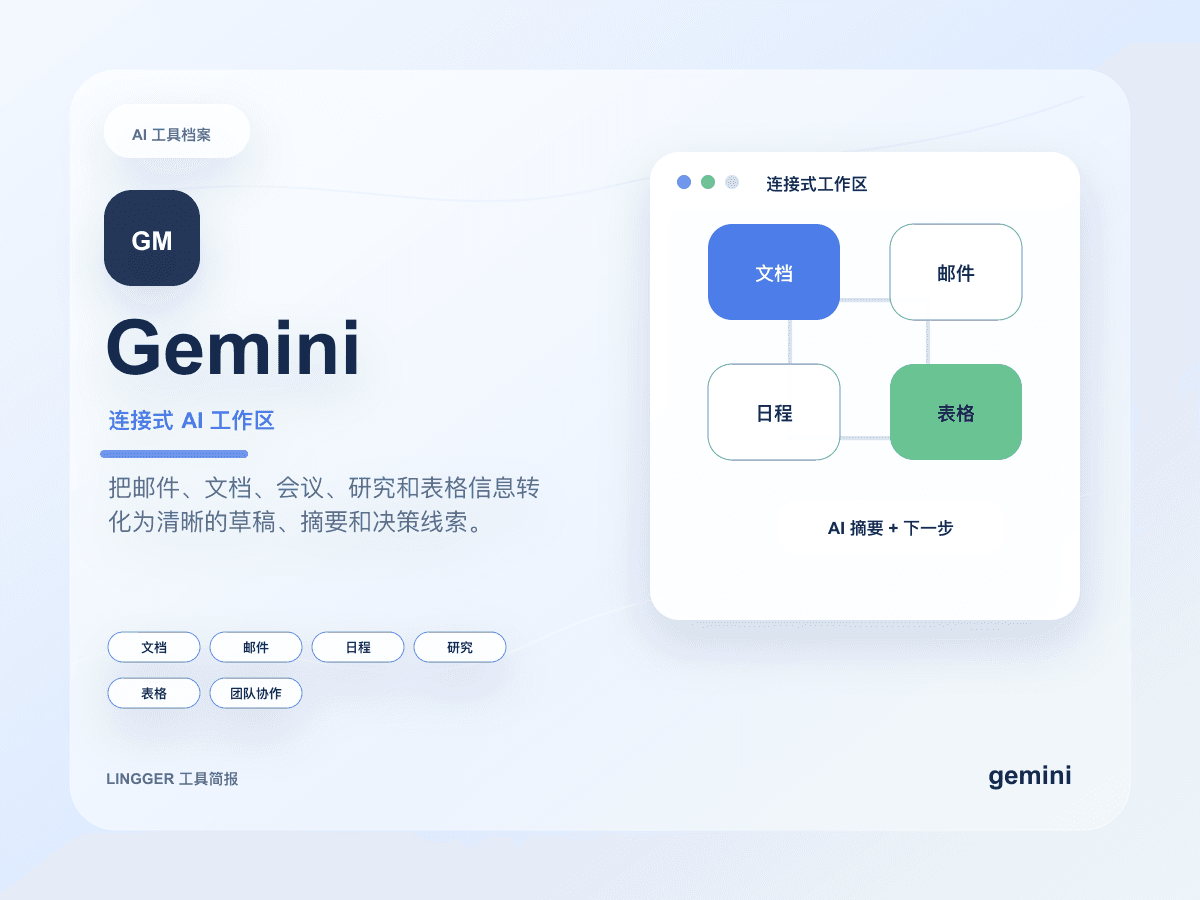
Google's AI assistant with search, document, and multimodal capabilities.
Create summaries, reply drafts, and task breakdowns inside Google documents, email, research material, and meeting context.
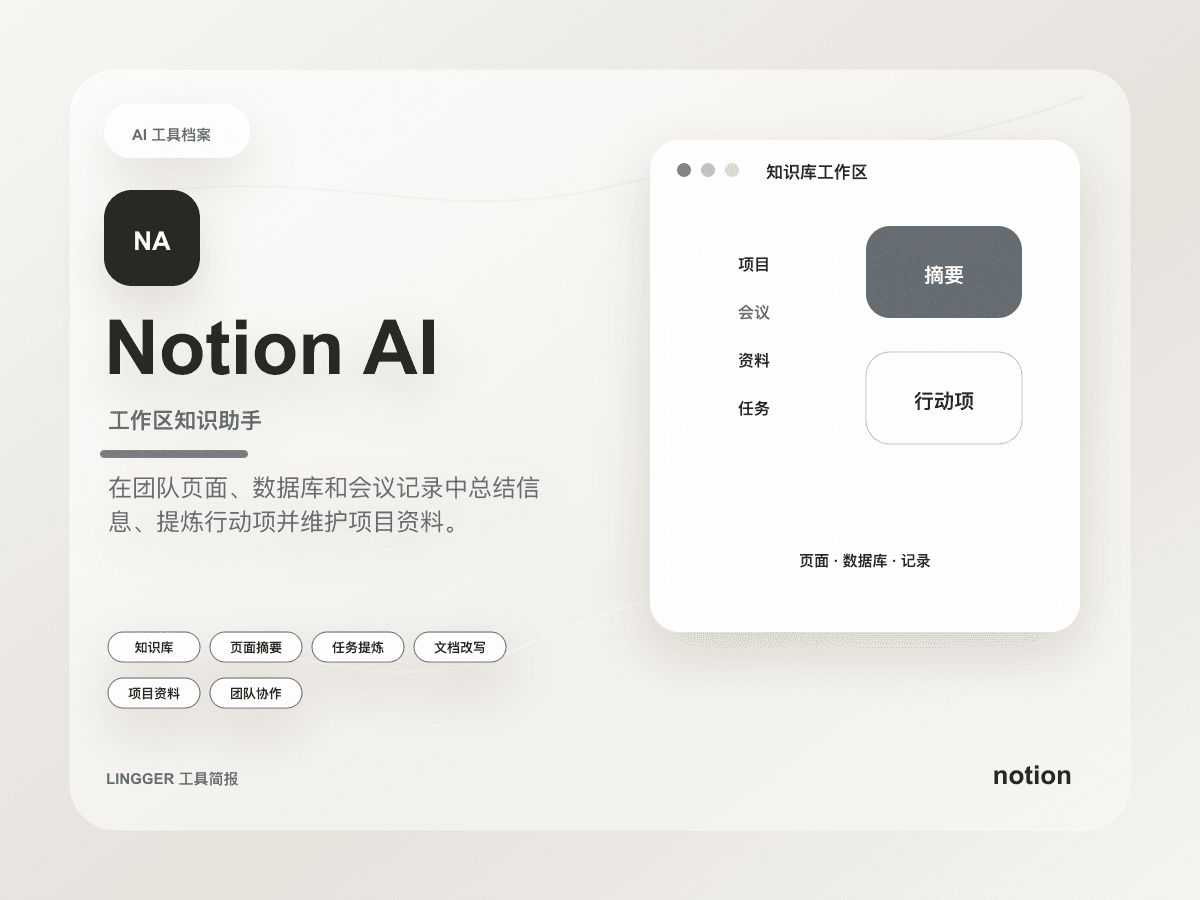
An AI document, knowledge base, and project assistant inside Notion workspaces.
OpenAI has upgraded ChatGPT inside Microsoft Teams with admin-managed sync, and the real shift is not a new app surface but a clearer way for teams to define what the AI is allowed to read.
Google updated both the Gemini app and Workspace, and the real story is not one feature at a time but Spark pushing always-on work agents into email, documents, and task flows.
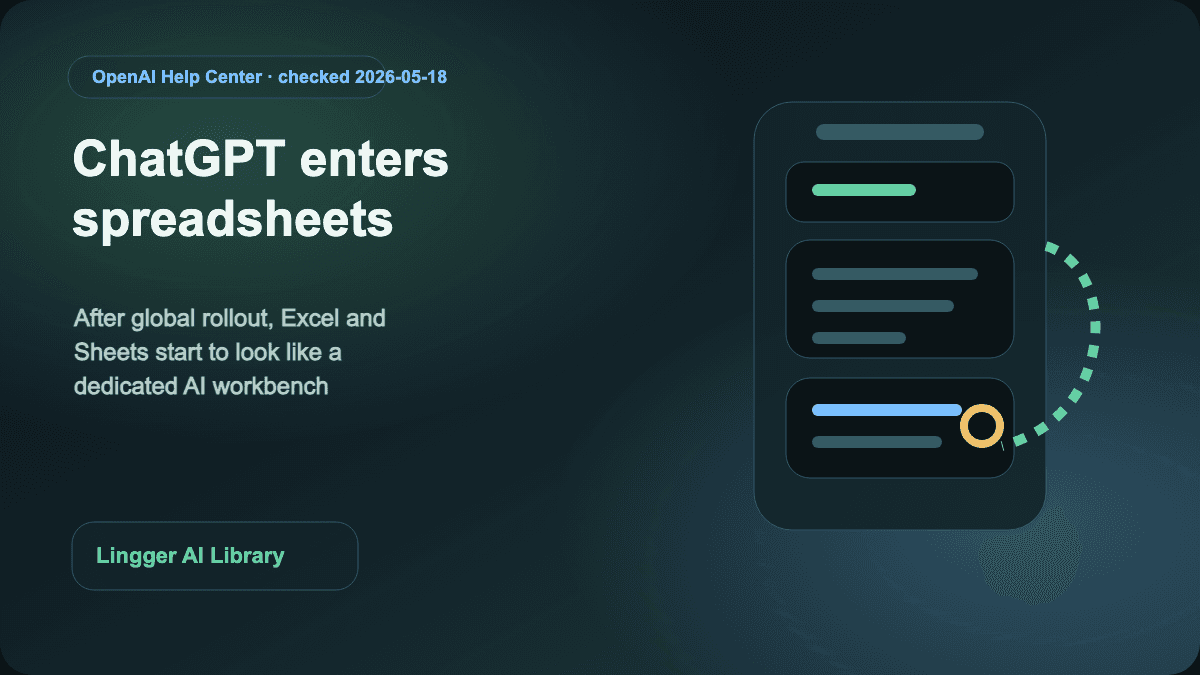
OpenAI has pushed ChatGPT for Excel and Google Sheets across global plans. The real shift is not another add-in, but a dedicated spreadsheet work surface with skills, apps, and enterprise controls.
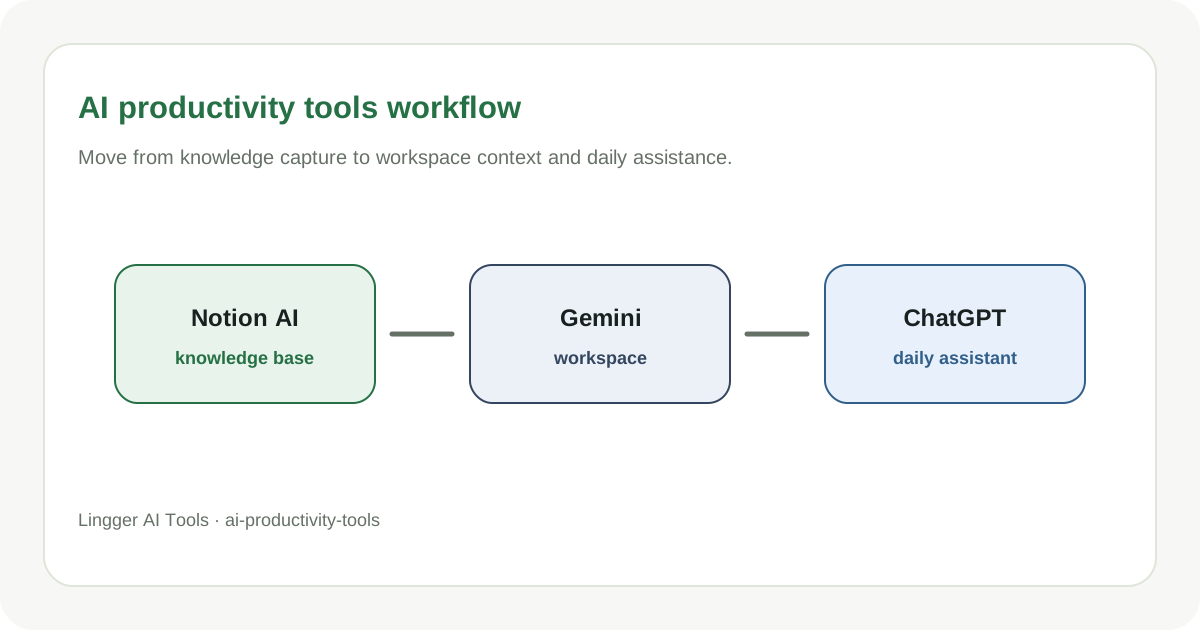
Curate AI productivity tools for documents, research, meetings, and knowledge management.
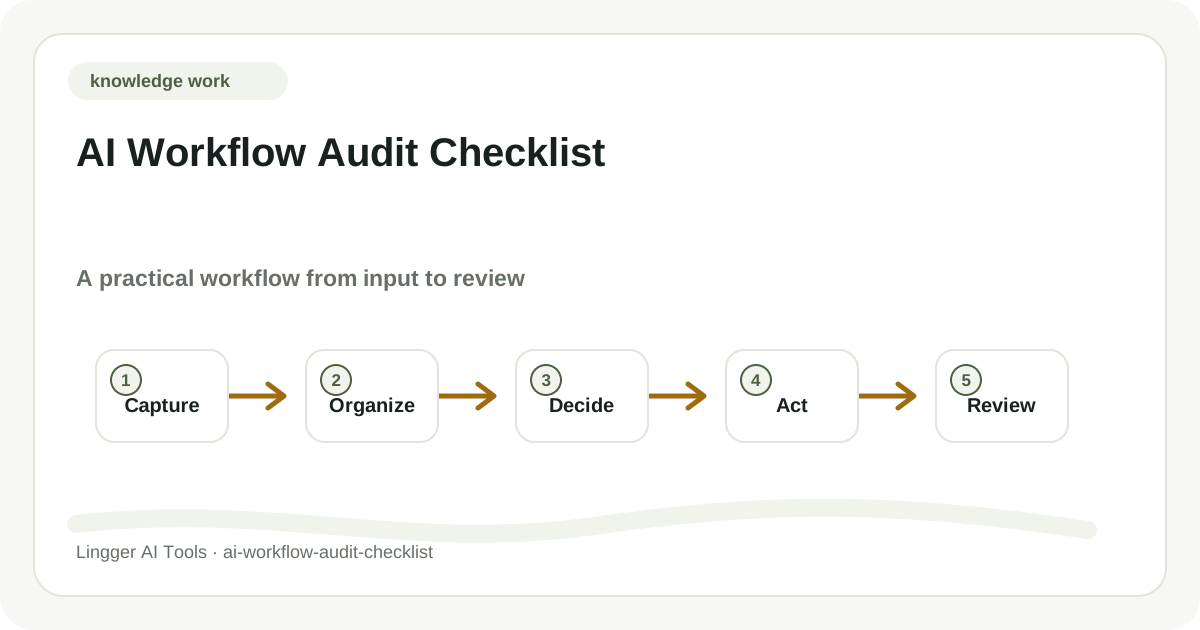
A practical guide to AI workflow audit checklist, with task boundaries, tool roles, review checks, and a workflow your team can actually try.
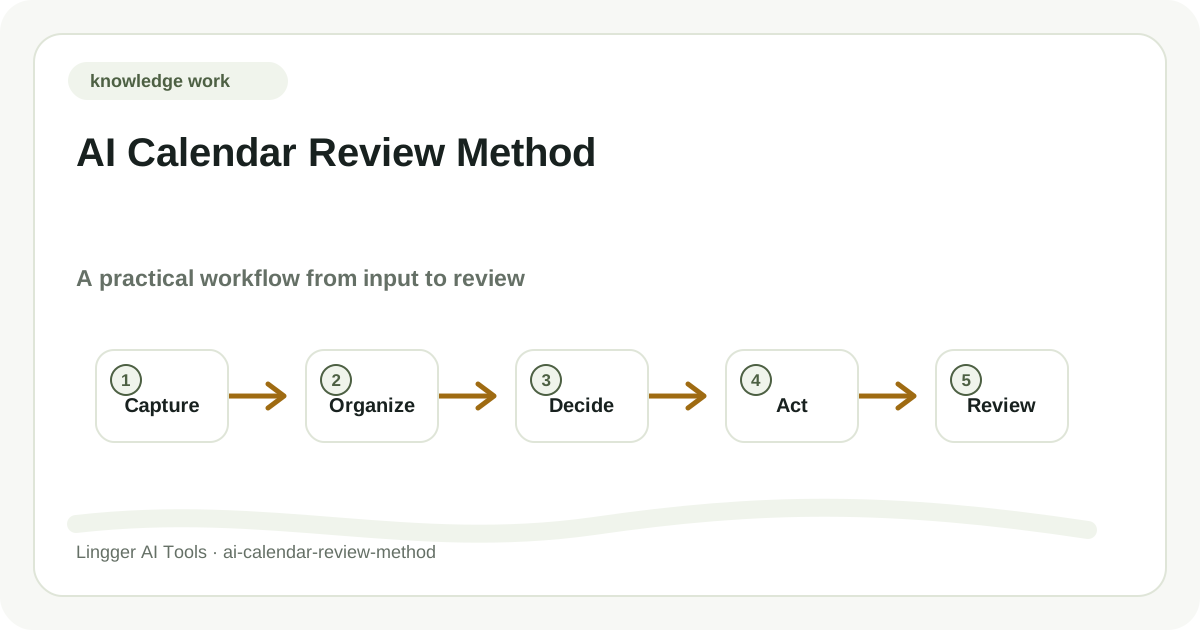
A practical guide to AI calendar review method, with task boundaries, tool roles, review checks, and a workflow your team can actually try.