ChatGPT
ChatGPT covers writing, coding, analysis, and multimodal conversation, making it a flexible assistant for individuals and teams.
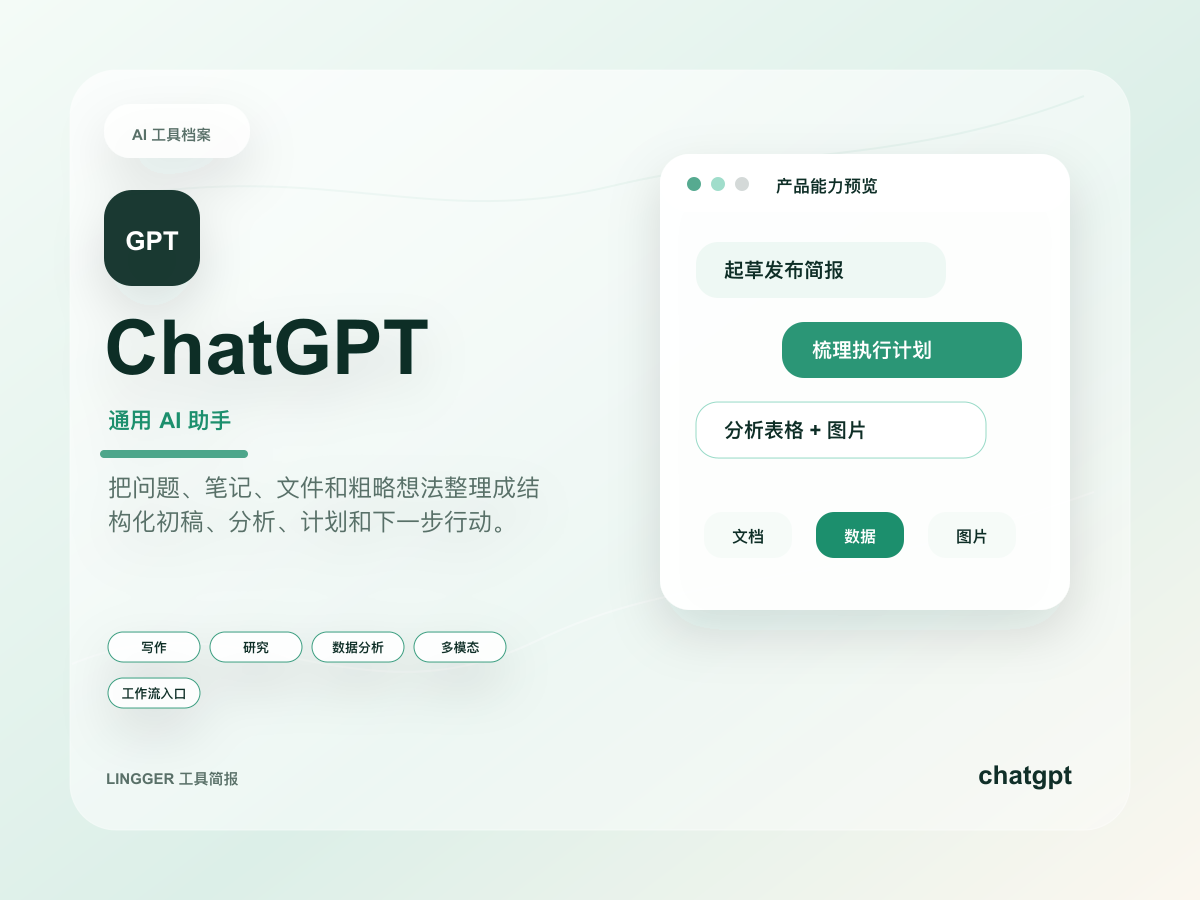
This site uses a text mark, restrained brand-color cues, and an original product brief cover to identify ChatGPT without using or imitating official trademark files.
Common use cases
- Turn scattered notes, meeting fragments, and research snippets into editable drafts, outlines, and action lists.
- Support operations, product work, study, and personal knowledge management with iterative Q&A and next-step planning.
- Switch between writing, light coding, spreadsheet analysis, and image understanding as a daily AI work entry point.
Getting started workflow
- Start with context, audience, output format, and factual boundaries instead of asking one broad question.
- Ask it to list assumptions, missing information, and a proposed structure before drafting or analysis begins.
- Review the output in three layers: facts, judgment, and wording, then verify critical facts against source material.
- Save reusable prompts and edited versions so the team builds a repeatable drafting and analysis workflow.
Pricing and plan notes
- The free tier is useful for light Q&A and product trials, but verify model, file, and advanced feature limits before real work.
- Paid tiers fit heavier writing, data analysis, multimodal work, and team collaboration, while entitlements can change over time.
- Before buying, check the official site for account type, team controls, data settings, and usage limits rather than relying on this directory label.
Copyable task templates
Turn a vague request into an execution plan
Context: We need to launch an AI tool review page for small teams within two weeks. Goal: increase detail-page clicks. First list five clarification questions, then propose the page structure, content modules, acceptance criteria, and risks.
Summarize material with fact checks
Context: The following text contains article excerpts and internal notes. Organize it into three columns: confirmed facts, claims to verify, and wording that can be used in a draft. Do not add facts that are not present, and attach each conclusion to its source clue.
Evaluation scores
Usability
5/5The entry point is clear and broad enough for new users to move from basic Q&A into documents, code, and multimodal tasks.
Output quality
4/5Drafting, rewriting, and structured outputs are strong, but important facts, citations, and expert judgment still need review.
Collaboration fit
4/5It supports shared prompts and team workflows, while actual controls depend on account and enterprise configuration.
Cost control
3/5The free tier is useful for trials, but heavy work usually moves into paid plans with changing usage limits.
Workflow fit
5/5It covers drafting, analysis, retrospectives, light coding, and learning, making it a strong general AI workflow hub.
Quick take
ChatGPT is a good fit for Creators and Students. Its main value is Broad use cases and Easy to start. If you need Writing or Chat assistant workflows, review the details before copying the official URL.
Decision summary
Best fit
Users who need one daily AI entry point for writing, research organization, light coding, and multimodal Q&A.
Caution
Research workflows that require every claim to include auditable sources by default.
Compare first
Compare Claude, Gemini, Perplexity before deciding.
Last reviewed
2026-05-09
Best for
- Users who need one daily AI entry point for writing, research organization, light coding, and multimodal Q&A.
- Teams turning rough ideas into outlines, drafts, checklists, or follow-up plans quickly.
- Groups building baseline workflows for prompts, knowledge work, and collaborative review.
Not ideal for
- Research workflows that require every claim to include auditable sources by default.
- Unreviewed legal, medical, financial, or production-code decisions.
- Single-purpose workflows already covered by a tighter domain-specific tool.
Decision notes
- This site only marks the pricing type as freemium; plan limits and model access change often, so verify the official site before buying.
- Compare Claude when long-form reasoning is the core job, and Perplexity when cited search is the core job.
- Use it as a drafting and analysis assistant with human review, source checks, and version control in the workflow.
Decision path
- Start by deciding whether the job needs general drafting, iterative analysis, light coding, or multimodal Q&A.
- Prioritize ChatGPT when you need the fastest general AI work entry point.
- For important outputs, keep source checks, human review, and version history in the workflow.
Compare alternatives
- Compared with Claude, Claude is stronger for long-form reasoning and stable prose, while ChatGPT is broader as a daily entry point.
- Compared with Gemini, Gemini fits Google ecosystem collaboration, while ChatGPT fits cross-workflow drafting and Q&A.
- Compared with Perplexity, Perplexity is stronger for cited search, while ChatGPT is stronger for generation, rewriting, and iteration.
Key features
- Broad use cases
- Easy to start
- Mature ecosystem
Best for
- Creators
- Students
- Knowledge workers
Pricing
- Freemium
Limitations
- Complex work still needs review
- Some advanced features require a paid plan
FAQ
Who is ChatGPT best for?
ChatGPT is best for Creators, Students, Knowledge workers.
Is ChatGPT free?
ChatGPT is marked as Freemium on this site. Check the official site for current plans and limits.
What are the best alternatives to ChatGPT?
Compare Claude, Gemini, Perplexity; each covers a different workflow in the same category.
Ready to try ChatGPT?
Review fit, limitations, and alternatives before copying the official URL for current plans.
Alternatives
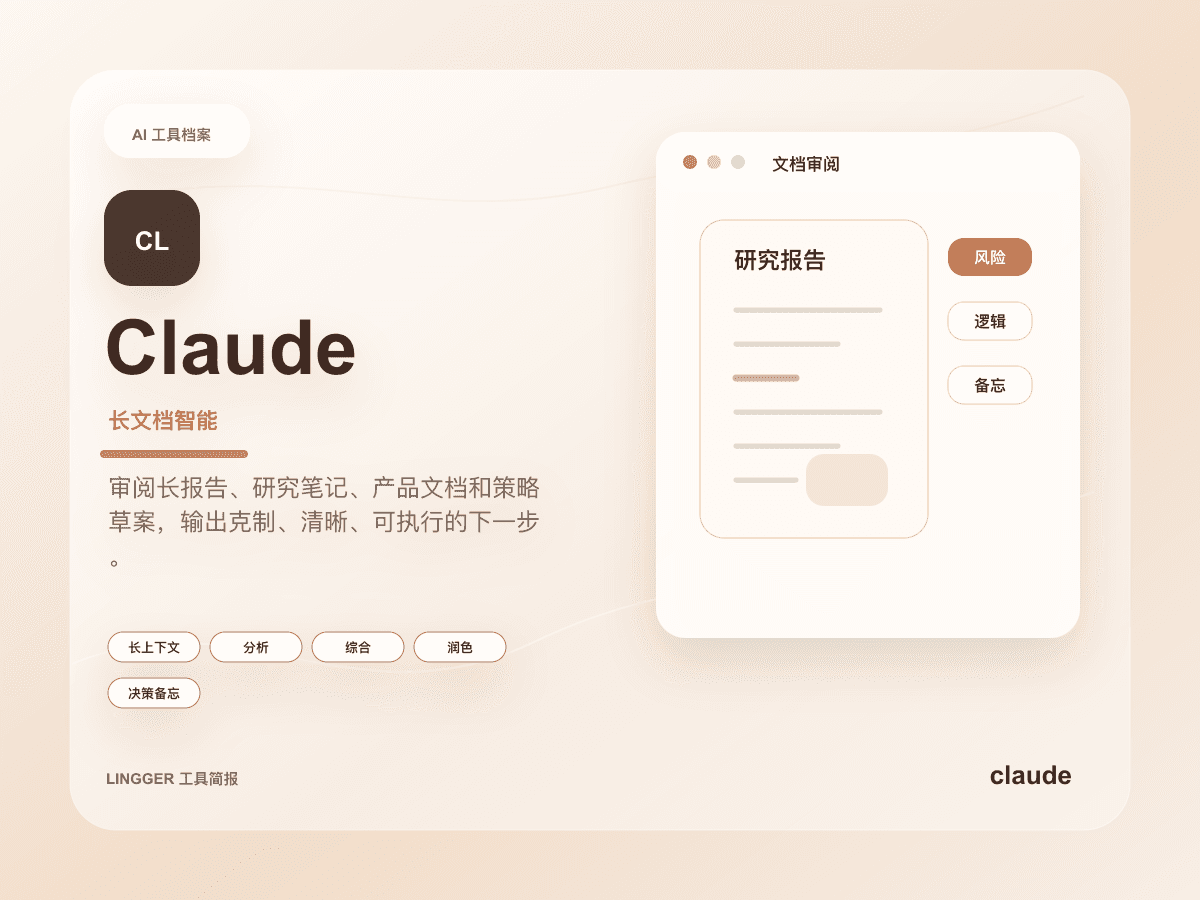
Claude
An AI assistant strong at long-context understanding, writing polish, and complex task breakdowns.
Read long documents, interview notes, product specs, or research material and turn them into clear judgments, risks, and actions.
- Best for
- ResearchersEditors
- Why consider it
- Strong long-context workNatural writing
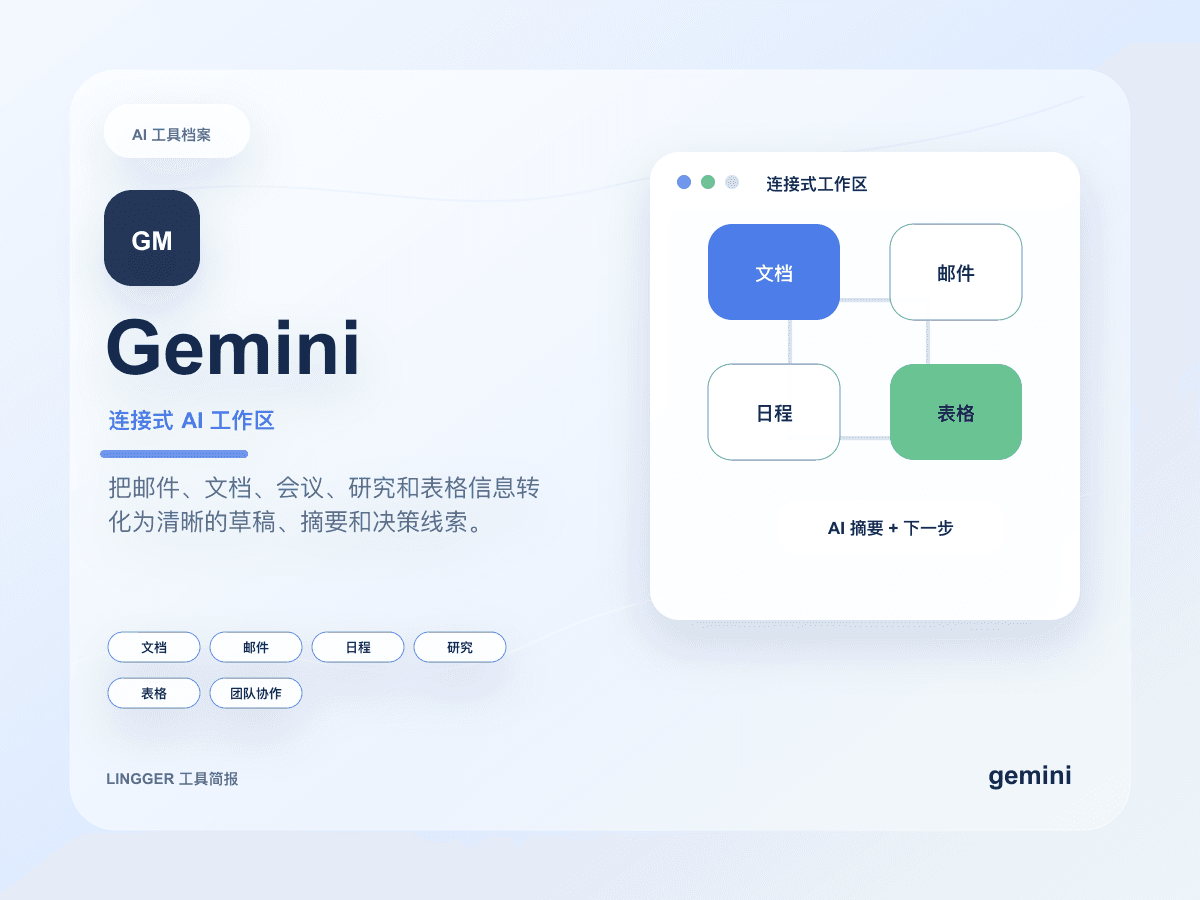
Gemini
Google's AI assistant with search, document, and multimodal capabilities.
Create summaries, reply drafts, and task breakdowns inside Google documents, email, research material, and meeting context.
- Best for
- Google Workspace usersStudents
- Why consider it
- Good ecosystem integrationStrong multimodal features
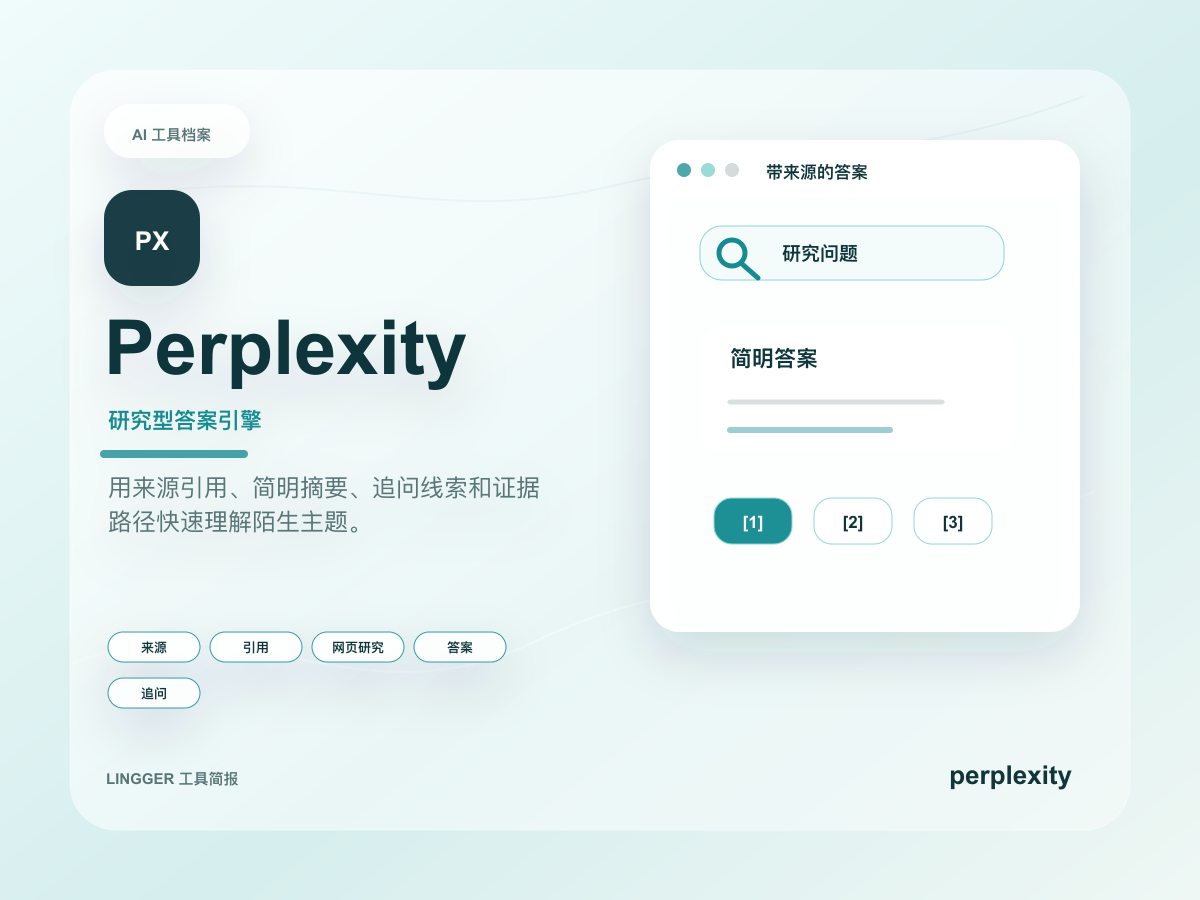
Perplexity
An AI research tool focused on search answers and source citations.
Understand an unfamiliar topic quickly by collecting public sources, key viewpoints, and follow-up questions.
- Best for
- ResearchersSEO professionals
- Why consider it
- Transparent sourcesFast search flow
Related posts
ChatGPT vs Claude: How to Choose
Compare ChatGPT and Claude for writing, long documents, research, coding, and team workflows.
What really matters about ChatGPT's personal finance preview
OpenAI launched the ChatGPT personal finance preview on May 15, 2026. The real signal is not AI budgeting, but a general assistant turning into a controlled vertical workflow product.
How to read ChatGPT inside Excel and Google Sheets
OpenAI has pushed ChatGPT for Excel and Google Sheets across global plans. The real shift is not another add-in, but a dedicated spreadsheet work surface with skills, apps, and enterprise controls.
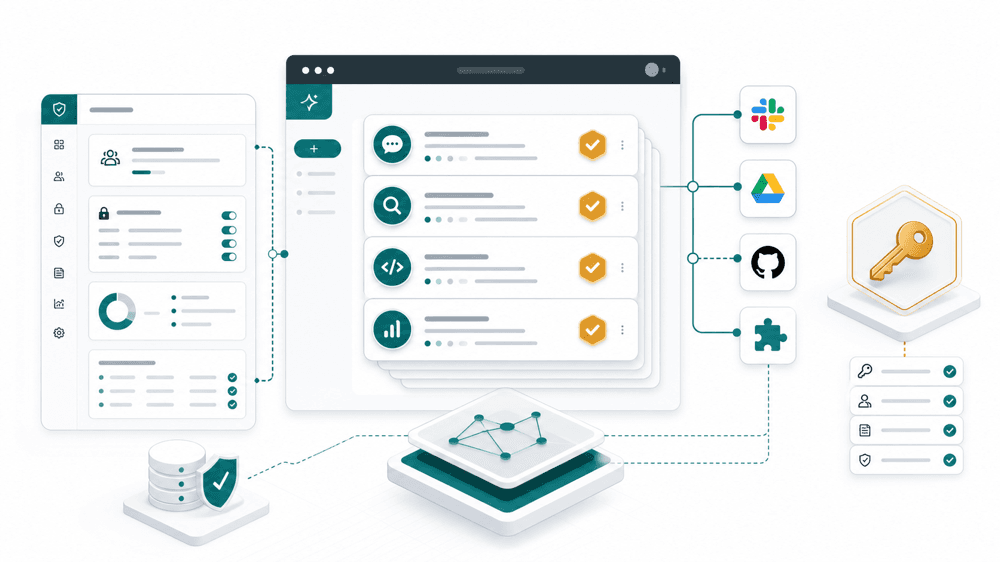
ChatGPT workspace agents finally look more like an enterprise tool
OpenAI has moved workspace agents beyond a research-style preview by adding EKM and admin controls, making the product feel much closer to a real enterprise pilot layer.