GitHub Copilot
GitHub Copilot helps complete code, generate tests, explain snippets, and fit into common team development environments.
Quick take
GitHub Copilot is a good fit for Engineering teams and Backend developers. Its main value is Mature ecosystem integration and Wide editor support. If you need Code completion or GitHub workflows, review the details before copying the official URL.
Decision summary
Best fit
Engineering teams already using GitHub, mainstream editors, and code review who want low-friction AI completion.
Caution
Workflows that expect an AI editor to deeply understand the project and execute broad multi-file changes.
Compare first
Compare ChatGPT, Claude, Cursor before deciding.
Last reviewed
2026-05-09
Best for
- Engineering teams already using GitHub, mainstream editors, and code review who want low-friction AI completion.
- Developers speeding up daily coding, test generation, snippet explanation, and repetitive boilerplate.
- Teams that do not want to switch IDEs but want AI suggestions inside existing repos, PRs, and conventions.
Not ideal for
- Workflows that expect an AI editor to deeply understand the project and execute broad multi-file changes.
- Teams without tests, review, or release gates that expect generated code to go straight to production.
- General collaboration needs around planning, product copy, research reports, or non-code work.
Decision notes
- Copilot's strength is fitting into existing developer environments; review official product details, org controls, and code-use policies before buying.
- Compare Cursor if the team is willing to move into an AI-native editor; pair Claude or ChatGPT for complex planning.
- Treat generated code like any other contribution: require tests, review, license checks, and team coding standards.
Key features
- Mature ecosystem integration
- Wide editor support
- Useful daily completions
Best for
- Engineering teams
- Backend developers
- Open-source maintainers
Pricing
- Paid
Limitations
- Complex architecture still needs human design
- Generated code needs review
FAQ
Who is GitHub Copilot best for?
GitHub Copilot is best for Engineering teams, Backend developers, Open-source maintainers.
Is GitHub Copilot free?
GitHub Copilot is marked as Paid on this site. Check the official site for current plans and limits.
What are the best alternatives to GitHub Copilot?
Compare ChatGPT, Claude, Cursor; each covers a different workflow in the same category.
Ready to try GitHub Copilot?
Review fit, limitations, and alternatives before copying the official URL for current plans.
Alternatives
ChatGPT
A general AI assistant for writing, research, brainstorming, and everyday questions.
Turn scattered notes, meeting fragments, and research snippets into editable drafts, outlines, and action lists.
- Best for
- CreatorsStudents
- Why consider it
- Broad use casesEasy to start

Claude
An AI assistant strong at long-context understanding, writing polish, and complex task breakdowns.
Read long documents, interview notes, product specs, or research material and turn them into clear judgments, risks, and actions.
- Best for
- ResearchersEditors
- Why consider it
- Strong long-context workNatural writing
Cursor
An AI-native code editor designed for project-level development workflows.
Understand modules, generate patches, explain errors, and assist multi-file refactors inside a real codebase.
- Best for
- Indie developersFrontend engineers
- Why consider it
- Strong project awarenessSmooth editing flow
Related posts
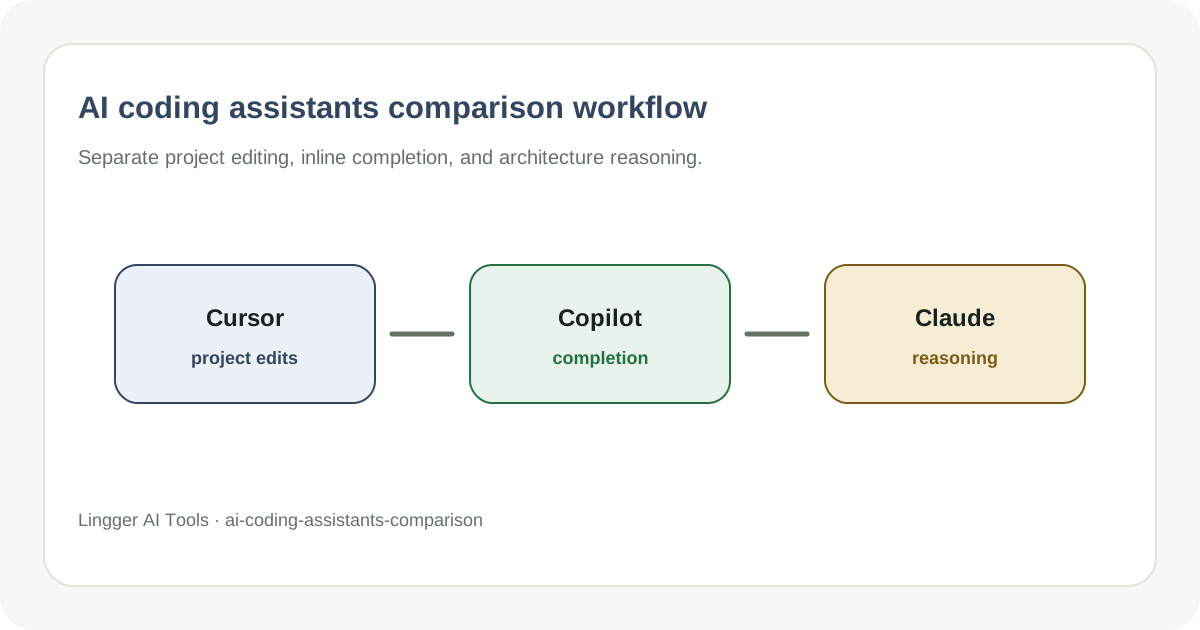
AI Coding Assistants Compared: Cursor and GitHub Copilot
Compare AI coding assistants by project context, editing flow, and team integration.
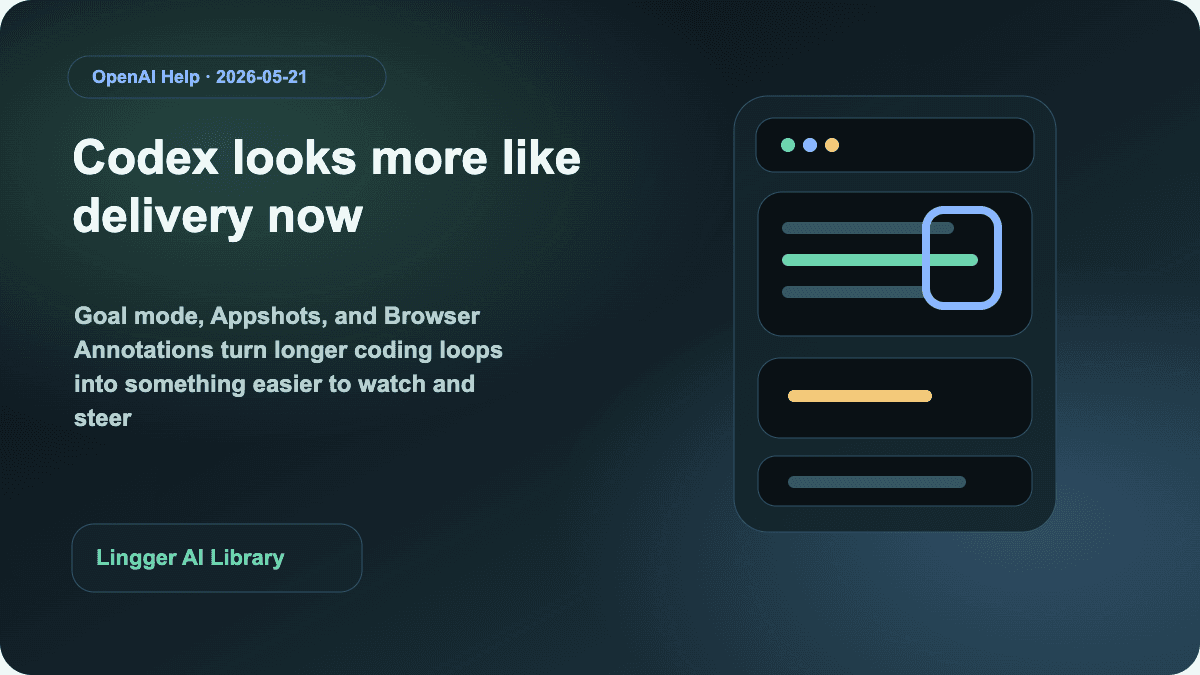
Why this Codex Updates round matters for coding-agent teams now
OpenAI's May 21, 2026 Codex Updates links Goal mode, Appshots, Browser Annotations, and locked computer use into a more complete long-running delivery loop.
Why WildClawBench matters more than another coding-agent rank
WildClawBench evaluates coding agents on 60 real long-horizon tasks and then re-runs those tasks across multiple harnesses, which is exactly why teams should stop treating the model name as the whole answer.
Google is pushing its agent dev stack into native Android apps
At I/O 2026, Google connected Antigravity 2.0, the CLI, Gemini API managed agents, and AI Studio native Android development into one real workflow.