Cursor
Cursor reads project context, suggests edits, and helps refactor code for fast-moving developers.

This site uses a text mark, restrained brand-color cues, and an original product brief cover to identify Cursor without using or imitating official trademark files.
Common use cases
- Understand modules, generate patches, explain errors, and assist multi-file refactors inside a real codebase.
- Turn product requirements into frontend components, backend endpoints, tests, and pre-commit review checklists.
- Help new team members explore an unfamiliar repository by asking about call paths, data structures, and risks.
Getting started workflow
- Ask Cursor to inspect the relevant repository files and tests first, state that unrelated modules must stay untouched, and name the expected verification commands.
- Have it produce a plan, affected files, and risks before generating code patches in small steps.
- After each patch, run the matching tests, lint, or type checks, and diagnose failures before continuing.
- Before commit, review the diff manually for accidental edits, unrelated formatting, and unverified logic branches.
Pricing and plan notes
- Free or trial access is enough to evaluate code understanding, completions, and chat flow, while real repository work usually needs higher usage capacity.
- Individual, team, and enterprise plans affect model capacity, privacy settings, administration, and collaboration, so official details should be checked.
- Include test runs, code review, and rollback effort in the total cost instead of judging only by the subscription label.
Copyable task templates
Repository understanding and change plan
Inspect the files and tests related to this feature first, without modifying code. Return the call path, key data structures, risks, and the smallest change plan. Each step must list files to edit and verification commands.
Pre-patch review
Review the current diff and identify possible regressions, missing tests, unrelated edits, and readability issues. Sort findings by severity and provide directly executable fix steps.
Evaluation scores
Usability
4/5It feels natural for developers, but strong results depend on clear task boundaries, verification commands, and repository context.
Output quality
4/5Code generation and explanation are efficient, while complex refactors still need human design review and diff inspection.
Collaboration fit
4/5It can standardize coding-assistant workflows for teams, though permissions, privacy, and model policy need organization-level setup.
Cost control
3/5Real projects can consume advanced capacity quickly, so cost needs to include test and review effort.
Workflow fit
5/5Because it lives in the IDE and repository, it is one of the coding tools closest to real delivery workflows.
Quick take
Cursor is a good fit for Indie developers and Frontend engineers. Its main value is Strong project awareness and Smooth editing flow. If you need Code editor or Project context workflows, review the details before copying the official URL.
Decision summary
Best fit
Developers who want AI to understand project files, make multi-file edits, generate tests, and support refactors.
Caution
Organizations that cannot move editors, plugin ecosystems, or team development conventions.
Compare first
Compare ChatGPT, Claude, GitHub Copilot before deciding.
Last reviewed
2026-05-09
Best for
- Developers who want AI to understand project files, make multi-file edits, generate tests, and support refactors.
- Small teams prototyping, fixing bugs, explaining unfamiliar codebases, or turning requirements into code changes.
- Engineering teams willing to route AI edits through review, tests, and version control.
Not ideal for
- Organizations that cannot move editors, plugin ecosystems, or team development conventions.
- Processes expecting AI to own architecture decisions, acceptance criteria, and production release responsibility.
- Environments where the codebase cannot enter a local editor context or third-party developer tools are tightly restricted.
Decision notes
- This site only marks the pricing type as freemium; verify Hobby, Pro, Teams, Enterprise, and usage rules on the official site.
- Cursor's value comes from project context and editing flow, so pair it with unit tests, lint, builds, and human review.
- If the team is deeply tied to another IDE, compare migration cost with GitHub Copilot; use ChatGPT or Claude for complex planning.
Decision path
- First confirm whether the team is ready to move project code into an AI editor workflow.
- Prioritize Cursor when multi-file edits, project-level Q&A, and fast refactoring matter.
- Before adopting it, make tests, lint, builds, and code review part of the acceptance path.
Compare alternatives
- Compared with GitHub Copilot, Copilot fits existing editors more easily, while Cursor emphasizes project context and edit loops.
- Compared with ChatGPT, ChatGPT fits standalone planning and explanation, while Cursor fits direct codebase edits.
- Compared with Claude, Claude is stronger for complex reasoning, while Cursor is stronger for turning plans into multi-file changes.
Key features
- Strong project awareness
- Smooth editing flow
- Good for fast iteration
Best for
- Indie developers
- Frontend engineers
- Startup teams
Pricing
- Freemium
Limitations
- Large edits still need review
- Team conventions need guardrails
FAQ
Who is Cursor best for?
Cursor is best for Indie developers, Frontend engineers, Startup teams.
Is Cursor free?
Cursor is marked as Freemium on this site. Check the official site for current plans and limits.
What are the best alternatives to Cursor?
Compare ChatGPT, Claude, GitHub Copilot; each covers a different workflow in the same category.
Ready to try Cursor?
Review fit, limitations, and alternatives before copying the official URL for current plans.
Alternatives

ChatGPT
A general AI assistant for writing, research, brainstorming, and everyday questions.
Turn scattered notes, meeting fragments, and research snippets into editable drafts, outlines, and action lists.
- Best for
- CreatorsStudents
- Why consider it
- Broad use casesEasy to start

Claude
An AI assistant strong at long-context understanding, writing polish, and complex task breakdowns.
Read long documents, interview notes, product specs, or research material and turn them into clear judgments, risks, and actions.
- Best for
- ResearchersEditors
- Why consider it
- Strong long-context workNatural writing
GitHub Copilot
An AI coding assistant for popular editors and GitHub workflows.
- Best for
- Engineering teamsBackend developers
- Why consider it
- Mature ecosystem integrationWide editor support
Related posts
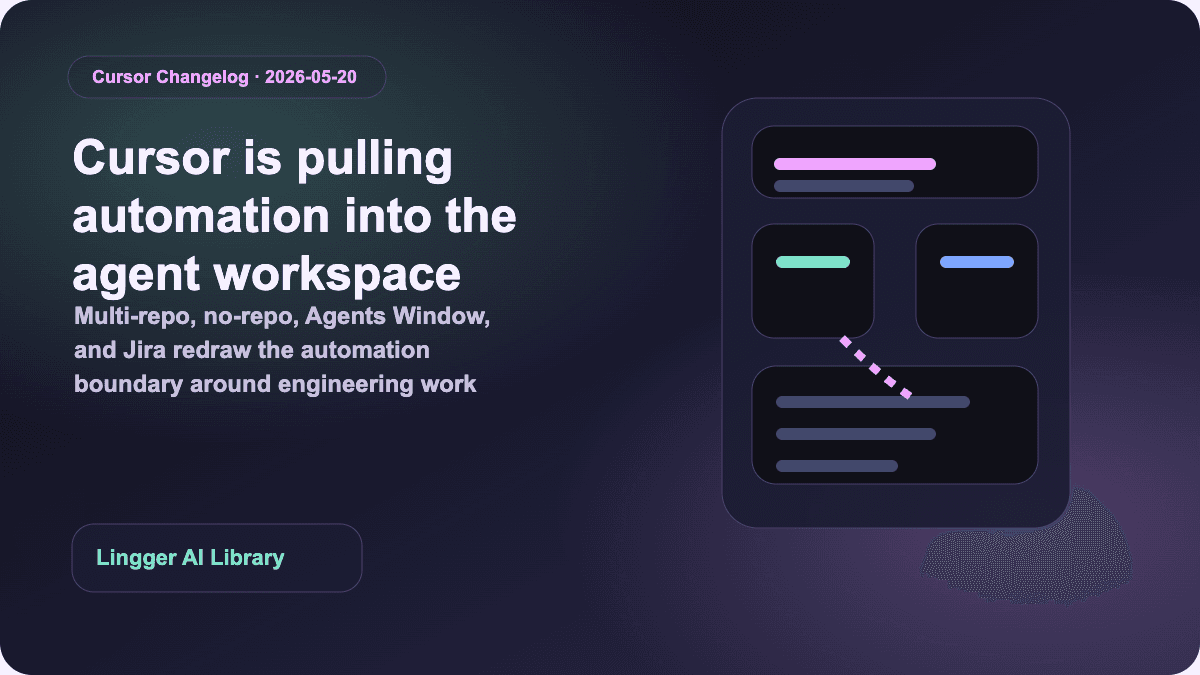
Why Cursor Automations 3.5 changes the team-automation boundary
Cursor's May 20, 2026 Automations 3.5 update pulls multi-repo, no-repo, Agents Window, Jira, and MCP image support into something much closer to a team automation layer.
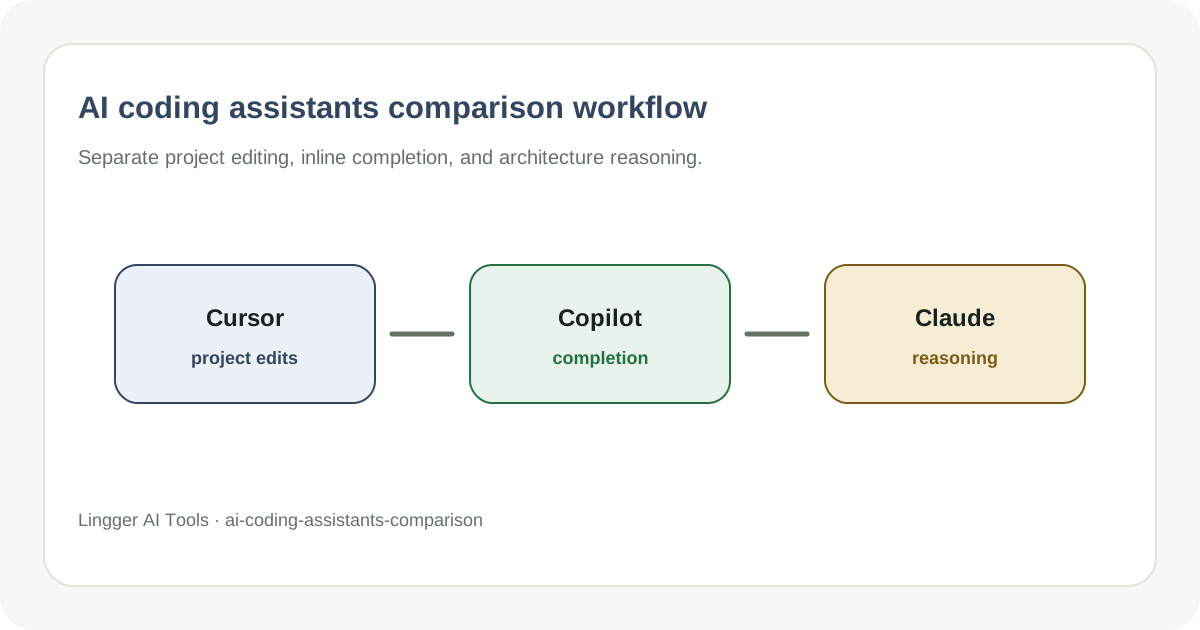
AI Coding Assistants Compared: Cursor and GitHub Copilot
Compare AI coding assistants by project context, editing flow, and team integration.
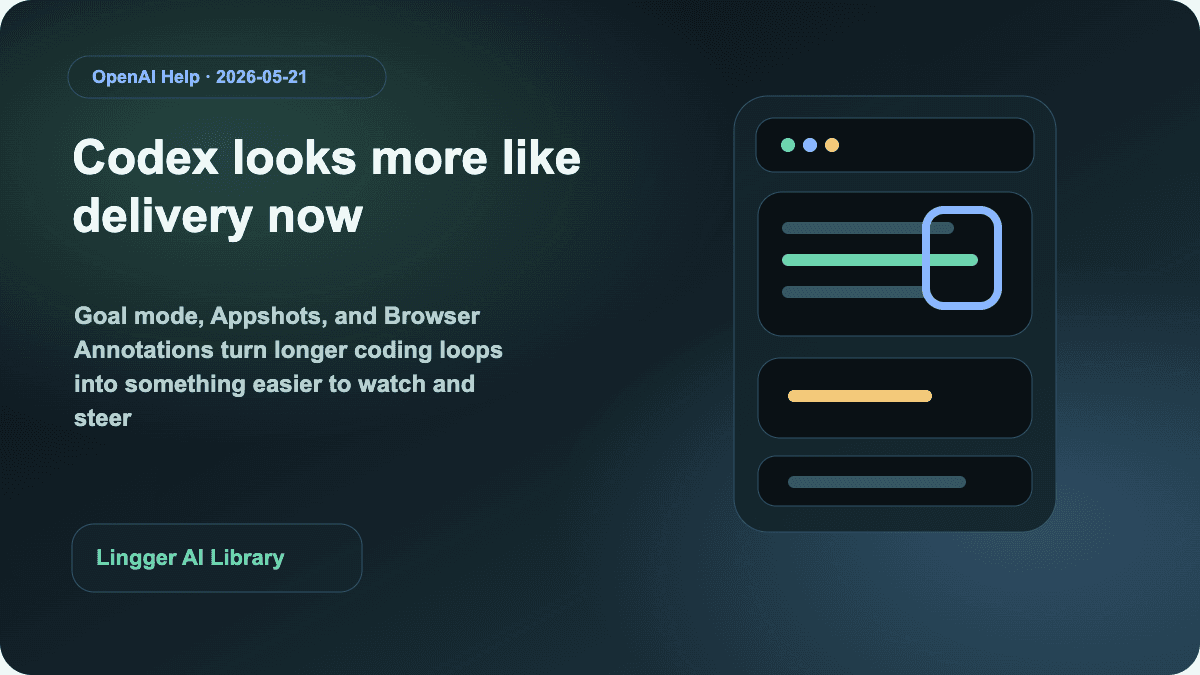
Why this Codex Updates round matters for coding-agent teams now
OpenAI's May 21, 2026 Codex Updates links Goal mode, Appshots, Browser Annotations, and locked computer use into a more complete long-running delivery loop.
Why WildClawBench matters more than another coding-agent rank
WildClawBench evaluates coding agents on 60 real long-horizon tasks and then re-runs those tasks across multiple harnesses, which is exactly why teams should stop treating the model name as the whole answer.