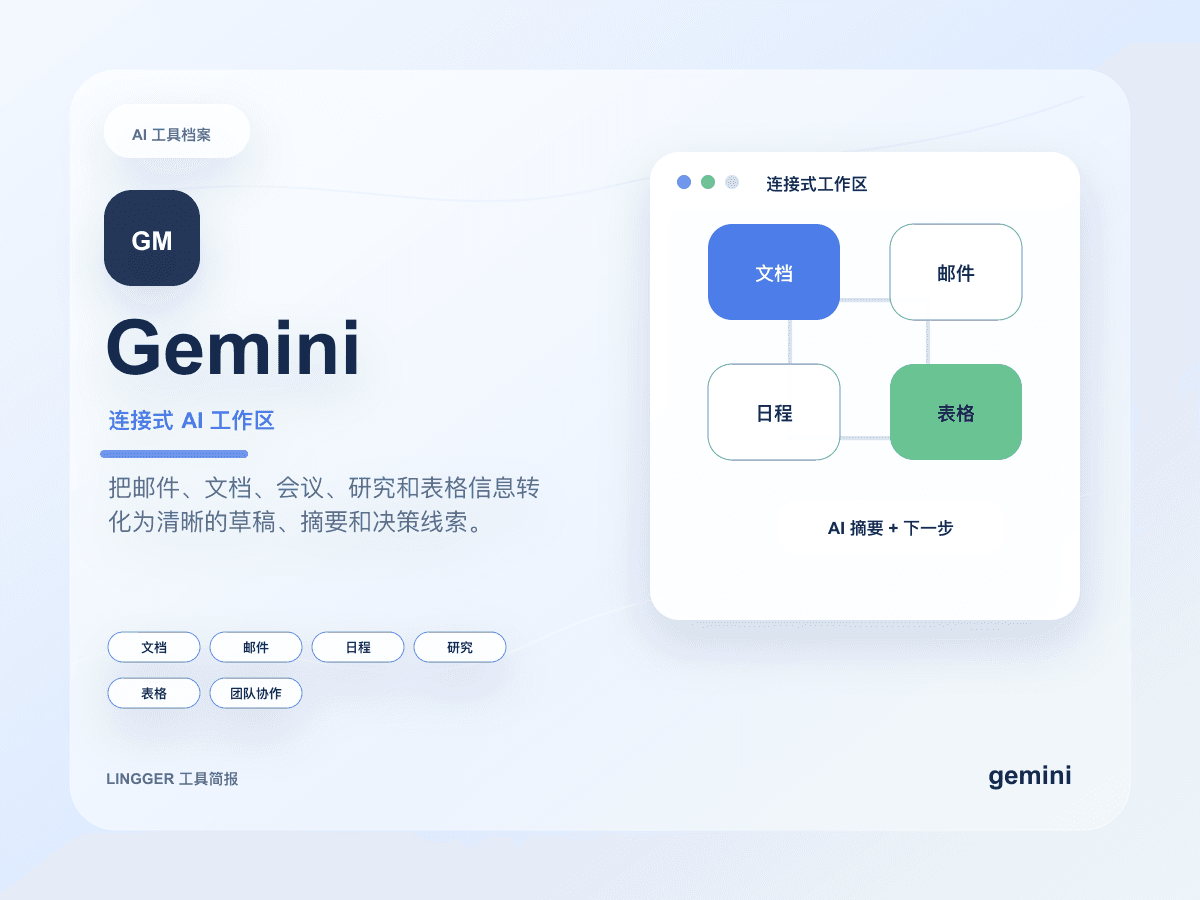
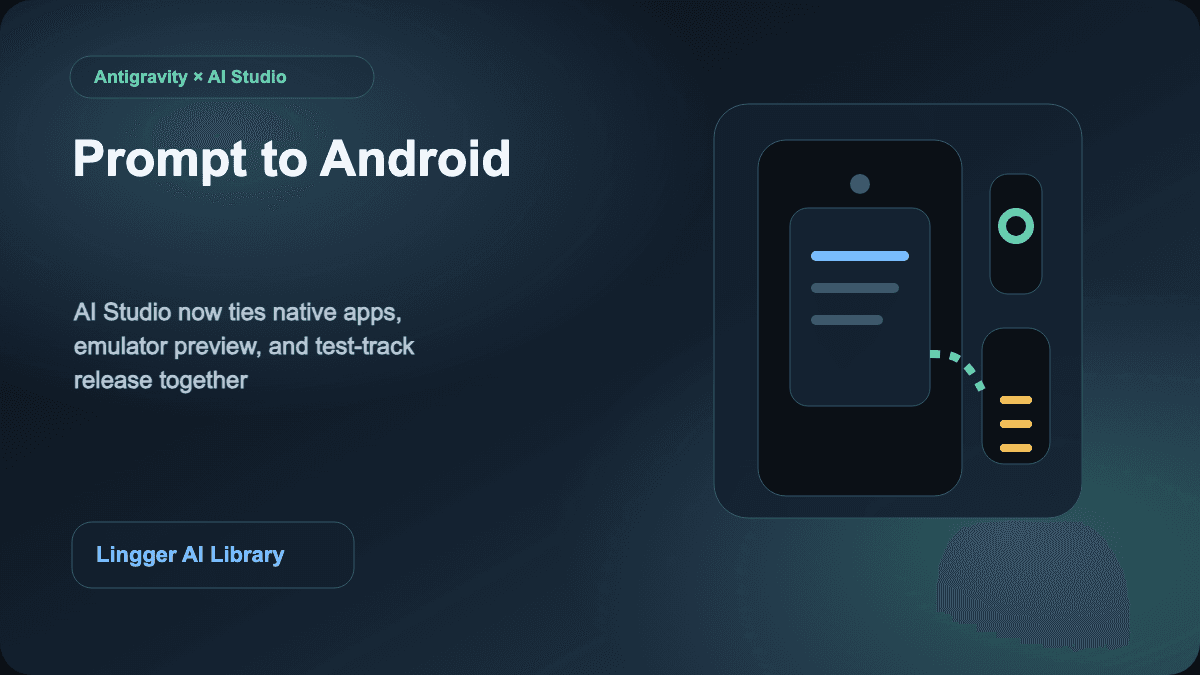
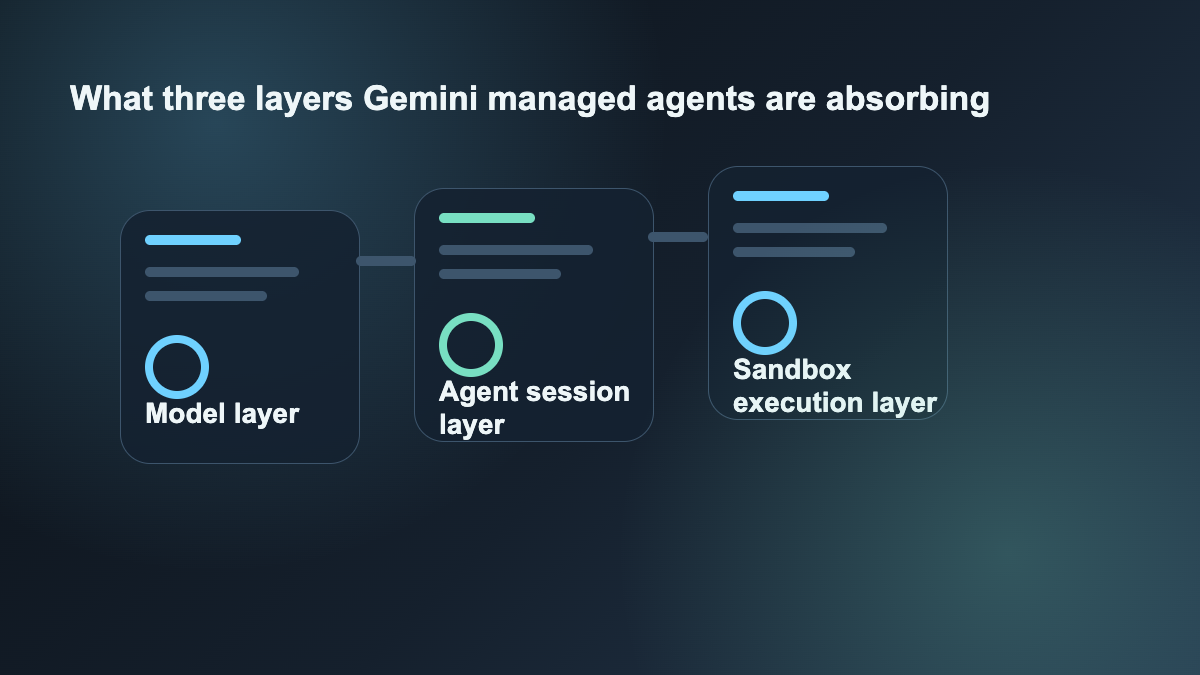
Google published Introducing Managed Agents in the Gemini API on May 19, 2026. The important part is not simply that Gemini now has an agent entry point. The more important part is that Google is packaging together several layers teams usually have to assemble themselves: a hosted runtime, isolated sandboxes, stateful sessions, browsing, code execution, and agent-specific configuration files such as AGENTS.md and SKILL.md.
That matters for the audience of this site because many so-called AI agent decisions are not really about model quality alone. They are about how much environment glue, state handling, failure recovery, and operational scaffolding a team is willing to own. Google is not only selling a smarter model here. It is moving toward a more complete agent platform.
What actually changed
The official announcement bundles a set of concrete pieces:
- Managed Agents now sit inside the Gemini API and appear in Google AI Studio templates.
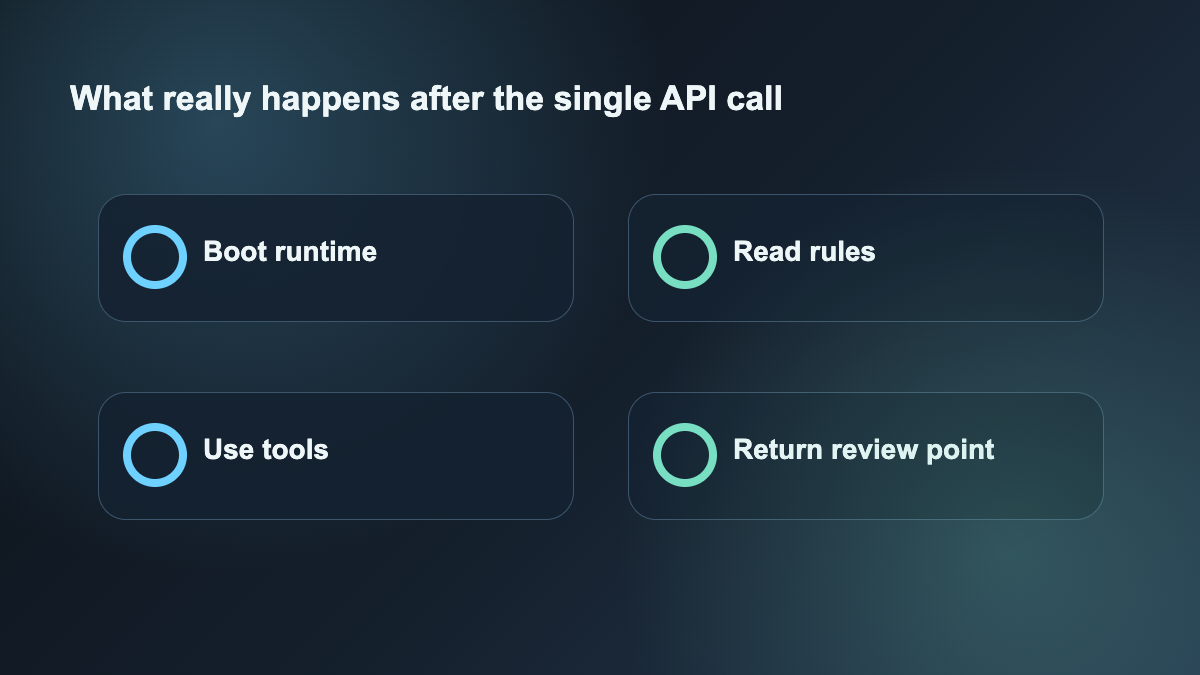
- Agents run inside an isolated Linux runtime with browsing and code execution.
- The experience is stateful rather than a one-shot text completion.
- Google explicitly ties the feature to Gemini 3.5 Flash and Antigravity.
- Teams can define behavior and reusable constraints through
AGENTS.mdandSKILL.mdinstead of burying everything in giant prompts. - Google also references an Enterprise Agent Platform private preview, which signals that this is not only a hobbyist feature.
Taken together, this is much more than one new SDK method. Google is trying to pull some of the heaviest agent infrastructure concerns up into the platform layer.
Why this is different from “one more agent SDK”
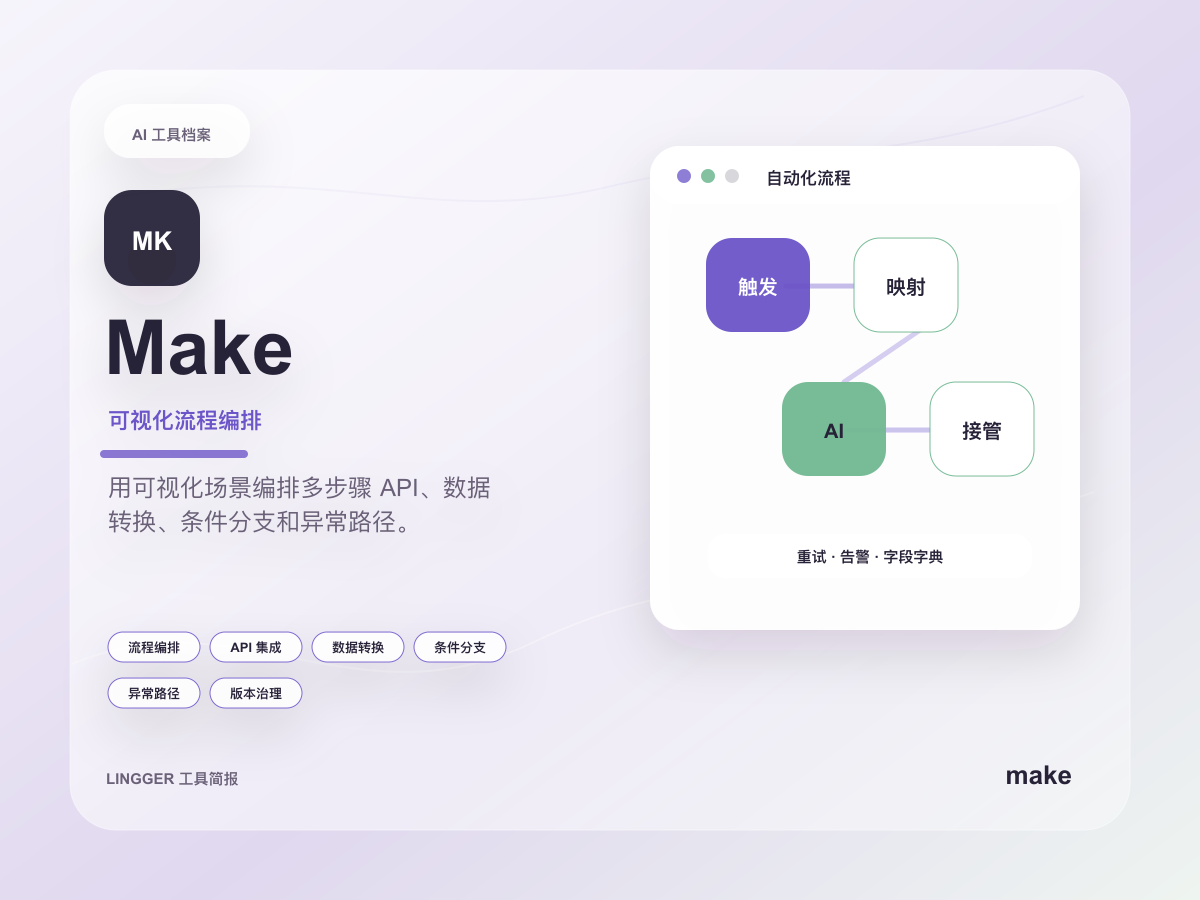
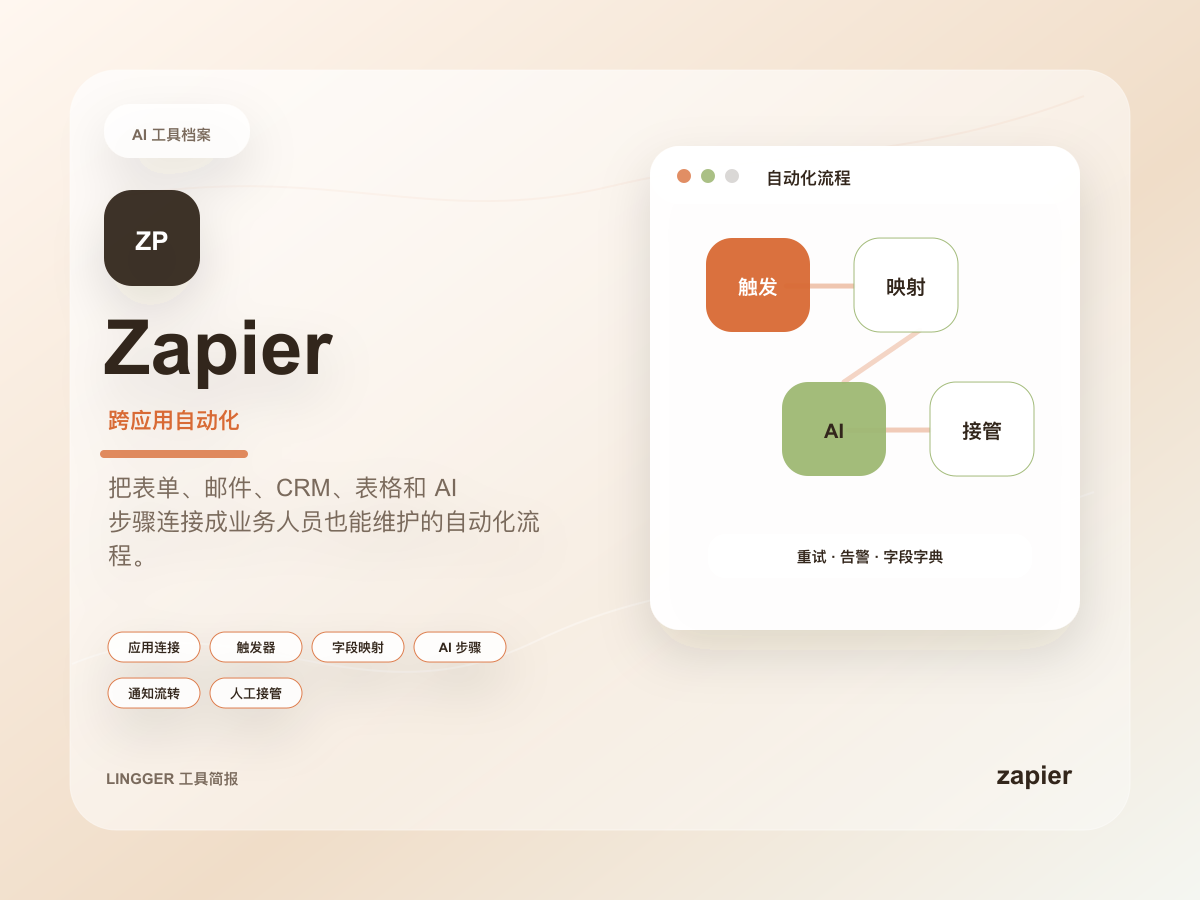
Many teams already know how to wire Zapier or Make into a workflow. Others already have internal code that lets a model call tools, read files, or run scripts. But those two paths have different trade-offs. Low-code workflow tools are strong at triggers, field mapping, and stable action chains. Custom agent frameworks give more control, but the team then owns runtime, session handling, observability, retries, and recovery.
Managed agents in the Gemini API are aimed at the painful middle. The pitch is simple: spend less time building the agent shell and more time defining task boundaries, evaluation, approvals, and rollout rules.
That is why this topic is closer to our recent Anthropic acquires Stainless article than to AI coding assistants comparison. Cursor and Copilot live much closer to the developer workbench. This announcement lives closer to the agent-system layer.
The most useful lesson for normal engineering teams
The practical question is not whether every team should move to Gemini immediately. The practical question is whether your team is currently spending too much time maintaining infrastructure that does not create direct product value.
This update makes three questions worth asking:
- Is the hard part of this agent task really reasoning, or is it runtime management?
- How much of our current agent framework is business logic versus support glue?
- If the runtime becomes hosted, can we redirect that effort toward clearer evaluators, approval points, and rollback rules?
For many teams, the third question is the real one. Agent projects often become expensive not because the model is weak, but because the environment gets messy, state handling becomes brittle, retries become expensive, and nobody wants to keep owning the shell.
What kinds of tasks are best to test first
Do not start with your riskiest production write path. A better starting set looks like this:
- structured research summaries over fixed input sources
- code or data analysis in an isolated environment
- tool-using agents with narrow execution boundaries
- longer investigation tasks with human approval checkpoints
These are the kinds of jobs where sandboxing and state really matter, but failure costs are still manageable. That makes them good tests of whether a hosted agent platform removes real engineering burden or only changes the packaging.
How site readers should follow this
If your focus is AI coding or enterprise workflow design, treat this as a decision signal rather than a purchase conclusion. It is most useful when read together with:
Those articles help frame the right comparison: not only which model is smartest, but which agent system is easier to govern, evaluate, and deploy.
From there, the more interesting question becomes whether your stack should lean toward Gemini as a managed agent platform, or whether Make and Zapier should keep owning the structured workflow layer while the model stays above them as a reasoning layer.
This topic is worth publishing today because Google is not merely adding another agent label. It is starting to turn a scattered set of agent-building chores into a platform-shaped product.
Reference:
- Google: Introducing Managed Agents in the Gemini API