People searching for “ChatGPT vs Claude” are usually not new to AI assistants. They want a workflow answer: which tool should handle everyday drafting, long documents, research, code explanation, and team collaboration. A single answer quality test is not enough because models, product surfaces, and plan limits keep changing.
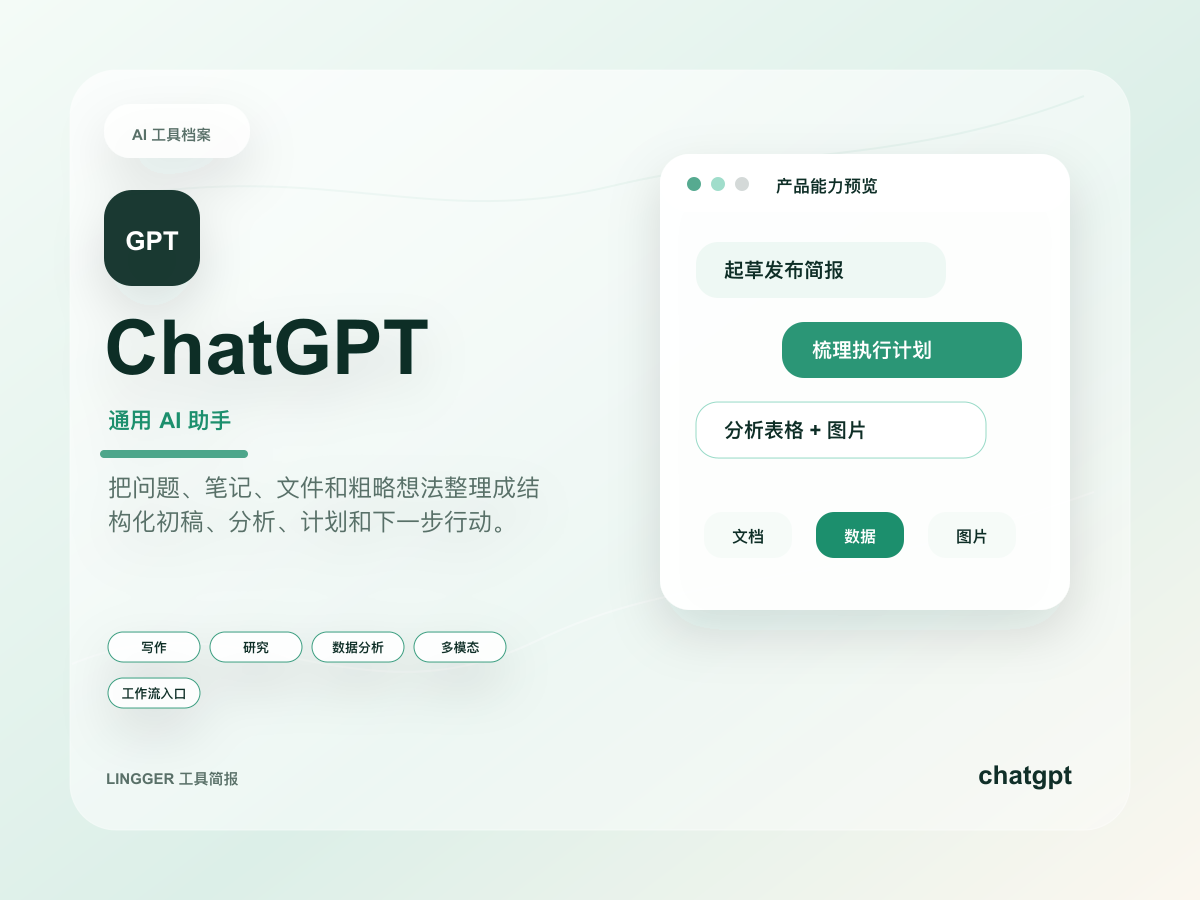
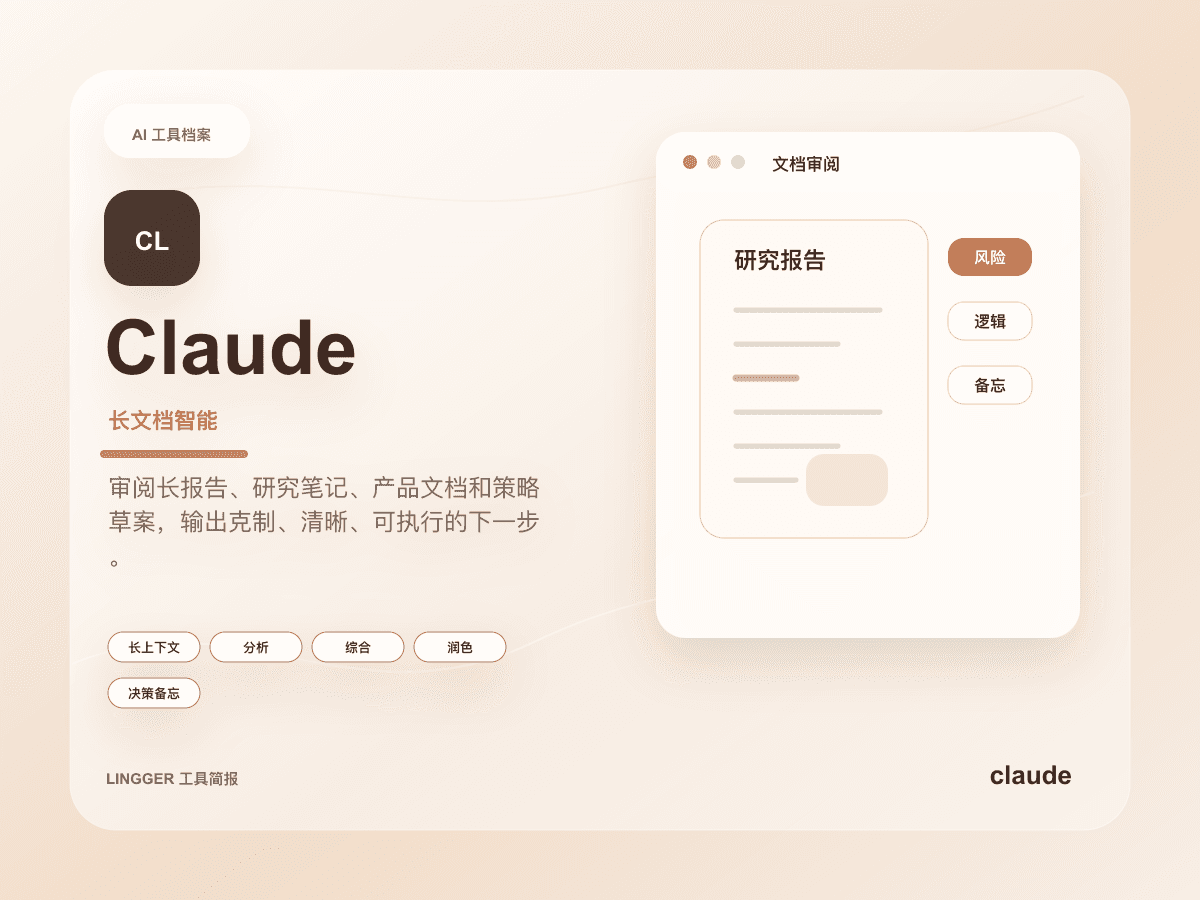
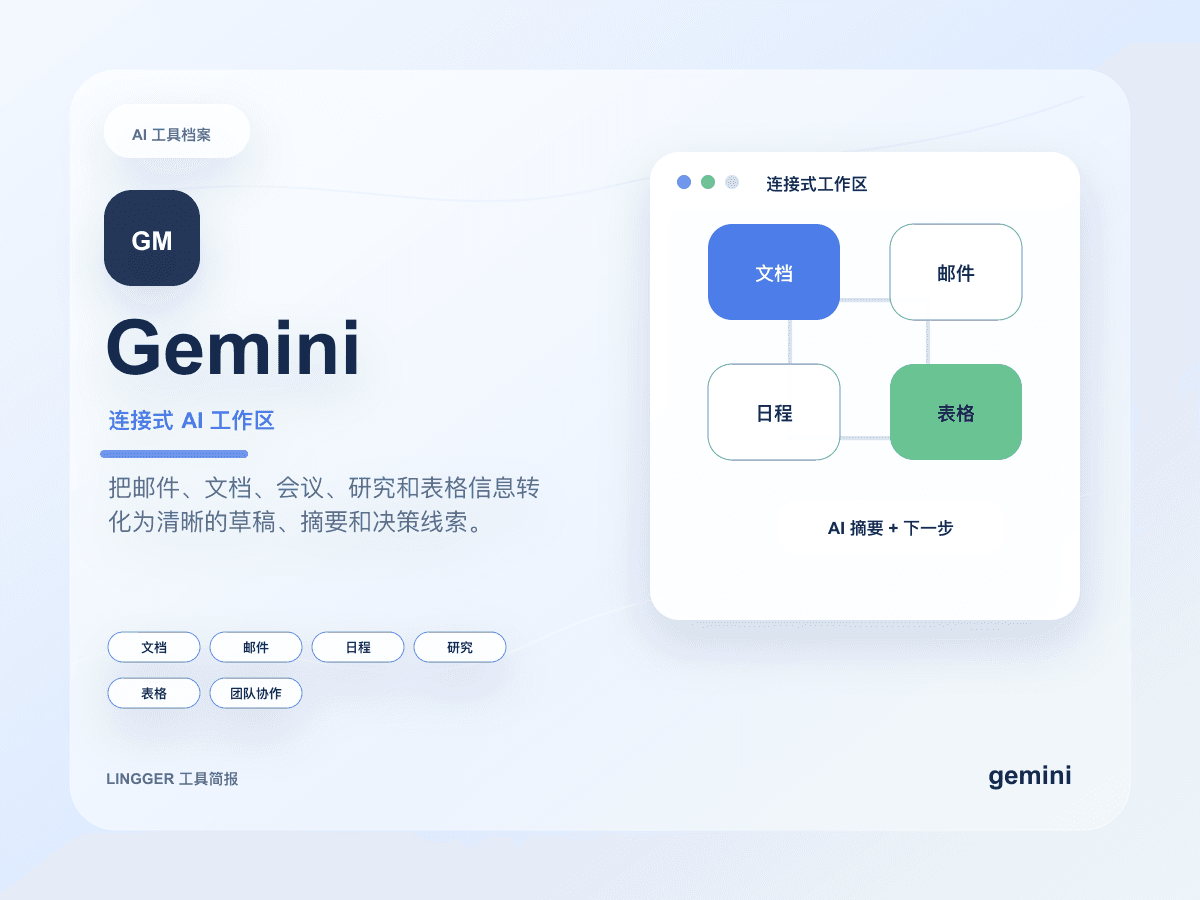
This guide is for content teams, product managers, researchers, developers, and small teams. The short version: choose ChatGPT first when you need a broad daily assistant for writing, analysis, coding, images, and quick iteration. Choose Claude first when long documents, careful reasoning, stable prose, and important drafts matter most. Compare Gemini when your work lives inside Google Workspace.
Search intent and audience
The intent behind this query is tool routing. The reader does not need a permanent winner. They need fewer wrong handoffs. ChatGPT is often the better default entry point because it is broad, fast, and useful across many task types. Claude is often the better second seat for long-context reading, structured editing, strategy drafts, and prose that should feel less mechanical.
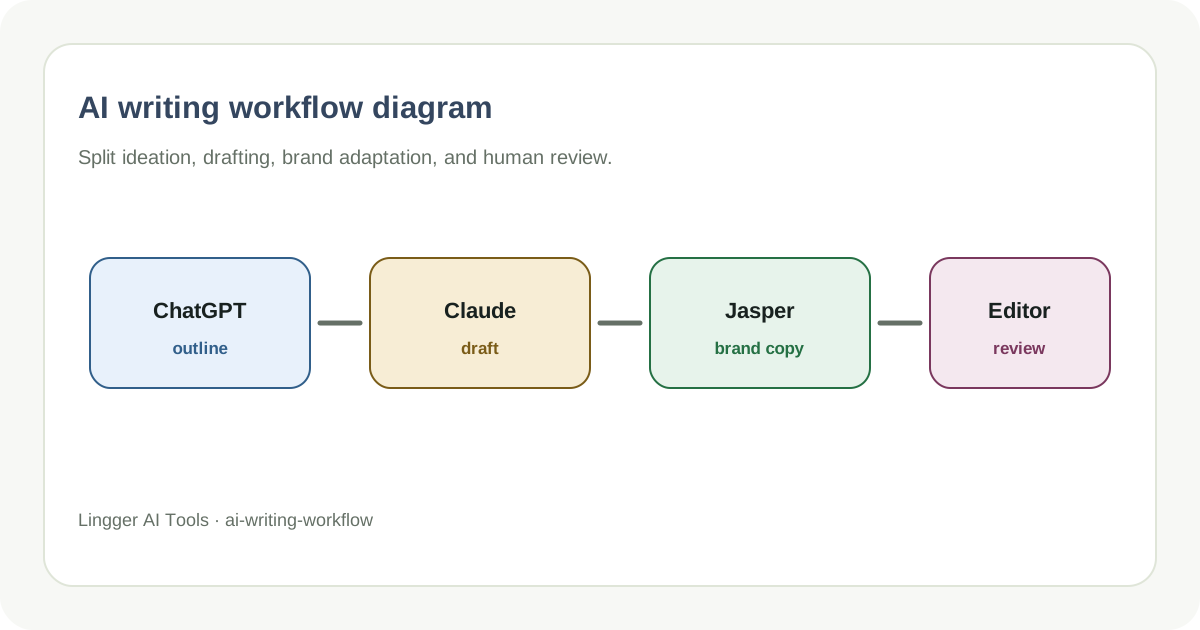
Solo users can start with ChatGPT as the general assistant and bring Claude in for long or sensitive documents. Content teams can use ChatGPT for ideation and outlines, then use Claude for long-form editing and tone control. Developers can use ChatGPT for quick explanations and snippets, while using Claude for change reviews, requirement breakdowns, and complex context discussions. Production code still needs tests, review, and version control.
Comparison table
| Dimension | ChatGPT is stronger when | Claude is stronger when |
|---|---|---|
| Daily assistant | Writing, Q&A, analysis, code, images, and quick switching live together | Work centers on documents, reasoning, and careful expression |
| Drafting | You need many angles, headlines, emails, or short copy variants | You have a chosen direction and need natural long-form prose |
| Long documents | You need summaries and questions with manual checks | You need context retention, structure, and careful rewriting |
| Research | You want checklists, outlines, and source-pack organization | You want memos, reasoning chains, and nuanced synthesis |
| Coding | You need explanations, snippets, and debugging help | You need review comments, planning, and complex requirement analysis |
| Team use | You want a broad AI workbench | You want a quality pass for important documents and strategy drafts |
This table decides where to start. The more reliable workflow is not either-or. Use ChatGPT to open options and Claude to refine the chosen direction.
Practical scenarios
For an SEO guide, I would ask ChatGPT to generate reader questions, competing angles, and a first outline. Then I would ask Claude to turn the approved direction into a clearer long-form draft. Before publishing, I would check the piece against an AI SEO brief template or search intent mapping workflow.
For a long meeting transcript, Claude is usually the first pass. Ask it to preserve context, split decisions from unresolved questions, and produce action items. Then use ChatGPT to convert those action items into emails, task lists, or shorter versions for different audiences.
For product and code planning, ChatGPT is useful for generating options and edge cases quickly. Claude is useful for turning those options into a reviewable plan. If the job requires direct project edits, compare a coding tool such as Cursor instead of expecting a chat assistant to replace an IDE.
A fair test
- Pick three real inputs: a short copy task, a long document, and a code or product requirement.
- Give both tools the same context, output format, and constraints.
- Score each output on factual retention, structure, tone stability, and revision effort.
- Separate “sounds good” from measurable handoff quality.
- Run three rounds before choosing the default assistant.
The most important signal is whether the next teammate can continue the work. A fluent answer that hides assumptions, uncertainty, and missing evidence is still weak for serious work.
Recommendation
Treat ChatGPT as the default workbench and Claude as the long-form quality pass. A practical team route is: ChatGPT for ideation, titles, outlines, and first drafts; Claude for long-form restructuring, tone, and complex synthesis; Gemini for Google Workspace context; Perplexity for public-source research.
If you are building SEO workflows, read best AI SEO tools. If you are standardizing team prompts, read AI writing prompts for teams. The tool name matters less than a repeatable handoff.