Make
Make uses visual scenarios to orchestrate APIs, data transforms, and branches for automation flows that need fine control.
Quick take
Make is a good fit for Automation consultants and Operations teams. Its main value is Clear visual workflows and Granular control. If you need Workflow orchestration or API integration workflows, review the details before copying the official URL.
Decision summary
Best fit
Automation teams visually orchestrating multi-step APIs, data transforms, branches, and exception paths.
Caution
Users who only need simple triggers and notifications between common apps and do not want to learn orchestration concepts.
Compare first
Compare Notion AI, Zapier before deciding.
Last reviewed
2026-05-09
Best for
- Automation teams visually orchestrating multi-step APIs, data transforms, branches, and exception paths.
- Automation consultants, operations teams, and technical founders who need finer control than simple connectors.
- Teams with clear process maps, field definitions, and owners who want to productize repeated business workflows.
Not ideal for
- Users who only need simple triggers and notifications between common apps and do not want to learn orchestration concepts.
- Teams without workflow governance, naming conventions, and error monitoring for long-term scenario maintenance.
- Backend systems requiring code-level transactions, controlled releases, and high-concurrency service behavior.
Decision notes
- Make fits complex automation orchestration; review official product details, connector behavior, and execution governance before buying.
- Compare Zapier when the goal is launching simple cross-app flows quickly, and Notion AI when workflows stay inside the knowledge base.
- Standardize scenario names, version history, error alerts, and field dictionaries, or visual flows will become hard to govern.
Key features
- Clear visual workflows
- Granular control
- Good for complex scenarios
Best for
- Automation consultants
- Operations teams
- Technical founders
Pricing
- Freemium
Limitations
- Higher learning curve than simple tools
- Workflow governance needs discipline
FAQ
Who is Make best for?
Make is best for Automation consultants, Operations teams, Technical founders.
Is Make free?
Make is marked as Freemium on this site. Check the official site for current plans and limits.
What are the best alternatives to Make?
Compare Notion AI, Zapier; each covers a different workflow in the same category.
Ready to try Make?
Review fit, limitations, and alternatives before copying the official URL for current plans.
Alternatives
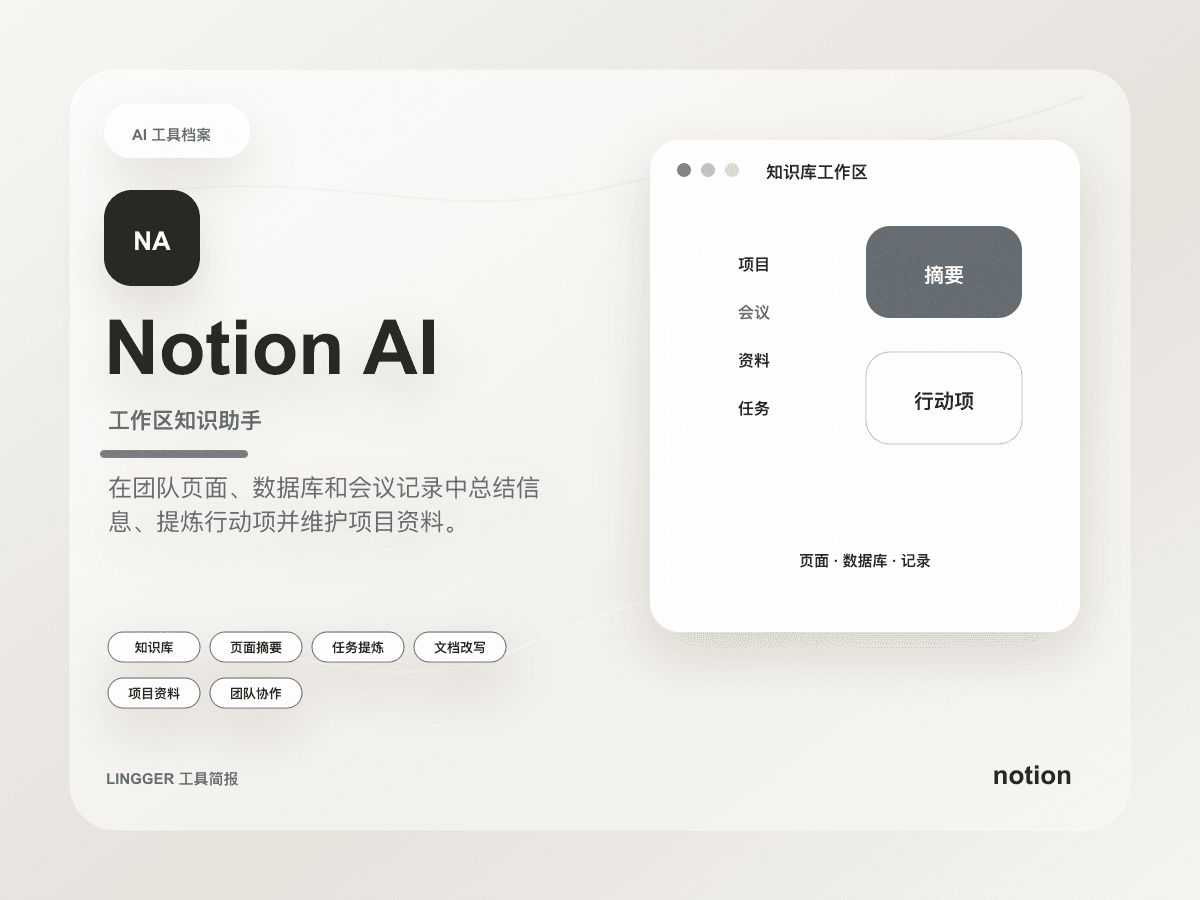
Notion AI
An AI document, knowledge base, and project assistant inside Notion workspaces.
- Best for
- Product teamsOperations teams
- Why consider it
- Close to document workflowsGood for team knowledge
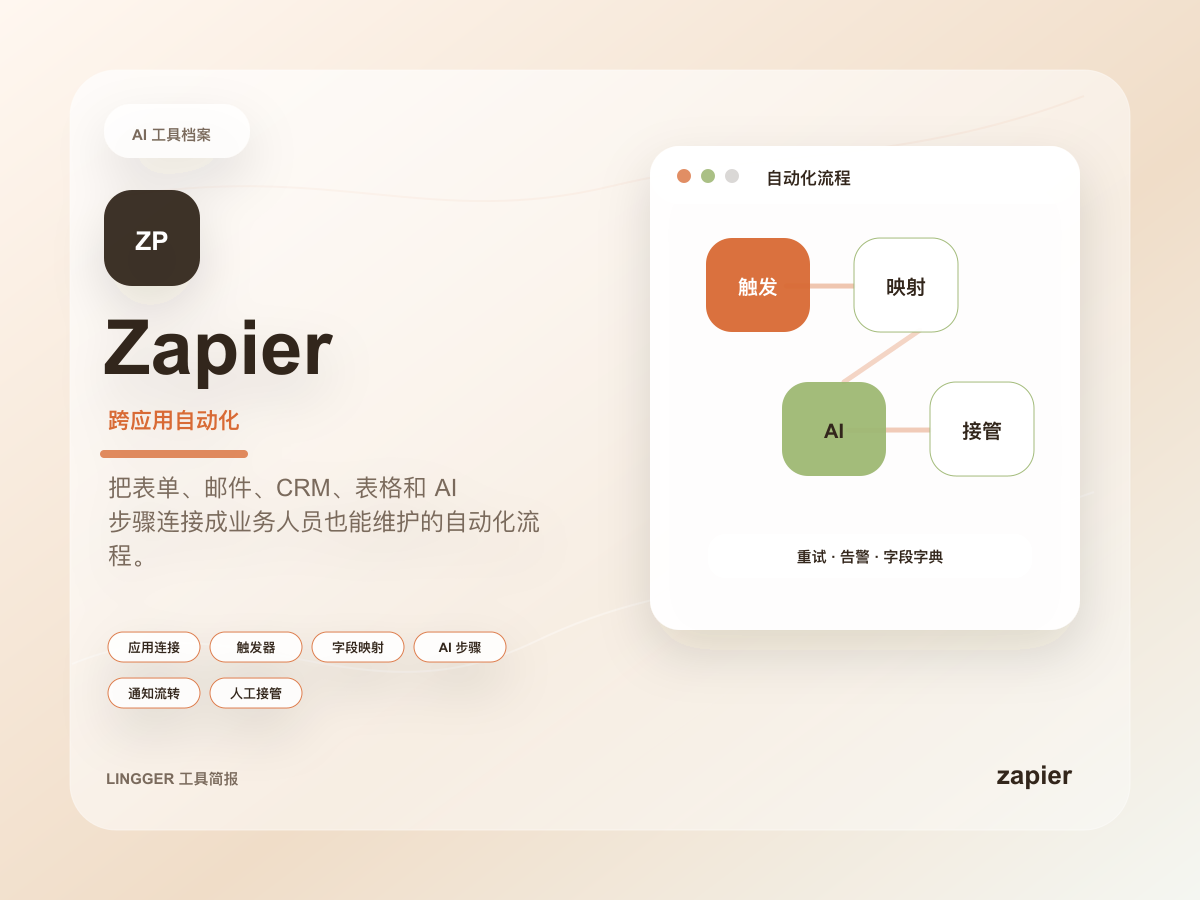
Zapier
A no-code automation platform for connecting apps and automating cross-tool workflows.
- Best for
- Operations teamsSales teams
- Why consider it
- Many integrationsQuick to start
Related posts

OpenAI's new voice models are more than a better speaking demo
OpenAI launched realtime reasoning, translation, and streaming transcription together. The bigger story is that voice finally looks like a workable interface for real task flows.

Why Cursor Automations 3.5 changes the team-automation boundary
Cursor's May 20, 2026 Automations 3.5 update pulls multi-repo, no-repo, Agents Window, Jira, and MCP image support into something much closer to a team automation layer.

What matters about managed agents in the Gemini API
Google has brought managed agents into the Gemini API, and the real shift is not “another agent SDK” but a hosted runtime that bundles sandboxing, state, and workflow scaffolding together.

Why Anthropic buying Stainless matters for Claude workflows
Anthropic buying Stainless is not just an M&A story. It moves SDKs, CLIs, and MCP connectivity much closer to the center of the Claude platform story.