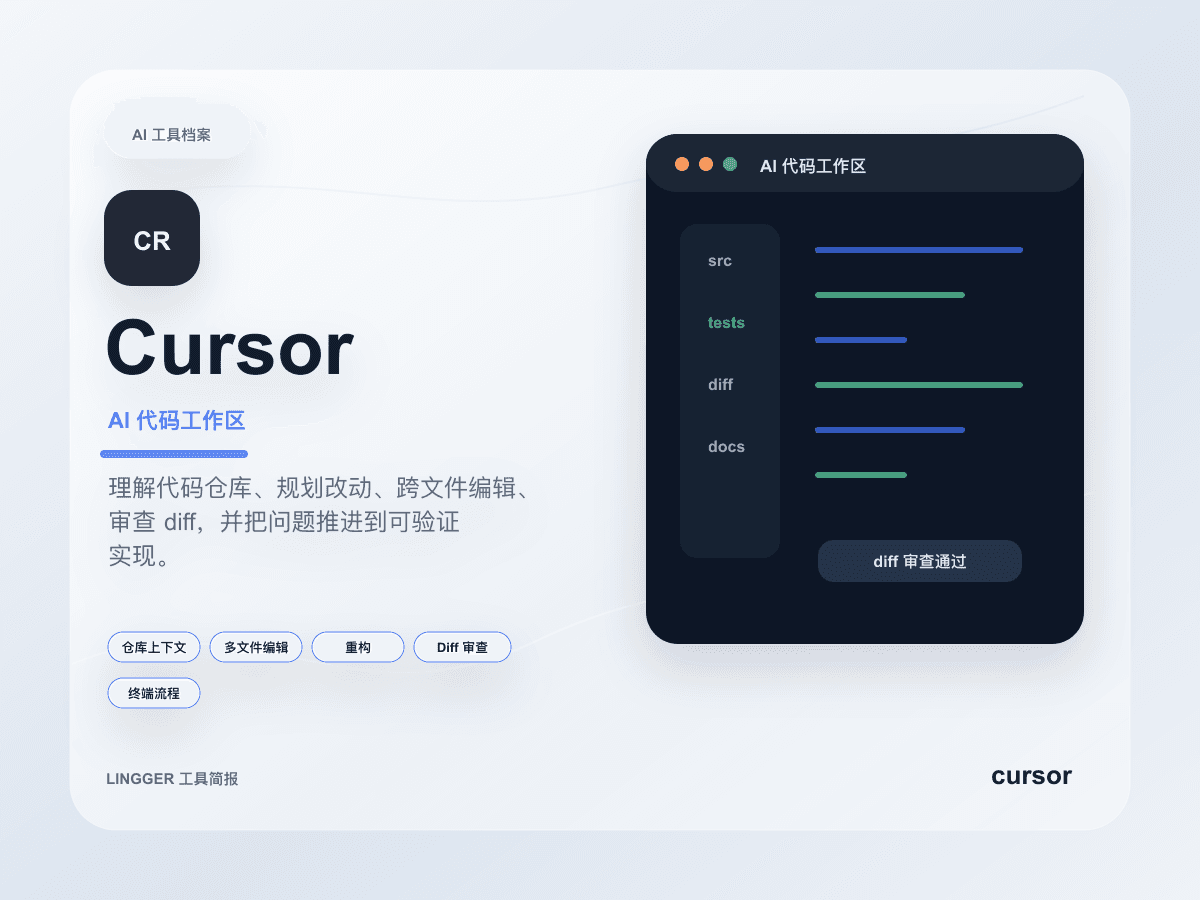
Cursor updated Automations 3.5 on May 20, 2026. Read as a changelog, it looks like a grab bag: multi-repo automations, no-repo automations, Agents Window, Jira, MCP image support, reminders, and broader model support. Read as one product move, though, it looks like Cursor pushing itself further from "an AI coding seat" and closer to "a team automation entry point built around agents."
That distinction matters for the audience of this site because it lands on a boundary many teams still confuse: when should you use Cursor as the core workspace for agent tasks, and when should you keep Zapier or Make in charge of structured workflow routing? Automations 3.5 does not mean Cursor is trying to become a generic low-code automation platform. It means Cursor is making repository-aware, issue-aware, agent-native automation much more first-class.
What this update actually connects
The most important items in Cursor's changelog fall into a few groups, and all of them change the automation boundary:
multi-repo automationsmeans tasks no longer have to stay inside one repository.no-repo automationsmeans the entry point does not always need an existing codebase attached.Agents Windowbecoming more central points to longer-running, multi-agent, multi-task interaction.Jira integrationties the workflow more directly to how real engineering work enters the system.MCP image supportand reminders expand both input type and async control.
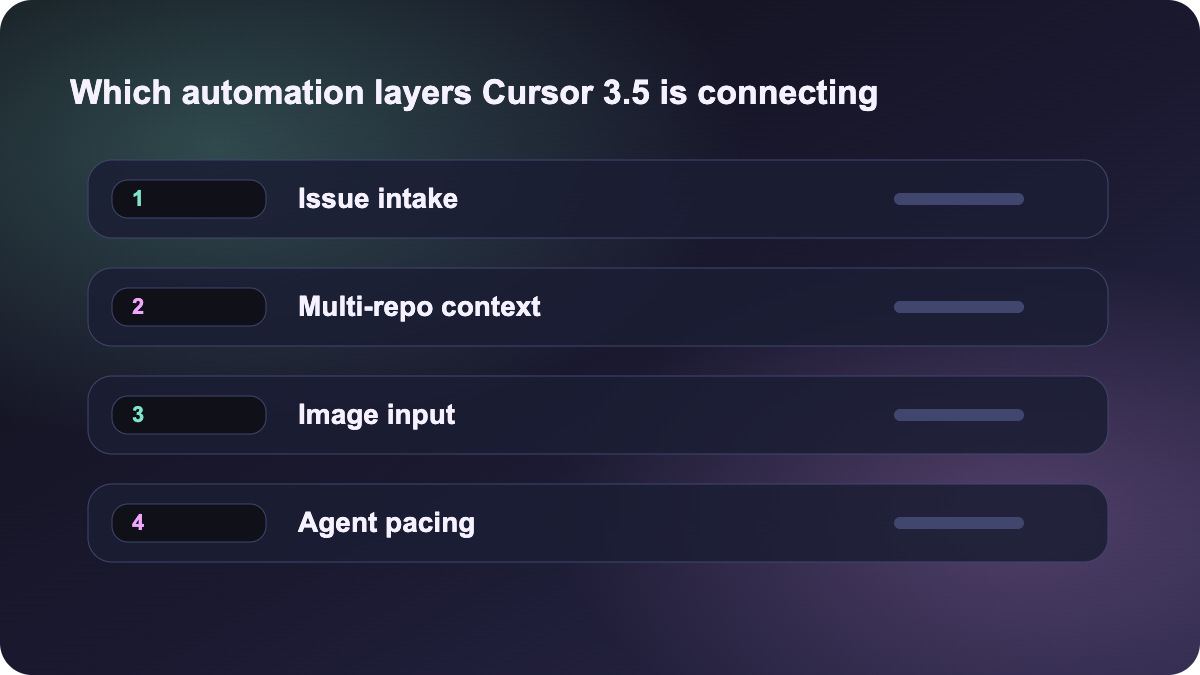
Put together, that is not a story about slightly better autocomplete. It is a story about organizing task sources, repository scope, issue systems, image context, and asynchronous follow-up inside one agent-oriented workspace.
Why this does not simply mean "Cursor is becoming Zapier"
The word automation makes it tempting to compare everything inside the same box. But Zapier, Make, and Cursor are still strongest at different layers:
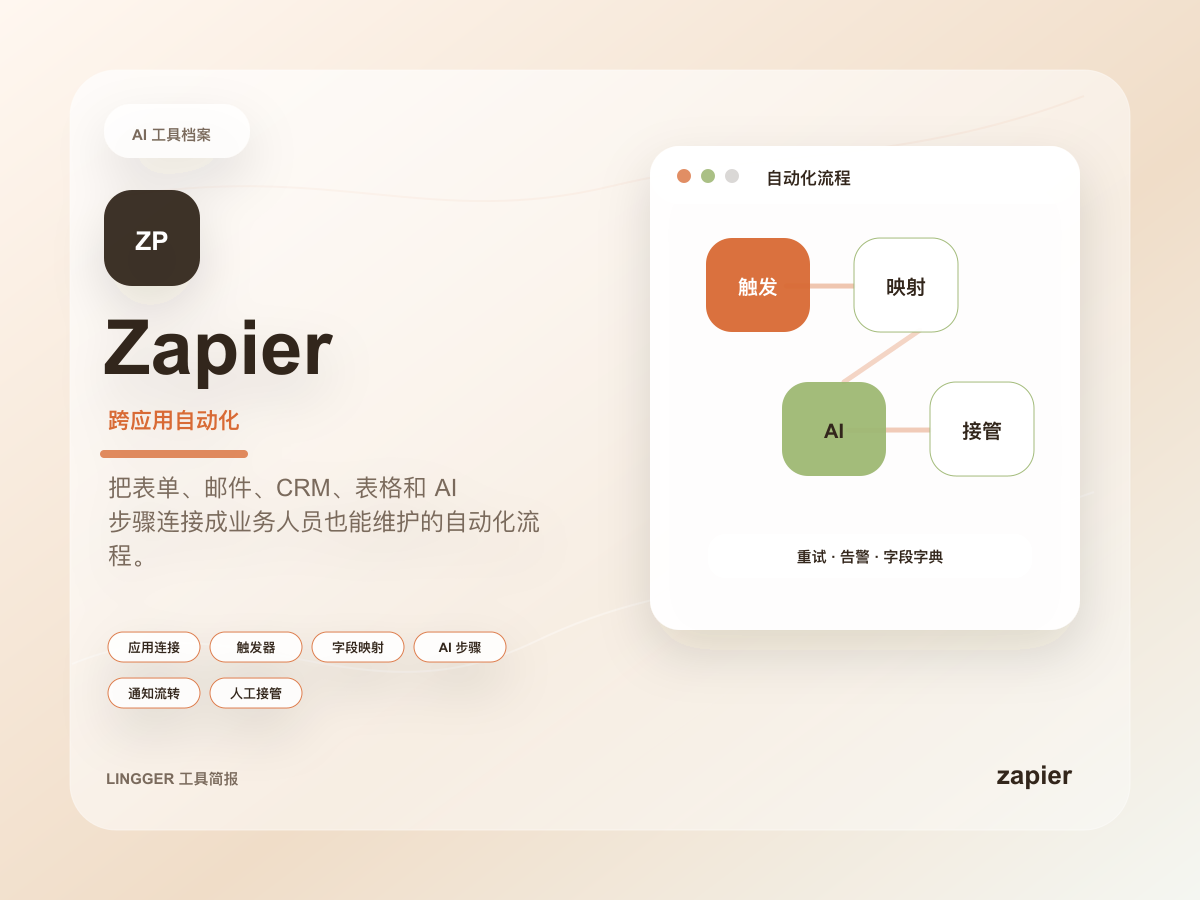
- Zapier is strongest at triggers, field mapping, webhooks, app-to-app connections, and repeatable action chains.
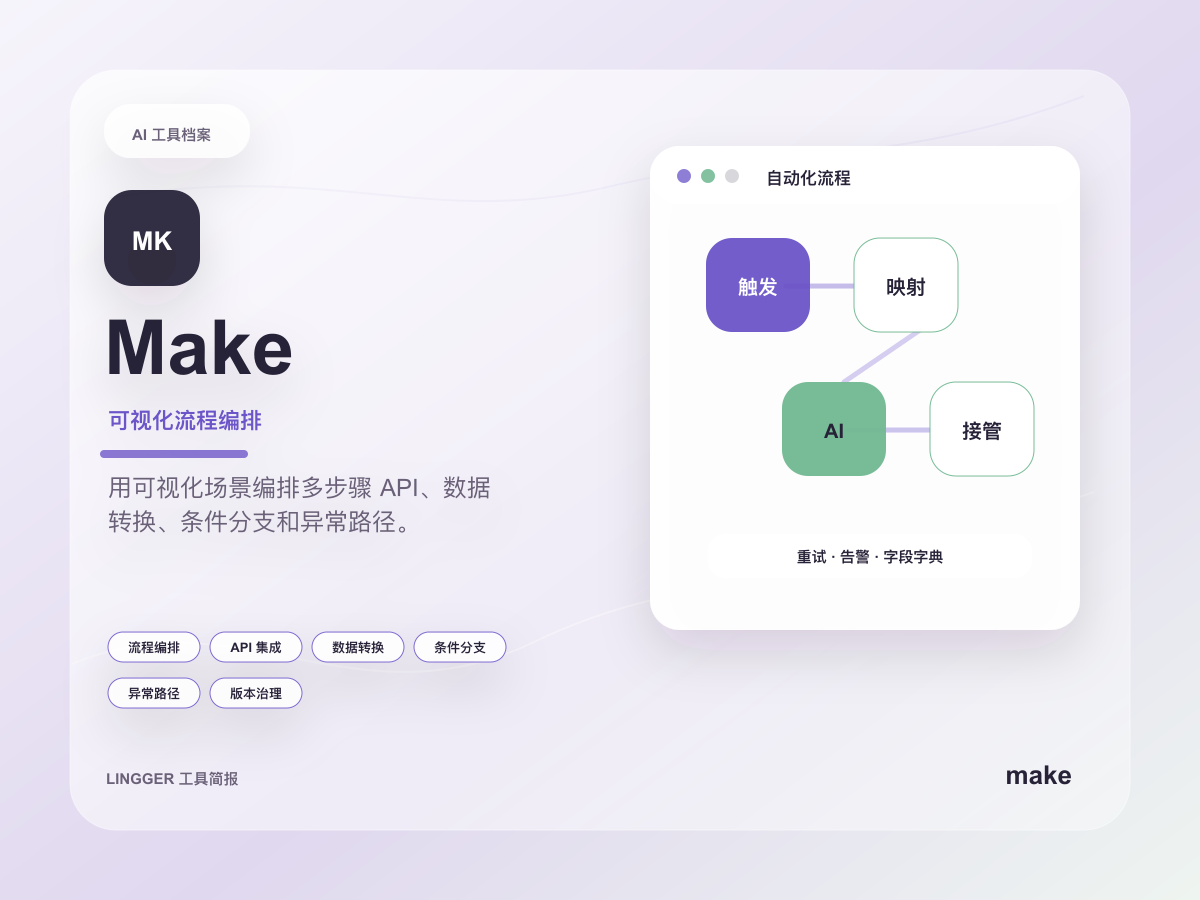
- Make is stronger when the workflow needs branching, data transformation, routing, and multi-step orchestration.
- What Cursor is strengthening here is much closer to the execution environment around agent work: multi-repo context, repo-free entry points, issue ingestion, image context, and long-running agent surfaces.
That makes this update feel closer to our recent Gemini API managed agents and Anthropic buying Stainless posts than to a classic SaaS automation comparison. Cursor is not trying to absorb every automation job. It is trying to own the part that already lives near repositories, agents, and engineering tasks.
The most useful lesson: redraw the boundary
The best use of this update is not "switch immediately." It is to re-split your stack:
- Code and agent layer: does the task depend on repository context, diffs, terminal work, code review, and agent loops?
- Issue and collaboration layer: does the task start from Jira, screenshots, reminders, and async follow-up?
- Workflow-routing layer: is the core job mostly field passing, system syncing, approvals, and structured app orchestration?
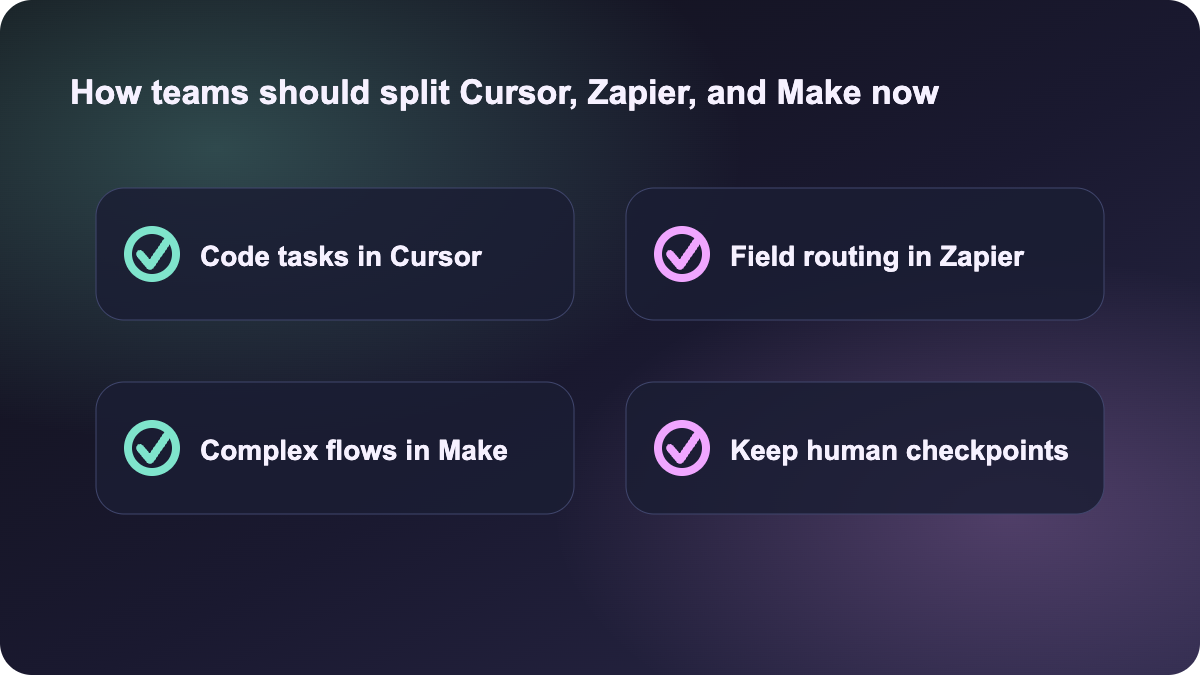
If most of the value sits in layers one and two, Cursor Automations 3.5 is worth testing. For example:
- A Jira issue arrives and an agent investigates multiple repositories, summarizes risk, and prepares a repair path.
- A request begins with documents, screenshots, and a task brief rather than one single repo, and the agent still needs to do real diagnostic work.
- A longer task needs image context, multiple agents, and reminders to keep momentum.
If the work is mostly CRM sync, spreadsheet updates, approval chains, or webhook routing, Zapier and Make still fit more naturally. The point is not which product is more advanced. The point is not to confuse an agent execution layer with a structured workflow layer.
Which teams should test this first
Automations 3.5 is most relevant for teams that already show some of these traits:
- They are treating agents as long-running executors instead of occasional coding chat.
- Work enters through Jira, docs, images, and multiple collaborators rather than a single prompt.
- They need cross-repo investigation or repo-free task kickoff and want less manual context setup.
- They already use Zapier or Make, but still feel that the "agent part" lacks a native engineering workspace.
If your team still uses AI mainly for occasional code edits, this may not be today's highest-priority update. But if you are already exploring agent orchestration, this changelog is worth reading because it shows Cursor filling in the layer where many team automations currently break apart.
This is why the update deserves a post today. It is not just another IDE feature bundle. It pushes the line between an agent workbench and a team automation surface much closer together.
Sources:
- Cursor Changelog: Automations 3.5