As of May 18, 2026, the official OpenAI Help Center page for ChatGPT for Excel and Google Sheets shows Updated: 3 days ago. Based on that visible timestamp, this rollout appears to have landed around May 15, 2026. The useful part is not that ChatGPT now has “an Excel plugin.” The useful part is that OpenAI is turning spreadsheet work into a dedicated product surface instead of leaving it inside the main chat box.
The page is unusually explicit. It says the feature is globally available across Free, Go, Plus, Pro, Business, Enterprise, Edu, and K-12. It describes separate native experiences for Excel and Google Sheets, support for building spreadsheets, understanding multi-tab workbooks, making updates, and then adds Skills, Apps, RBAC, EKM, Compliance API, and residency controls. For readers of this site, that matters because it speaks directly to tool choice, workflow design, and enterprise rollout decisions.
If you are comparing ChatGPT, Gemini, and Zapier, this update is not mainly about who writes formulas better. It is about who is starting to package spreadsheet work as a durable AI work surface with reuse layers and governance.
What actually changed
The official Help Center page gives a concrete set of facts:
ChatGPT for ExcelandChatGPT for Google Sheetsnow exist as spreadsheet-native sidebar experiences rather than one-off file chats.- The feature is available globally across Free, Go, Plus, Pro, Business, Enterprise, Edu, and K-12 plans.
- The Excel version can be installed from Microsoft Marketplace, and organizations can deploy it internally with a
manifest.xmlif direct marketplace access is blocked. - The Google Sheets version can be installed from Google Workspace Marketplace, and admins can control access when RBAC is in use.
- The experience supports building spreadsheets from scratch, understanding unfamiliar workbooks, cleaning messy sheets, updating models, and summarizing what changed.
- It supports
SkillsandApps, which means spreadsheet work is being treated as a reusable workflow layer rather than a one-time prompt. - Enterprise controls include RBAC, EKM, Compliance API, and data or inference residency where available.
- OpenAI also lists clear limitations: spreadsheet chats are separate from main ChatGPT history, they do not have ChatGPT memory, VBA and macros may not be fully supported, and outputs need human review.
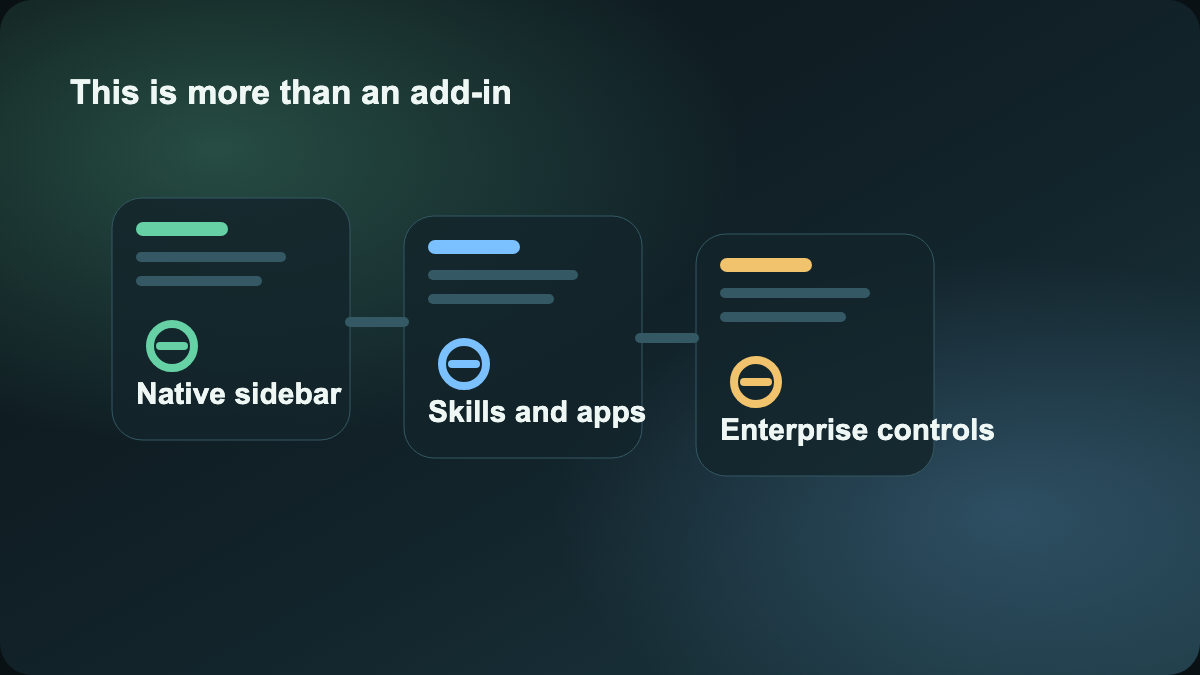
Put together, this is no longer just “ChatGPT can help with cells.” It is a product stack for spreadsheet work: native entry point, contextual workspace, skill layer, data connection layer, and governance layer.
Why this is not just another spreadsheet assistant
Many people already export a workbook, upload it to ChatGPT or Claude, and ask questions. That pattern is still basically file Q&A. This rollout is different because OpenAI is treating spreadsheet work itself as an ongoing operating surface.
The difference shows up in at least three ways.
First, the experience lives inside a spreadsheet sidebar rather than requiring a fresh upload every time.
Second, it supports Skills and Apps, which means OpenAI sees spreadsheet work as repeatable workflow logic.
Third, the Help Center page already includes sections for admins, security teams, Compliance API, EKM, and residency.
That is why this is more valuable than a generic office-plugin announcement. It suggests that OpenAI is pushing ChatGPT toward a scene-specific workbench. The pattern is similar to what we covered in ChatGPT workspace agents finally look more like an enterprise tool, except that article was about a shared agent layer and this one is about spreadsheet work itself.
What ordinary users and teams should learn from it
For individual users, the key lesson is not “let ChatGPT own every spreadsheet.” The better lesson is to start writing spreadsheet tasks as scoped instructions instead of vague requests. The Help Center examples already lean in that direction: constrain the edit area, say what must be preserved, ask for a plan first, and focus on specific sheets.
That reflects the deeper rule. Once spreadsheet work is close to a real business process, “please fix this sheet” is too loose. A stronger prompt structure looks like this:
- Define exactly which sheets or ranges may change.
- Specify what must stay untouched, including formatting or historical tabs.
- Ask for an edit plan before execution.
- Require a change summary at the end for human review.
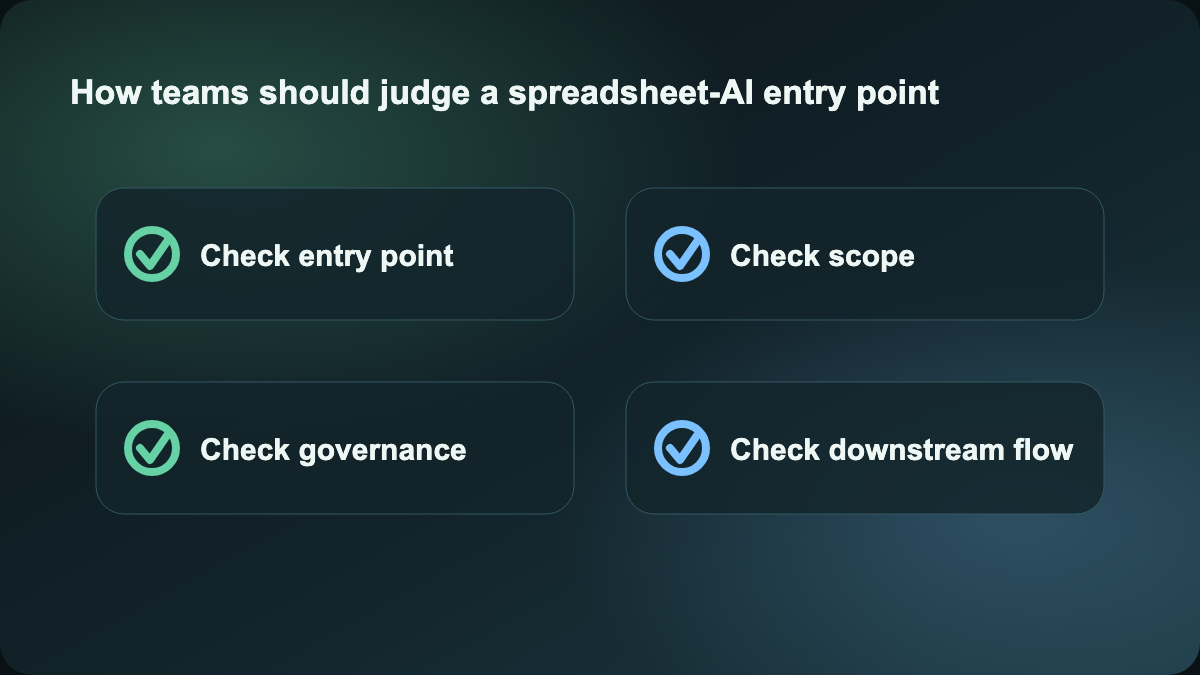
For teams, the more important question is not whether this saves a few minutes in Excel. The more important question is that a governable spreadsheet-AI surface finally exists. Many organizations did not hesitate because “the model cannot write formulas.” They hesitated because of questions like:
- Who can install and enable it?
- Can data connections be centrally controlled?
- Do prompts and outputs flow into compliance surfaces?
- Which users can invoke Apps and which users only get default behavior?
This rollout gives at least part of that governance structure, which makes it closer to an enterprise pilot product instead of a personal-efficiency extension.
How it differs from Gemini and Zapier
If your team already works deep inside Google Workspace, the closest comparison is naturally Gemini. Inside this site, Gemini is already framed as especially strong where Gmail, Docs, Sheets, and Search context matter. If your team lives in Google-native collaboration, Gemini remains the obvious benchmark.
What is different here is that OpenAI is trying to cover both Excel and Google Sheets through one ChatGPT account system, one Skills layer, one Apps layer, and one enterprise control plane. In other words, OpenAI is not only selling “better spreadsheet help.” It is selling a unified ChatGPT work surface that includes spreadsheet operations.
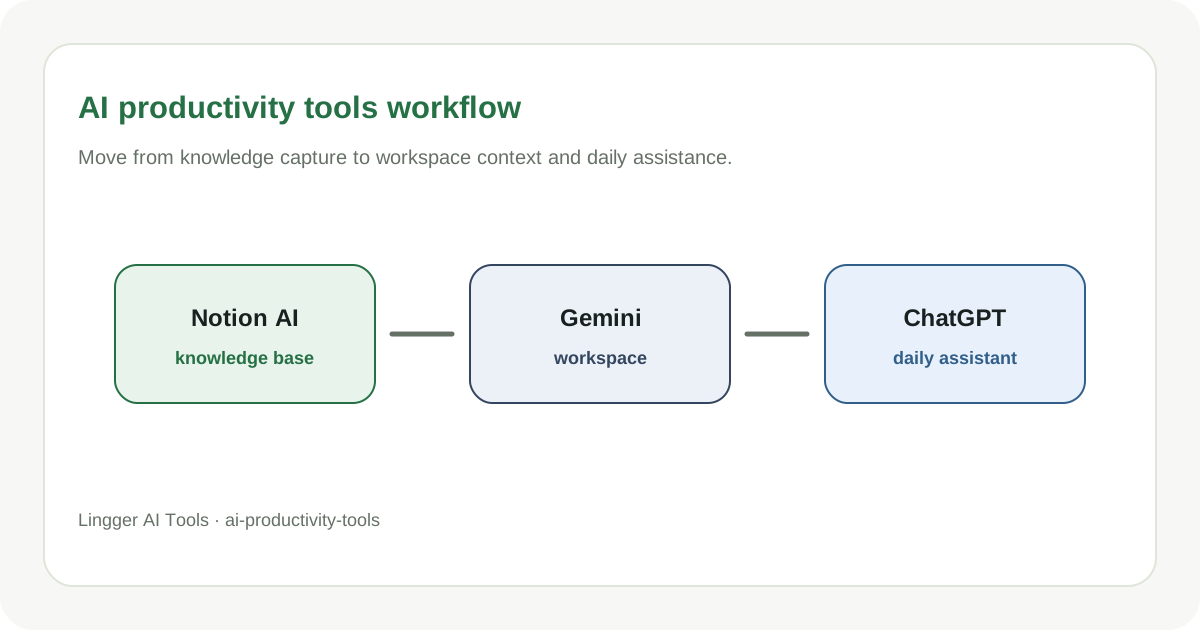
Zapier is a different comparison entirely. Zapier is strongest at triggers, field movement, and cross-SaaS automation. It is an explicit workflow orchestrator, not a language-heavy execution layer inside a workbook. A more practical division is:
- ChatGPT for Excel and Sheets handles workbook understanding, draft updates, model explanation, and structured summaries.
- Zapier handles downstream sync into email, forms, CRM, and notification chains.
If your job is to understand a complex budget file, update assumptions, and explain the results, this new OpenAI entry point is the interesting layer. If your job is to sync table changes into the next app, Zapier still fits better.
Why I am publishing only this one today
I also reviewed the Codex Windows sandbox direction, but the repo already has highly overlapping Codex safety coverage in What Codex Safety Means for AI Coding Teams. A second post there would be too close to an existing angle. By contrast, the spreadsheet rollout has no direct same-event article in the repo and creates clean internal-link value for ChatGPT, Gemini, and Zapier. So today it is better to publish one strong hotspot than force a weaker second one.
Sources:
- OpenAI Help Center: ChatGPT for Excel and Google Sheets
- OpenAI Help Center: ChatGPT Enterprise & Edu Release Notes