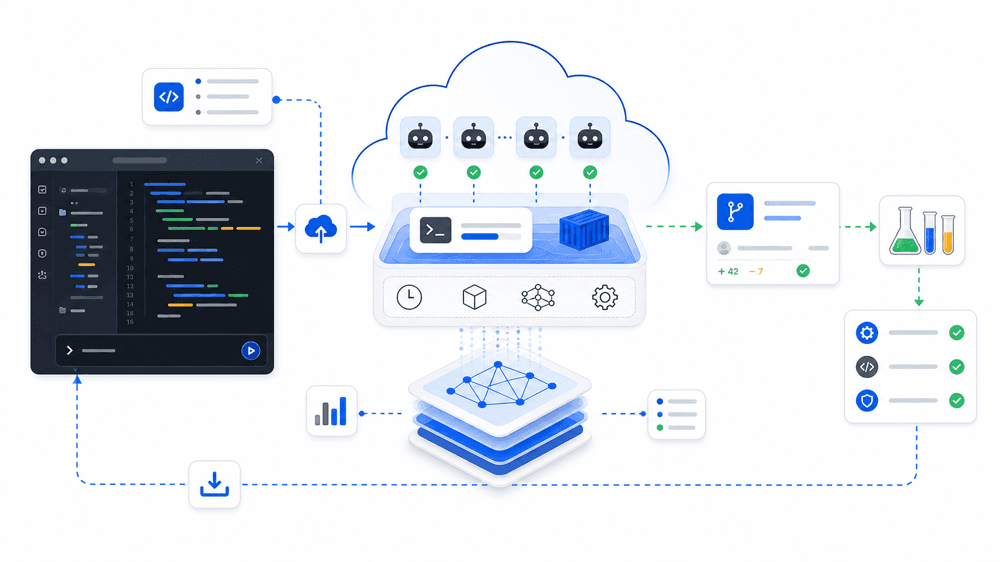
Artificial Analysis launched Coding Agent Benchmarks in its changelog on May 11, 2026. That matters because it is not just another leaderboard. It is one of the clearest public attempts to put the evaluation dimensions that actually matter for coding-agent selection onto the same page: outcome quality, execution time, token usage, cost, and the difference between harnesses running the same underlying model.
That solves a real problem for readers of this site. Teams often compare AI coding tools using mismatched evidence: one benchmark for code patching, a different anecdote for terminal workflows, a separate chart for cost, and then a product demo layered on top. The result is that people argue about “the best tool” without agreeing on what kind of work they are actually trying to optimize.
Artificial Analysis is useful precisely because it breaks that comparison apart.
What this benchmark page actually provides
The public page lays out a clear structure:
- an
Artificial Analysis Coding Agent Index - three benchmark components:
SWE-Bench-Pro-Hard-AA, 150 code-generation questionsTerminal-Bench v2, 84 agentic terminal-use questionsSWE-Atlas-QnA, 124 technical Q&A questions
- an index calculated as average
pass@1across three runs of each benchmark - side-by-side reporting for cost, token usage, and execution time
- a public methodology page explaining how aggregation, outcomes, and efficiency metrics are constructed
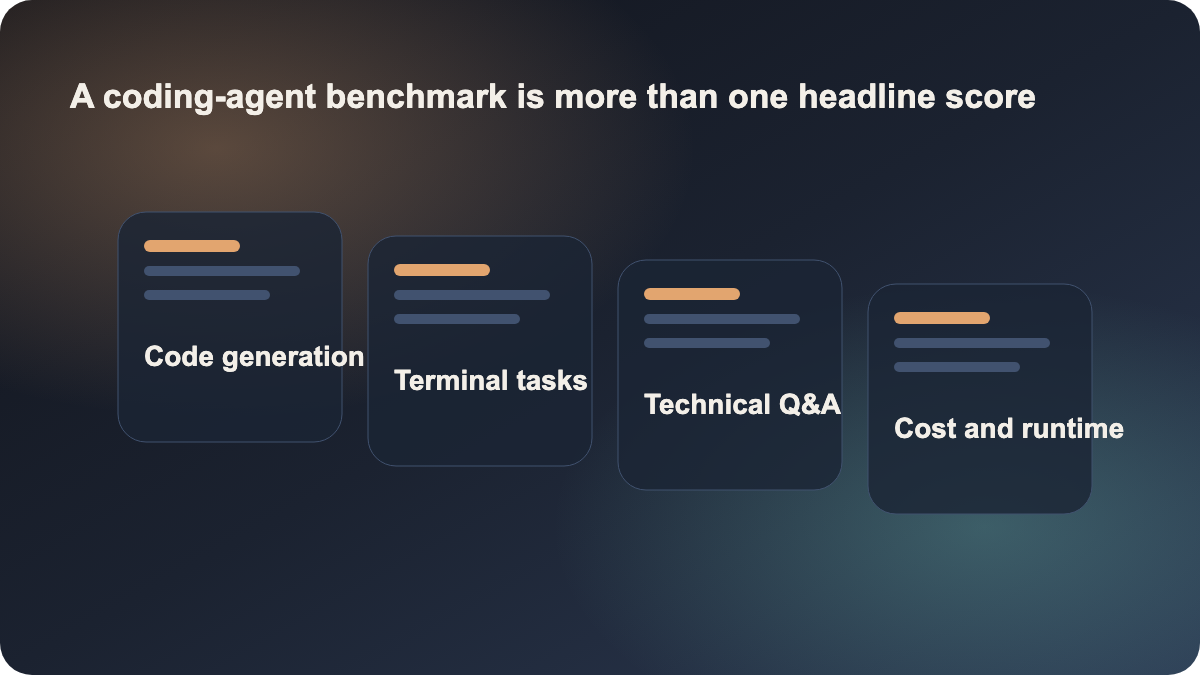
That means the page is not only asking “who scores highest.” It is asking a more useful question: who performs well, at what cost, over what runtime, and on which type of software-engineering work.
Why this is more useful than a normal leaderboard
Many teams do not lack benchmarks. They lack a comparison frame. A patch benchmark alone can miss terminal workflow quality. A model benchmark alone can miss harness behavior. A pure accuracy chart can hide that some agents are much slower or much more expensive per task.
This page helps because it forces a broader read:
- if repository understanding matters most, you cannot rely only on patch-style scores
- if shell-driven workflows matter most, terminal-task performance becomes central
- if deployment cost matters, quality alone is incomplete
- if you are comparing products rather than raw models, harness comparison matters
That is exactly why the page has strong search and site value. Many readers here are not asking “which model is smartest in the abstract?” They are asking “where should my team put its AI coding entry point?” Those are different decisions.
The best lesson here is the comparison model
Artificial Analysis explicitly says the Coding Agent Index is a composite score and should be read alongside the per-benchmark views. That warning is important. Two agents can look close on a composite and still be good at different things:
- one may be stronger at repository reading and technical explanation
- another may be stronger at producing working code changes
- another may be stronger in shell-heavy, multi-step workflows
The page also includes harness comparison views that hold the underlying model constant while comparing different coding-agent harnesses. That is especially useful because teams often think they are comparing models when they are actually comparing the behavior of a harness: context packaging, command strategy, tool-use policy, and execution flow.
That is why this article links to claude, cursor, and github-copilot. The practical job for the reader is not “understand one benchmark website.” The practical job is “compare AI coding entry points more honestly.”
What teams should actually do with it
Solo developers should use this page less as a winner board and more as a task-type mirror. Ask which kind of work dominates your day:
- repository Q&A and code reading
- patching and bug fixing
- longer terminal-driven workflows
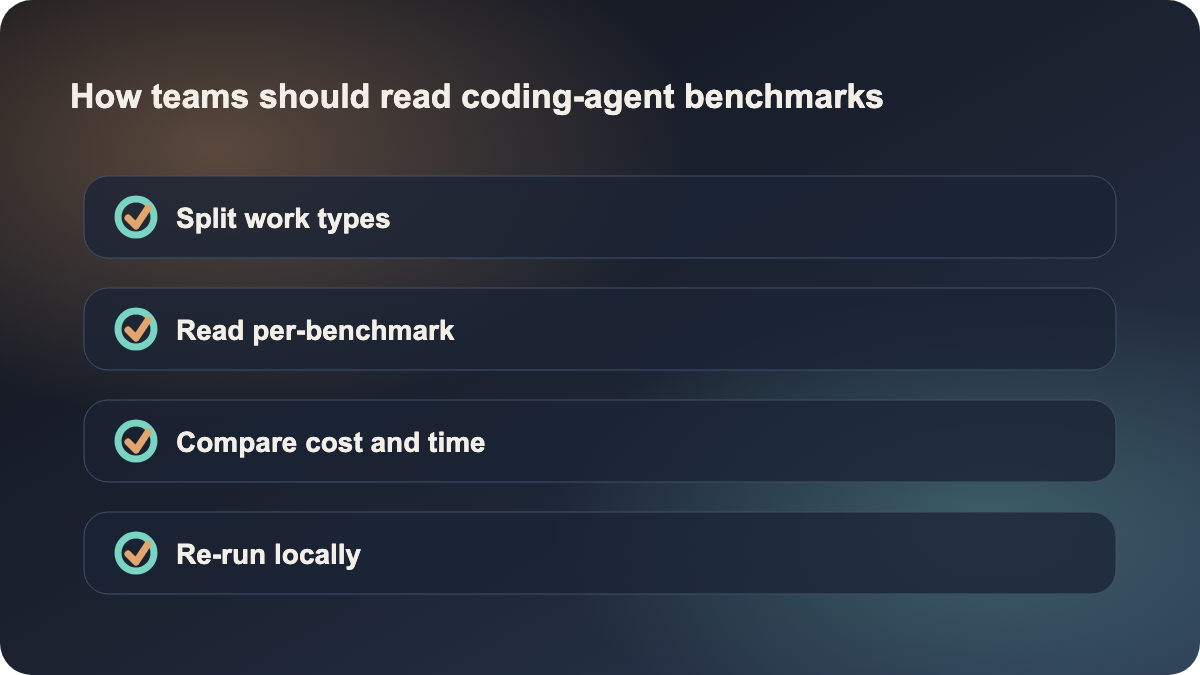
Teams should go a step further and turn the page into an internal evaluation template:
- split your work into repository understanding, change delivery, and terminal-heavy long tasks
- map those categories to the benchmark components
- run a local sample with candidate tools, using quality, runtime, and cost together
- decide whether the current tool remains enough, or whether you need a second longer-loop agent stack
That is a much healthier process than changing tools because one headline score moved.
Why this is timely now, but not a final answer
This is worth publishing today because it is recent, high-signal, and tightly aligned with AI coding tool selection. It is not a vague media story. It is a methodology-backed comparison surface that directly helps readers make better decisions.
But it should not be misunderstood as “the top score is the tool you should buy.” Artificial Analysis itself emphasizes that the composite needs to be read together with benchmark breakdowns, execution time, token usage, and cost. In real teams, the important question is not who wins the page. It is which agent is best matched to the kind of work you actually want to hand over.
Sources:
- Artificial Analysis: Coding Agent Benchmarks
- Artificial Analysis: Coding Agent Index Methodology
- Artificial Analysis: Changelog