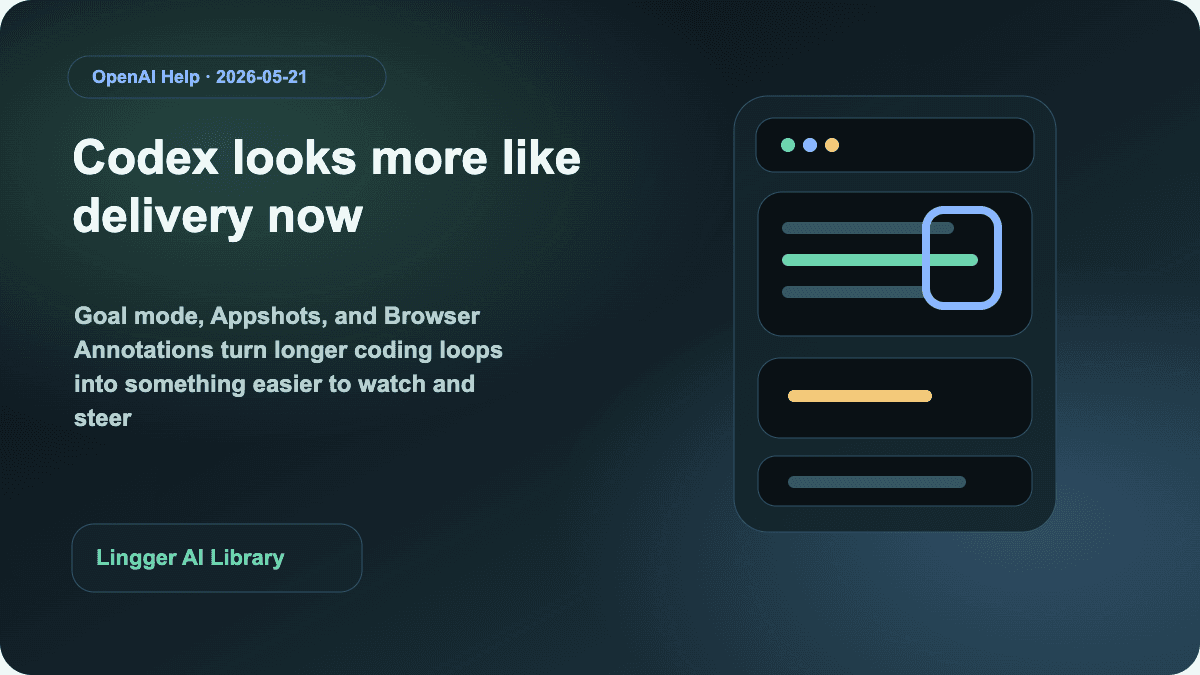
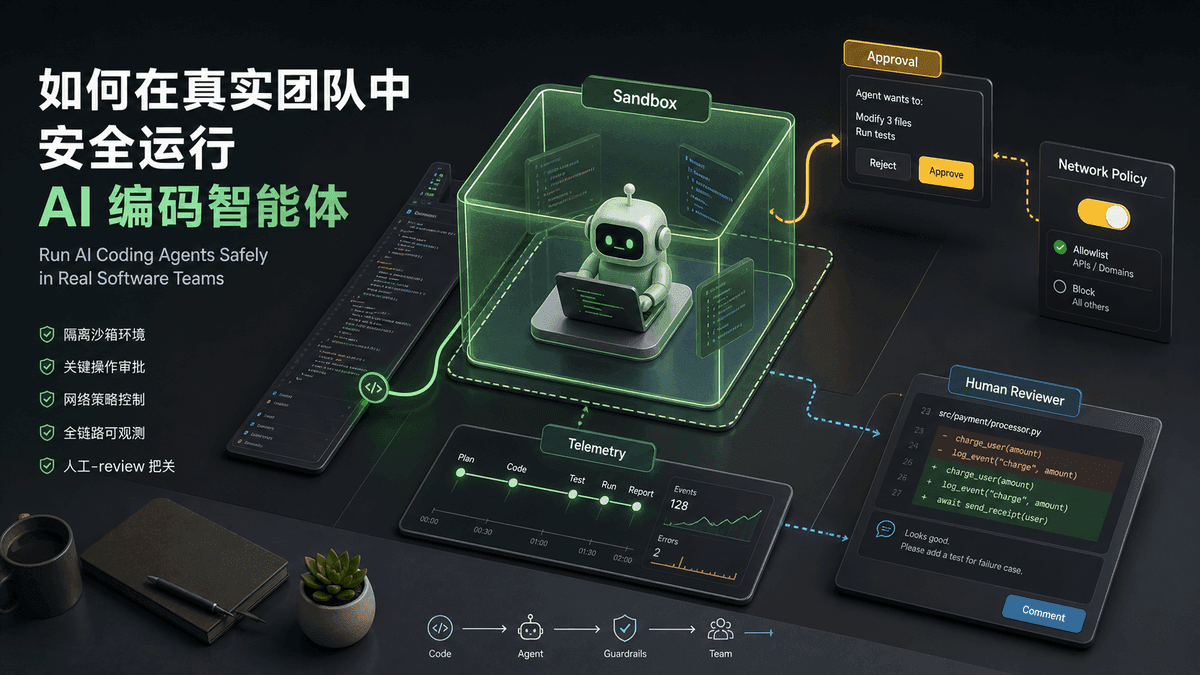
OpenAI published Work with Codex from anywhere on May 14, 2026. If you read it only as “Codex is now on mobile,” you miss the important part. The real story is that OpenAI is acknowledging a new rhythm for coding agents: longer-running work needs a lightweight way for humans to step in, approve, redirect, and keep momentum going when they are away from their desk.
That is why this matters to readers of this site. Codex is not turning into a phone-based coding app. OpenAI is extending management of work that is already running on your laptop, devbox, or remote environment. Files, credentials, permissions, and local setup stay on the machine where Codex is operating. The phone becomes the place where you review the live state, respond to decision points, inspect diffs, see terminal output, and keep the thread moving.
If you are comparing Claude, Cursor, and GitHub Copilot, that is a meaningful product shift. Competition is moving away from “which assistant writes nicer code snippets” and toward “which system can support a real long-task agent workflow.”
What actually changed
OpenAI’s update is specific, and the specifics are what make it useful:
- Codex is rolling out in preview inside the ChatGPT mobile app on iOS and Android.
- You can connect to any machine where Codex is already running, including laptops, dedicated Mac minis, and managed remote environments.
- The mobile app shows live threads, approvals, plugins, project context, screenshots, terminal output, diffs, and test results.
- OpenAI describes a secure relay layer so trusted machines stay reachable without being directly exposed to the public internet.
Remote SSHis now generally available, which means Codex can connect directly into enterprise remote development environments.- OpenAI also paired the mobile preview with programmatic access tokens, general availability for Hooks, and HIPAA-compliant local Codex use for eligible ChatGPT Enterprise workspaces.
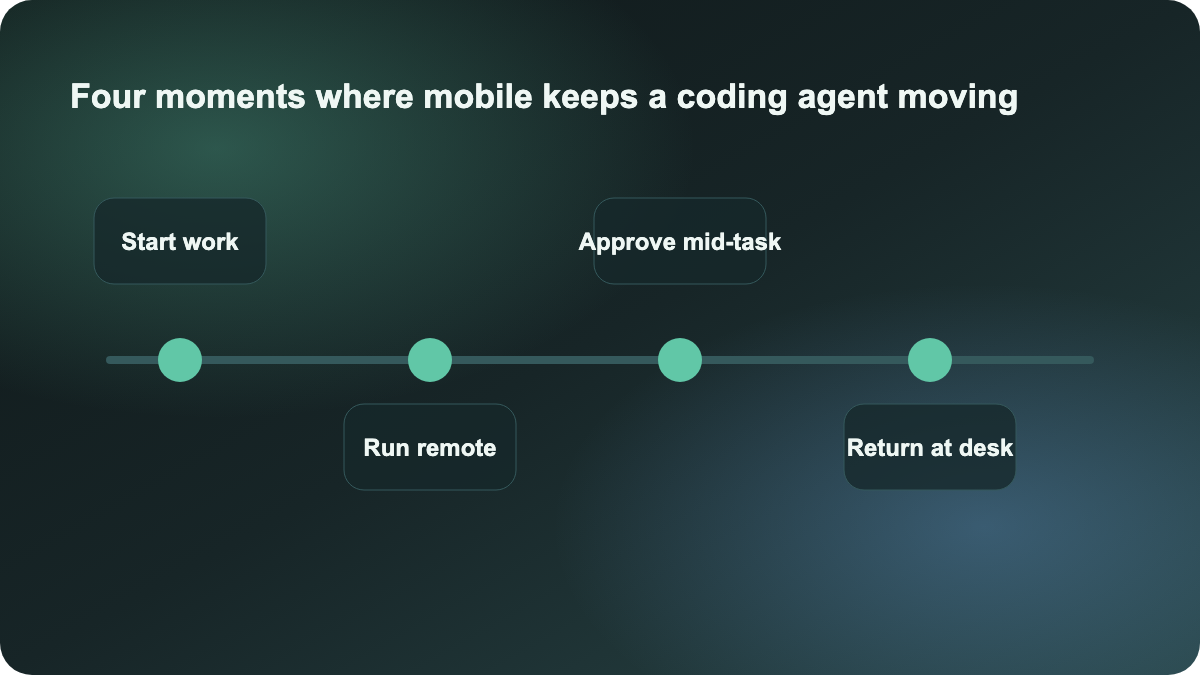
Taken together, this is more than a companion app. It is OpenAI patching the most common breaks in longer agent workflows: nobody is at the keyboard, the agent reaches a branch, the work stalls waiting for approval, and the result is not reviewed until too late.
Why this is not just “coding from your phone”
If this were only a small-screen chat window, it would not deserve a full article. The official post is really about collaboration timing. Once an agent starts taking on work that runs for many minutes or longer, the limiting factor is not only model quality. The limiting factor becomes whether a human can stay close enough to the work to guide it at the right moments.
OpenAI’s examples are telling:
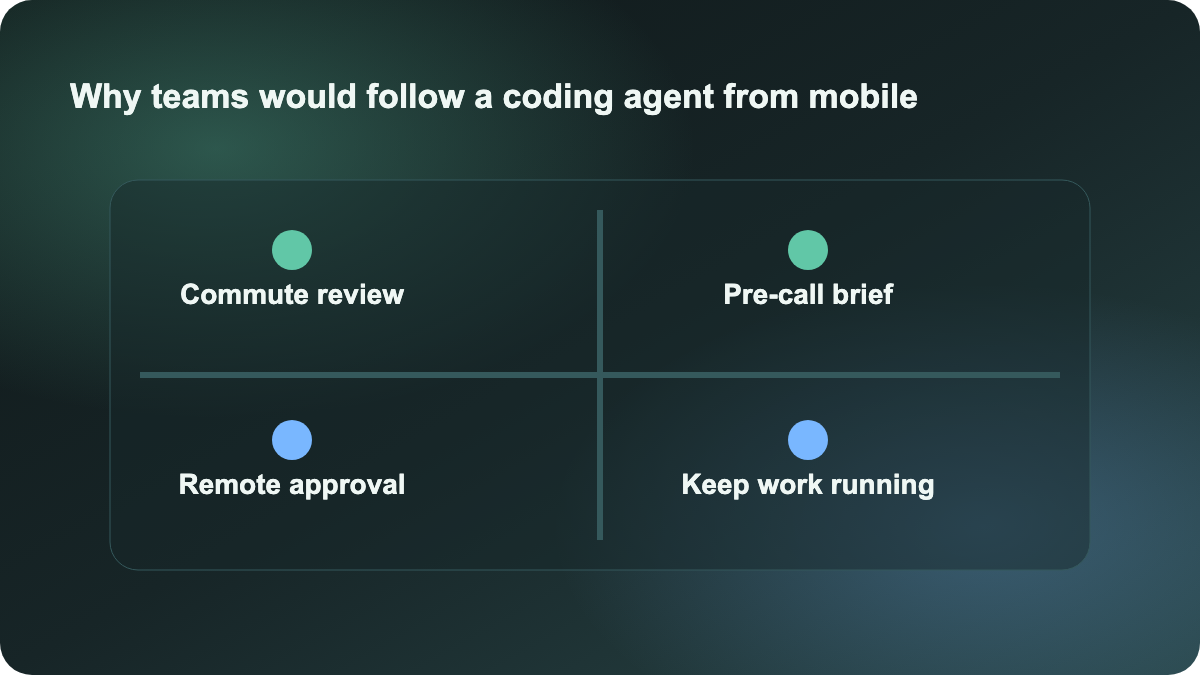
- start a bug investigation while waiting for coffee
- choose between two approaches during a commute
- ask Codex to refresh a customer briefing before a call
- capture a new idea while away from your desk and let the work start immediately
Those are not novelty use cases. They all point to the same pattern: long-running agent work is becoming an ongoing collaboration loop. The expensive part is often not the tokens. It is the delay caused by lost context and blocked decisions.
That is why this is more valuable than another model-update post. It is about workflow design.
The bigger lesson for teams is task rhythm
Many teams still use AI coding in a desk-bound pattern: sit in the IDE, watch the output, answer every prompt, and keep the whole workflow synchronous. That can work for short loops, but it breaks down as tasks get longer. People must babysit the thread, the agent cannot keep moving independently, and device handoff barely exists.
OpenAI is pointing toward a different rhythm:
- Start the task in the real development environment, not in a detached demo shell.
- Keep a lightweight mobile control layer when you step away from the desk.
- Let humans intervene at decision points instead of retaking the whole task.
- Return to the desk with a thread that has already progressed, rather than restarting context.
That matters for teams building longer-running coding-agent workflows. It means the evaluation questions should get sharper:
- Which tool can hand work off cleanly across local and remote environments?
- Which tool exposes approvals and status clearly enough for off-desk review?
- Which tool lets a human stay involved without forcing full-time supervision?
- Which tool returns the work to a reviewable engineering flow at the end?
How to compare this with Cursor or Claude Code
The immediate question is whether this should be read as a direct challenge to Cursor or to the longer-loop direction Anthropic is pushing with Claude Code higher limits.
The better framing is that the comparison axis is stretching. Cursor still makes the most sense for repository-aware editing and tight human-in-the-loop work inside the IDE. Claude Code is increasingly framed as a longer-running task entry point. OpenAI is now adding something one layer above that: a cross-desktop, cross-mobile collaboration surface for those longer-running tasks.
That is a different kind of value. It is less about raw code generation and more about keeping long work alive.
What teams should do next
If you are a solo developer, the most useful thing to copy right now is not the phone experience. It is the task format. Write longer-loop tasks with a clear progression: reproduce, inspect, test, summarize, propose, then return a diff and risks. Once the work is structured as an ongoing thread, mobile follow-up becomes meaningful.
If you lead a team, start with two practical moves:
- Identify work that naturally extends beyond desk time, such as refactors, CI triage, alert investigation, or customer-issue synthesis.
- Add a fixed approval and review pattern so the agent can continue working while humans are away, without crossing the wrong boundaries.
This is worth publishing today because it is a real product shift with fresh official sourcing. The takeaway is not that OpenAI added another device. The takeaway is that coding-agent products are now being judged by whether long-running work can keep moving while humans stay intermittently involved.
Sources:
- OpenAI: Work with Codex from anywhere
- OpenAI News: Product releases