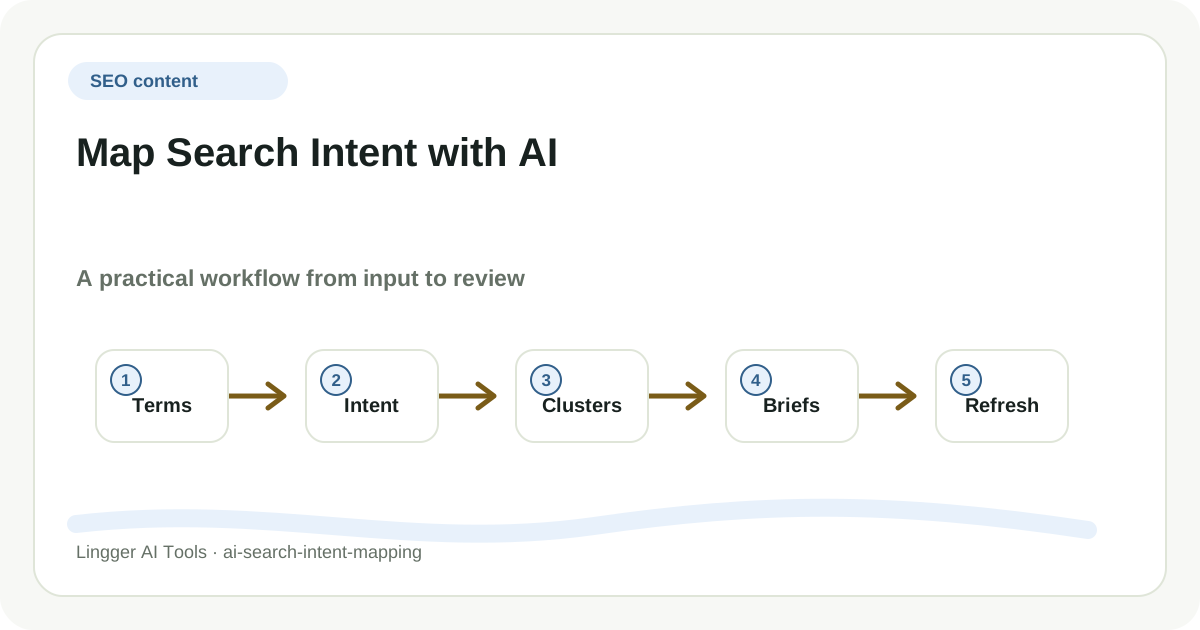
Map Search Intent with AI is useful only when it changes how pages are planned, refreshed, or connected. A long answer from AI can look impressive while still avoiding the hard SEO choice: which intent deserves its own page, which page should be improved, and which keyword should be ignored for now.
I would not ask Perplexity to solve Map Search Intent with AI as one oversized request. A better setup gives each tool a narrower job, keeps the source material visible, and leaves a review trail that another teammate can follow without reading the whole chat transcript.
Start with the real handoff
For Map Search Intent with AI, start by naming the page decision the output must support. The same source list can become a clustering table, a refresh queue, an internal linking plan, or a brief for a writer. If that destination is unclear, the model will group phrases because they look similar instead of because they help a searcher complete a task.
A small first run is enough. Pick one real example, one owner, and one visible output. For Map Search Intent with AI, that means the result should name what was provided, what the model changed, what still needs a human call, and where the work goes next. If those pieces are missing, the output may be fluent, but it is not operational.
Build the working surface
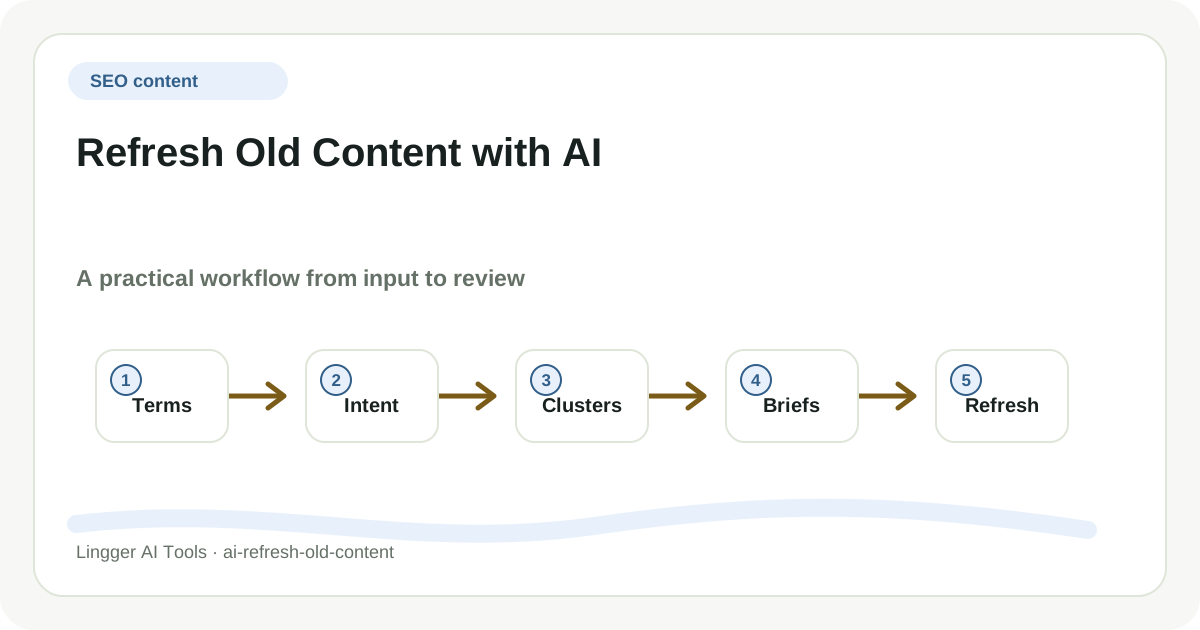
A compact Map Search Intent with AI workbench needs keyword evidence, current page context, intent notes, and an editorial decision column. Keyword evidence shows demand. Current page context prevents duplicate recommendations. Intent notes explain the searcher’s job. The decision column turns the AI output into publish, merge, refresh, link, or skip.
Perplexity is most useful when it brings search evidence into the room. For Map Search Intent with AI, the second tool can compare intent signals or SERP patterns, while the final assistant formats the decision into briefs, clusters, links, or refresh notes. Each tool has to point back to a page decision, otherwise the workflow becomes keyword theater.
Prompt for decisions, not decoration
For Map Search Intent with AI, I would feed Perplexity the raw terms and performance context, ask the research tool to summarize SERP patterns or competing angles, then use the writing tool to format the result into a brief that separates confirmed evidence from editorial judgment.
A good prompt for Map Search Intent with AI also asks the model to label uncertainty. I want separate sections for confirmed input, proposed output, assumptions, and questions for the human reviewer. That format is less theatrical than a single polished answer, but it is much easier to improve after the first run because weak inputs and weak reasoning are visible.
Review before reuse
Review Map Search Intent with AI by sampling the clusters against real search intent. If two terms share words but need different page formats, split them. If a recommendation creates a page the team cannot maintain, mark it as deferred. The best AI output is the one that makes cannibalization, missing support pages, and weak briefs easier to see.
Product details still need a separate check. Perplexity can change feature names, pricing, limits, and availability. For Map Search Intent with AI, the durable advice is the workflow: where the tool belongs, what evidence it needs, what humans must verify, and how the team records what it learned.
Make the first loop small
A sensible first pass for Map Search Intent with AI is one topic family, not the whole site. Pick a narrow set of terms, run the workflow, and turn the result into three concrete edits: one new brief, one page refresh, and one internal link update. That small loop shows whether the process improves decisions before it becomes a recurring SEO ritual.
After a few passes, Map Search Intent with AI should leave behind more than output. It should leave examples, rejection notes, and a sharper prompt that reflects how the team actually works. That is the sign the workflow is becoming reusable: not because every paragraph sounds the same, but because each run makes the next decision easier.