Canva AI
Canva AI helps non-designers quickly create brand assets, social graphics, presentations, and campaign materials.
Quick take
Canva AI is a good fit for Operators and Small teams. Its main value is Rich template ecosystem and Fast visual creation. If you need Design or Social graphics workflows, review the details before copying the official URL.
Decision summary
Best fit
Non-design teams quickly producing social graphics, presentations, campaign assets, and lightweight brand material.
Caution
Highly original concept art, deep visual style exploration, or pixel-level professional design delivery.
Compare first
Compare Midjourney, Runway, Framer AI before deciding.
Last reviewed
2026-05-09
Best for
- Non-design teams quickly producing social graphics, presentations, campaign assets, and lightweight brand material.
- Operations, education, and small teams using templates, asset libraries, and AI generation to shorten visual production.
- Daily content workflows needing collaboration, version edits, and common export formats.
Not ideal for
- Highly original concept art, deep visual style exploration, or pixel-level professional design delivery.
- Large brand systems, complex product UI, or projects requiring deep collaboration in design source files.
- Creative production where video generation, shot experiments, and motion storytelling are the core jobs.
Decision notes
- Canva AI is strongest for templated delivery and collaboration; review official product details, asset rights, and brand controls before buying.
- Compare Midjourney for original image style, and Framer AI for website landing pages.
- Set up brand templates, review checklists, and asset-use rules so faster output does not dilute visual consistency.
Key features
- Rich template ecosystem
- Fast visual creation
- Mature collaboration
Best for
- Operators
- Small teams
- Education creators
Pricing
- Freemium
Limitations
- Advanced brand control is limited
- Distinct visuals still need design judgment
FAQ
Who is Canva AI best for?
Canva AI is best for Operators, Small teams, Education creators.
Is Canva AI free?
Canva AI is marked as Freemium on this site. Check the official site for current plans and limits.
What are the best alternatives to Canva AI?
Compare Midjourney, Runway, Framer AI; each covers a different workflow in the same category.
Ready to try Canva AI?
Review fit, limitations, and alternatives before copying the official URL for current plans.
Alternatives
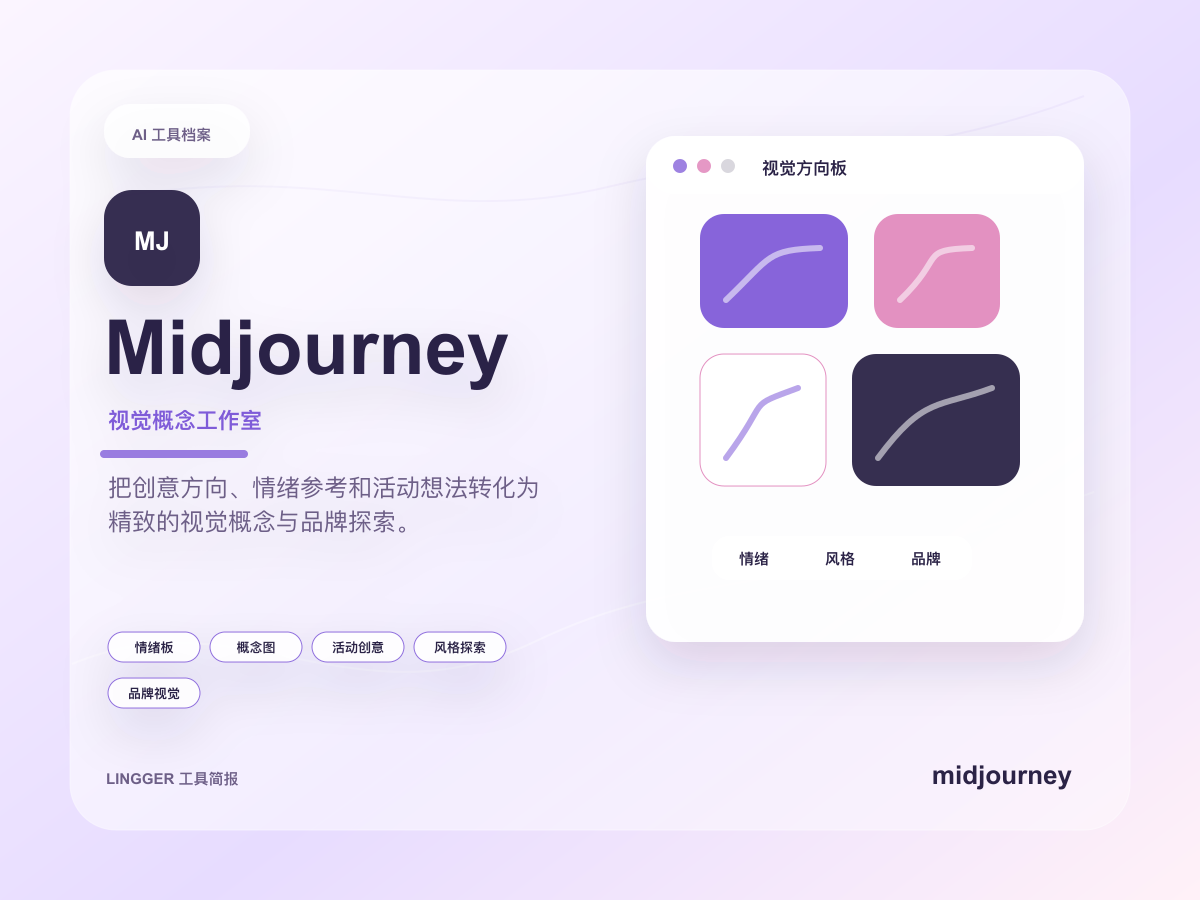
Midjourney
An AI image generator known for high-quality artistic style and visual output.
Explore multiple visual directions for brand mood, posters, illustration, scene design, and advertising concepts.
- Best for
- DesignersCreators
- Why consider it
- High image qualityStrong style control
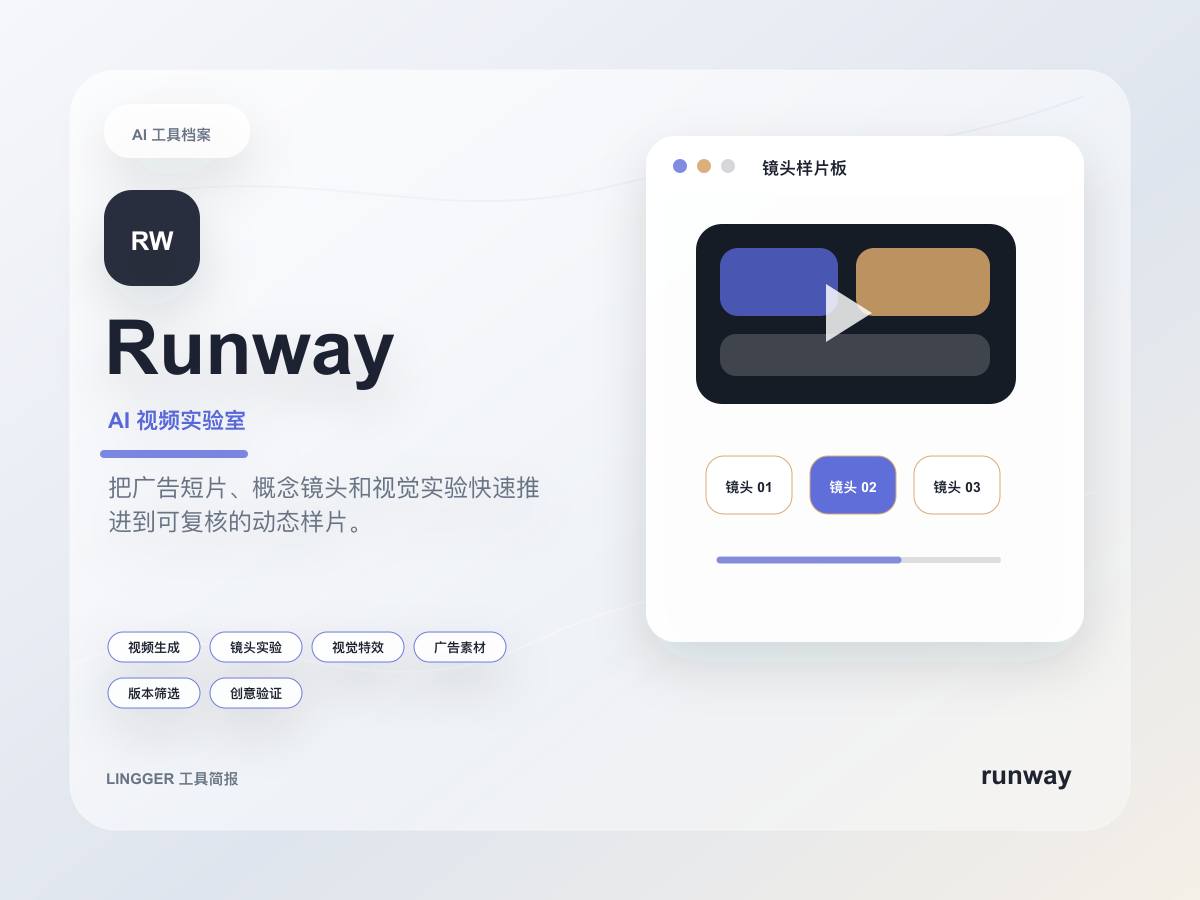
Runway
An AI video platform for generation, visual effects, and creative editing.
- Best for
- Video creatorsAd teams
- Why consider it
- Broad video featuresGood for creative experiments
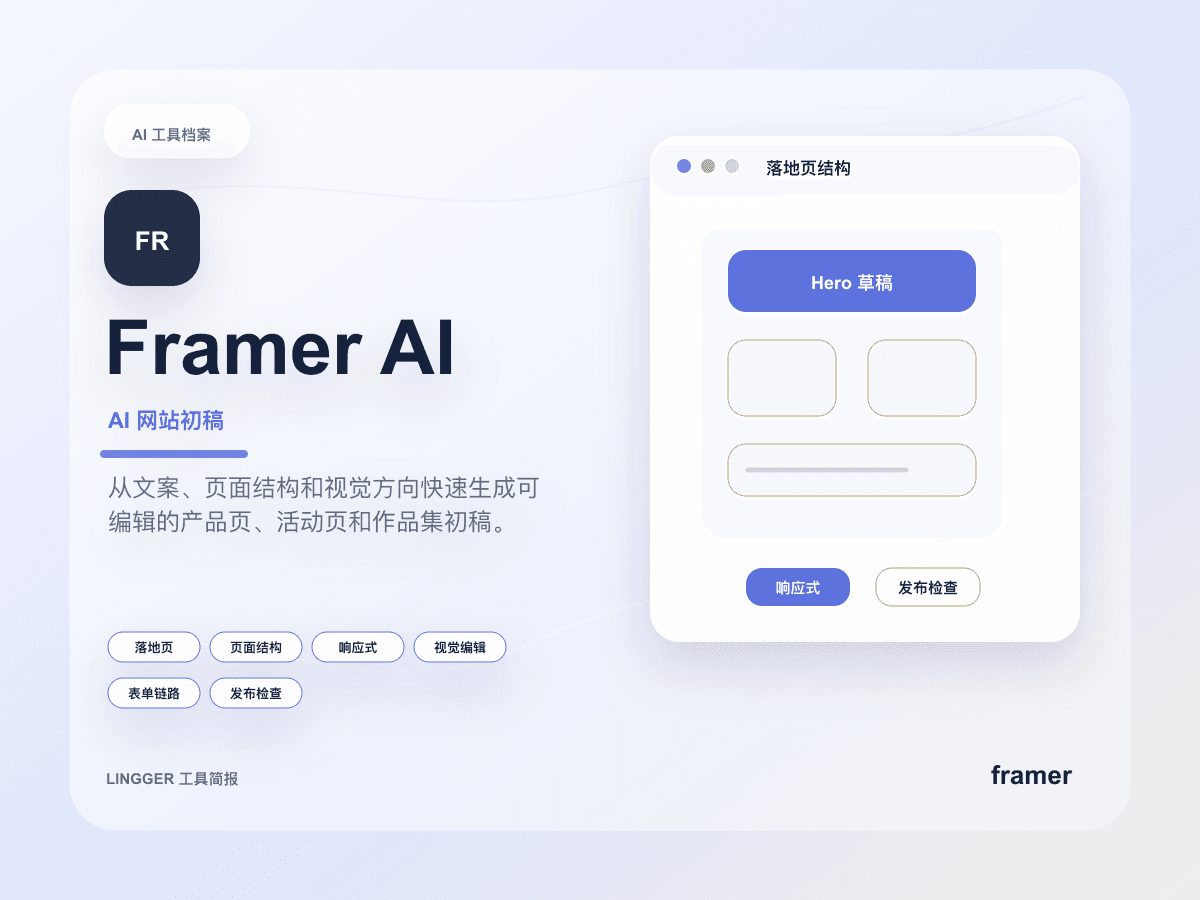
Framer AI
AI website creation features for quickly generating site structure, copy, and visual drafts.
- Best for
- Startup teamsDesigners
- Why consider it
- Fast page generationStrong visual editing
Related posts

Claude for Small Business looks like a real workflow product
Anthropic did not package Claude as another chat layer for SMBs. It bundled connectors, approvals, and ready-made workflows into something small teams can actually pilot.
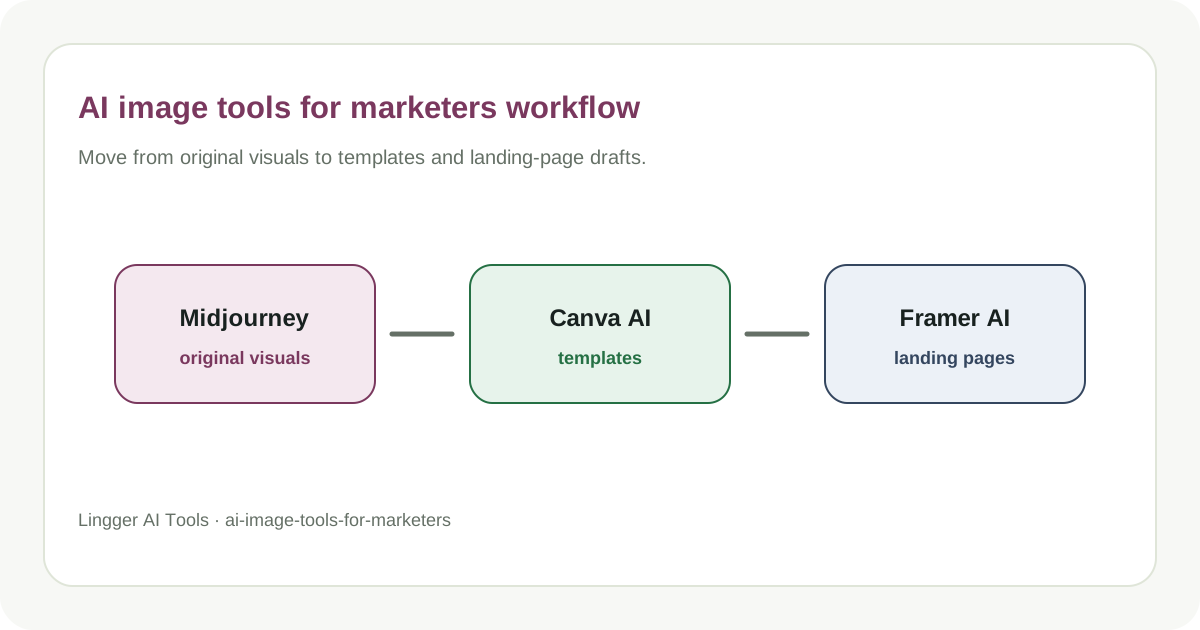
How Marketers Choose AI Image Tools
Compare image generation, template design, and landing page visual tools.
Build an AI Marketing Asset Library
A practical guide to build an AI marketing asset library, with task boundaries, tool roles, review checks, and a workflow your team can actually try.
AI Competitor Positioning Review
A practical guide to AI competitor positioning review, with task boundaries, tool roles, review checks, and a workflow your team can actually try.