Midjourney
Midjourney is useful for concept art, posters, illustration, and brand visual exploration.
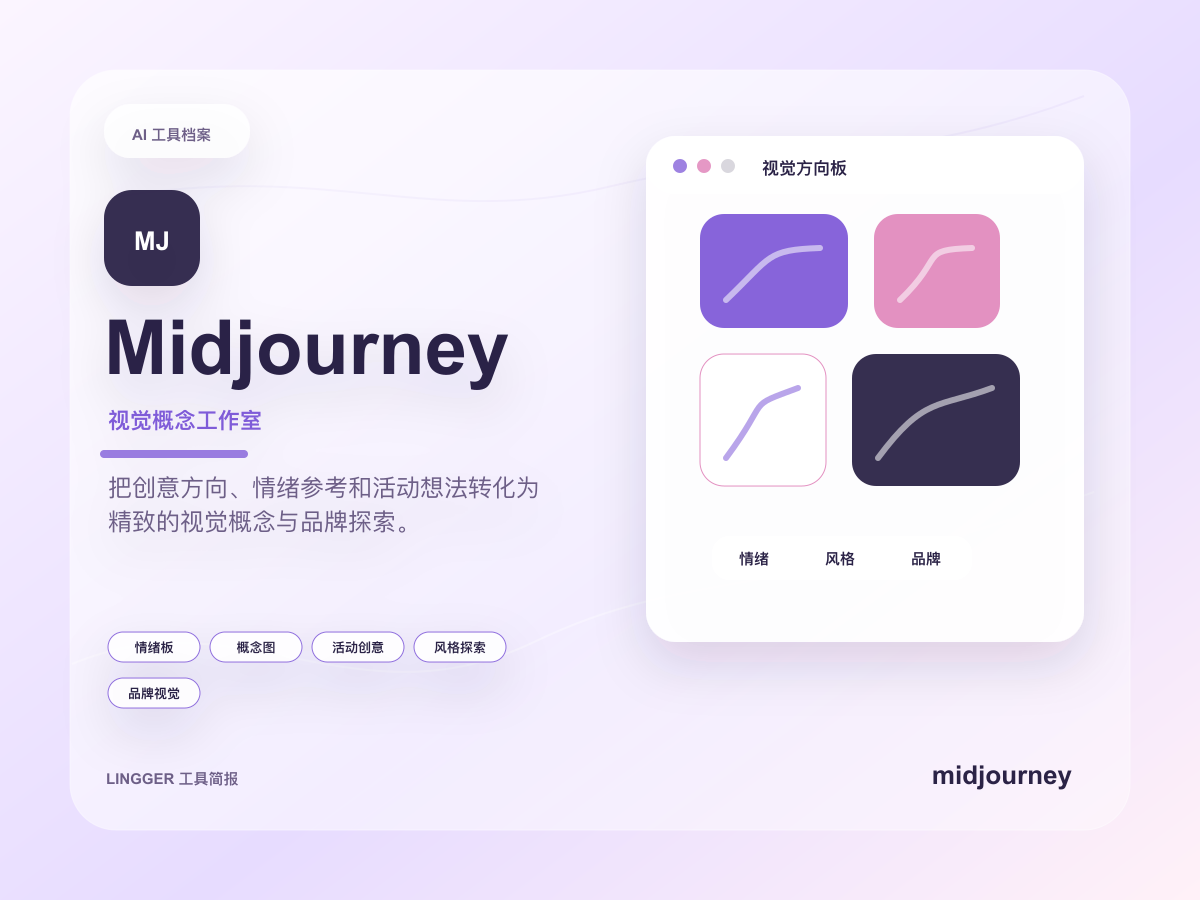
This site uses a text mark, restrained brand-color cues, and an original product brief cover to identify Midjourney without using or imitating official trademark files.
Common use cases
- Explore multiple visual directions for brand mood, posters, illustration, scene design, and advertising concepts.
- Validate style, composition, and mood with high-quality drafts before photography, modeling, or final design.
- Help creative teams turn abstract keywords into image candidates and moodboards that can be discussed.
Getting started workflow
- Define the visual goal, subject, setting, composition, materials, lighting, and elements that should not appear.
- Generate several directions and group candidates by style, usability, and brand fit.
- Iterate prompts from the closest image candidates to tighten style, aspect ratio, and details.
- Before commercial use, review official terms and save prompts, generation records, and edited versions.
Pricing and plan notes
- Midjourney is closer to a paid creative production tool, and fit depends on generation frequency, team size, and commercial-use needs.
- Subscription tiers, generation capacity, queue speed, privacy, and usage rights change quickly, so official documentation is the source of truth.
- The real cost also includes prompt iteration, human curation, retouching, and brand compliance review time.
Copyable task templates
Brand moodboard exploration
Design a visual moodboard for an AI tools directory for independent creators: trustworthy, clean, and workflow-oriented. Include a desktop workspace, card-based tool directory, soft natural light, and a few high-contrast accents. Avoid exaggerated sci-fi elements.
Advertising concept visual
Generate a concept visual for a SaaS advertising pitch: a small team organizing AI workflows around a digital whiteboard. Make it modern, realistic, warm, and focused on collaboration and decisions. Do not include recognizable brand logos.
Evaluation scores
Usability
3/5Visual quality is strong, but prompts, parameters, and curation require practice.
Output quality
5/5Stylized images, concept art, and moodboards are standout strengths for early creative pitches.
Collaboration fit
3/5It is good for sharing image candidates and style directions, while formal design collaboration still belongs in design tools.
Cost control
3/5High-quality exploration takes multiple generations, so real cost depends on iteration count and curation efficiency.
Workflow fit
4/5It fits visual exploration and concept validation, but does not replace editable production design files.
Quick take
Midjourney is a good fit for Designers and Creators. Its main value is High image quality and Strong style control. If you need Image generation or Illustration workflows, review the details before copying the official URL.
Decision summary
Best fit
Creative teams exploring concept visuals, illustration styles, poster directions, and brand moodboards.
Caution
Work that needs exact product geometry, brand mark precision, or editable production design files.
Compare first
Compare Canva AI, Framer AI before deciding.
Last reviewed
2026-05-09
Best for
- Creative teams exploring concept visuals, illustration styles, poster directions, and brand moodboards.
- Designers and creators who value image quality, style consistency, and dense visual inspiration.
- Teams validating multiple visual directions before photography, modeling, or final design work.
Not ideal for
- Work that needs exact product geometry, brand mark precision, or editable production design files.
- High-certainty production flows that cannot absorb prompt iteration, randomness, and manual curation.
- Template-based social assets, presentations, or collaborative layout production.
Decision notes
- This site only marks the pricing type as paid; verify subscription tiers, GPU limits, video access, and usage rights on the official site.
- Midjourney is stronger for visual exploration and high-quality drafts than for replacing Figma, Photoshop, or brand asset systems.
- Before commercial use, review official terms and keep prompts, generation records, and edited versions.
Decision path
- First decide whether the job is visual exploration or production delivery.
- Prioritize Midjourney when high-quality stylistic drafts matter most.
- Compare Canva AI and Framer AI first when editable templates, layouts, or collaboration matter more.
Compare alternatives
- Compared with Canva AI, Canva AI fits template-based social and presentation assets, while Midjourney fits original visual exploration.
- Compared with Framer AI, Framer AI leans toward web page structure and publishing, while Midjourney leans toward image style and concept art.
- Compared with Runway, Runway fits video and motion workflows, while Midjourney fits static image quality and style exploration.
Key features
- High image quality
- Strong style control
- Rich community examples
Best for
- Designers
- Creators
- Brand teams
Pricing
- Paid
Limitations
- Prompting takes practice
- Commercial workflows need license review
FAQ
Who is Midjourney best for?
Midjourney is best for Designers, Creators, Brand teams.
Is Midjourney free?
Midjourney is marked as Paid on this site. Check the official site for current plans and limits.
What are the best alternatives to Midjourney?
Compare Canva AI, Framer AI; each covers a different workflow in the same category.
Ready to try Midjourney?
Review fit, limitations, and alternatives before copying the official URL for current plans.
Alternatives
Canva AI
AI creative tools inside Canva for designs, images, presentations, and marketing assets.
- Best for
- OperatorsSmall teams
- Why consider it
- Rich template ecosystemFast visual creation
Framer AI
AI website creation features for quickly generating site structure, copy, and visual drafts.
- Best for
- Startup teamsDesigners
- Why consider it
- Fast page generationStrong visual editing
Related posts
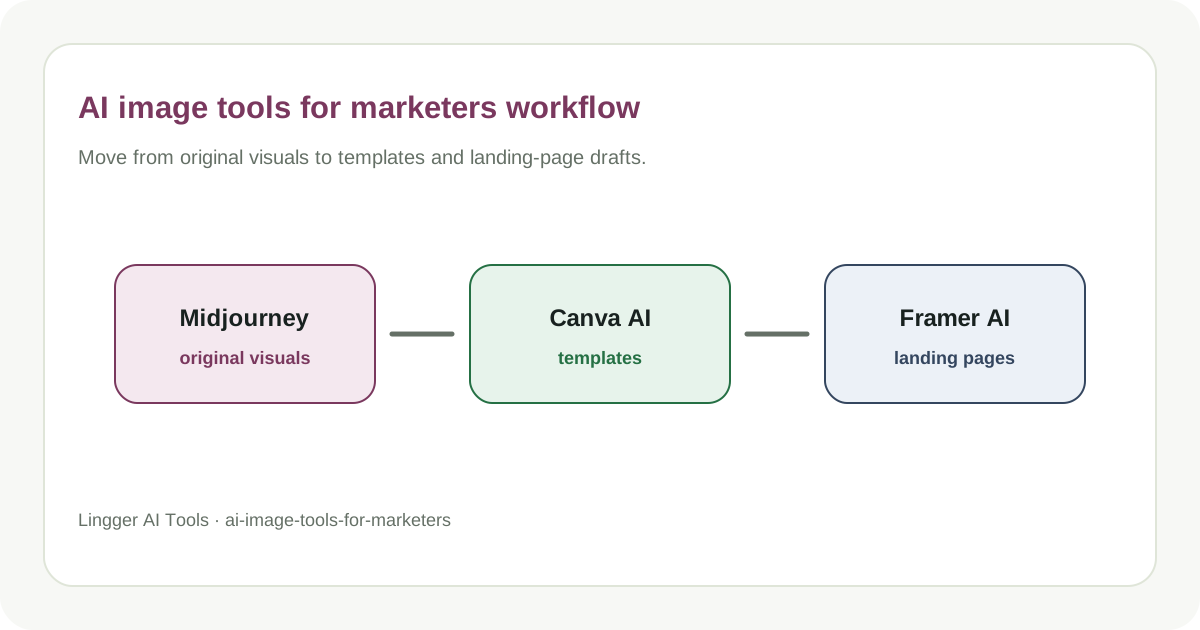
How Marketers Choose AI Image Tools
Compare image generation, template design, and landing page visual tools.
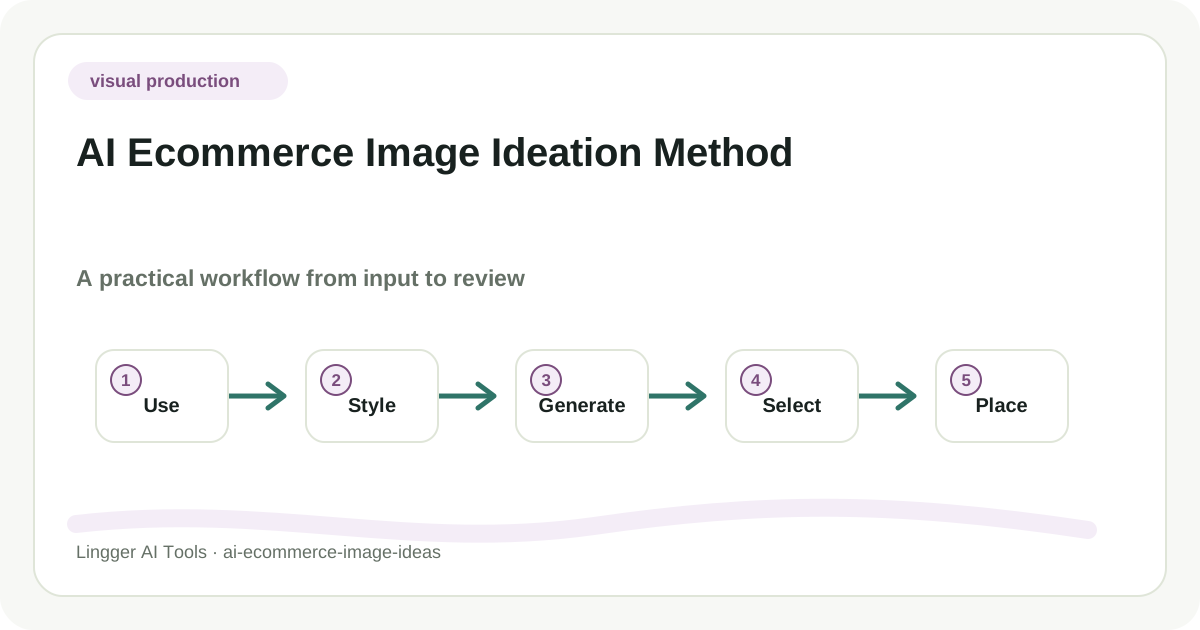
AI Ecommerce Image Ideation Method
A practical guide to AI ecommerce image ideation method, with task boundaries, tool roles, review checks, and a workflow your team can actually try.
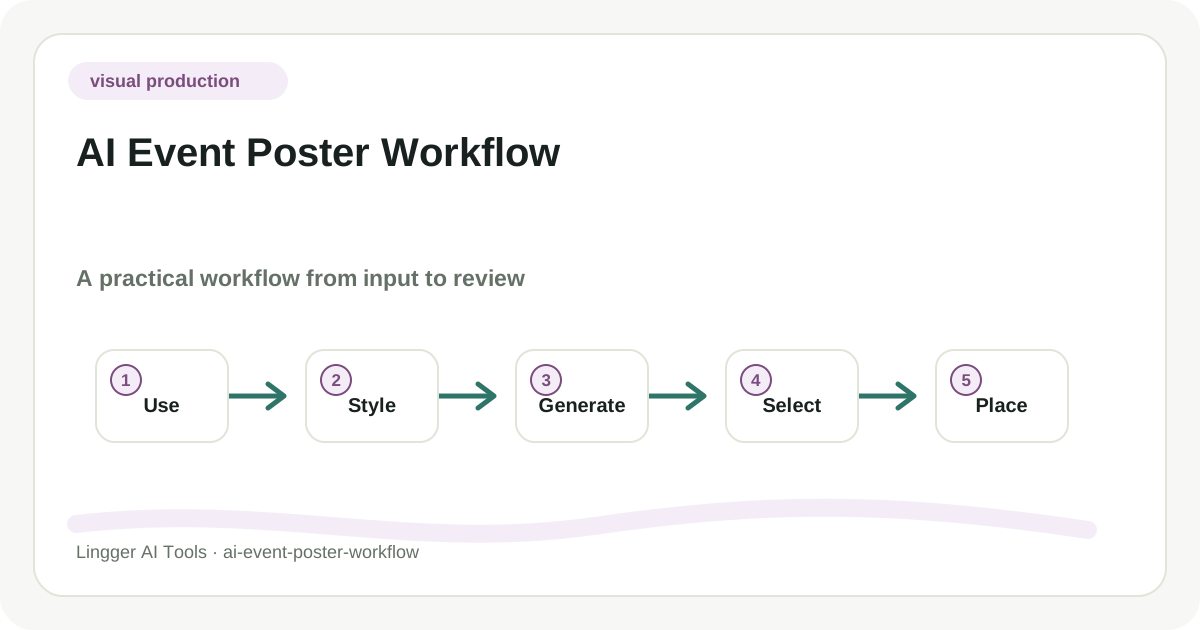
AI Event Poster Workflow
A practical guide to AI event poster workflow, with task boundaries, tool roles, review checks, and a workflow your team can actually try.
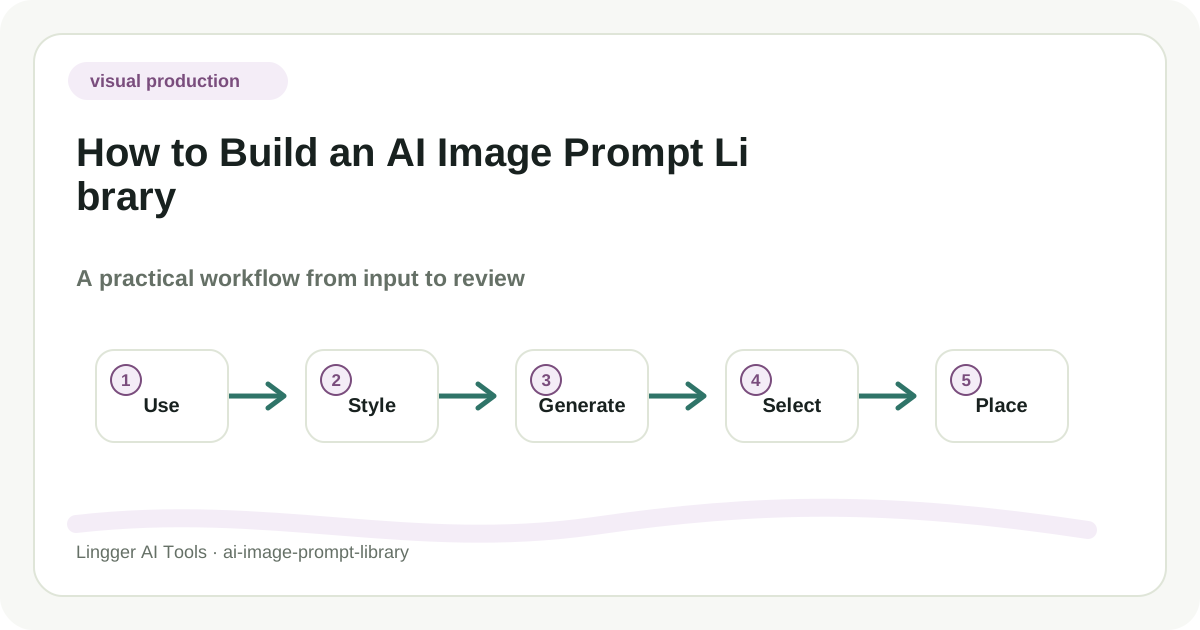
How to Build an AI Image Prompt Library
A practical guide to how to build an AI image prompt library, with task boundaries, tool roles, review checks, and a workflow your team can actually try.